DataMan 360 Series Tuning
By tuning, your reader automatically selects the best settings for the given reading situation, based on parameters of illumination, camera and decoder properties, and focal distance. Tuning autodisciminates all enabled symbologies (both 1-D and 2-D). If multiple symbols are found in the field of view, tuning locks on the first one found. Use this feature to create an optimum setting to read your codes.
You can use any of the following methods to tune your reader:
-
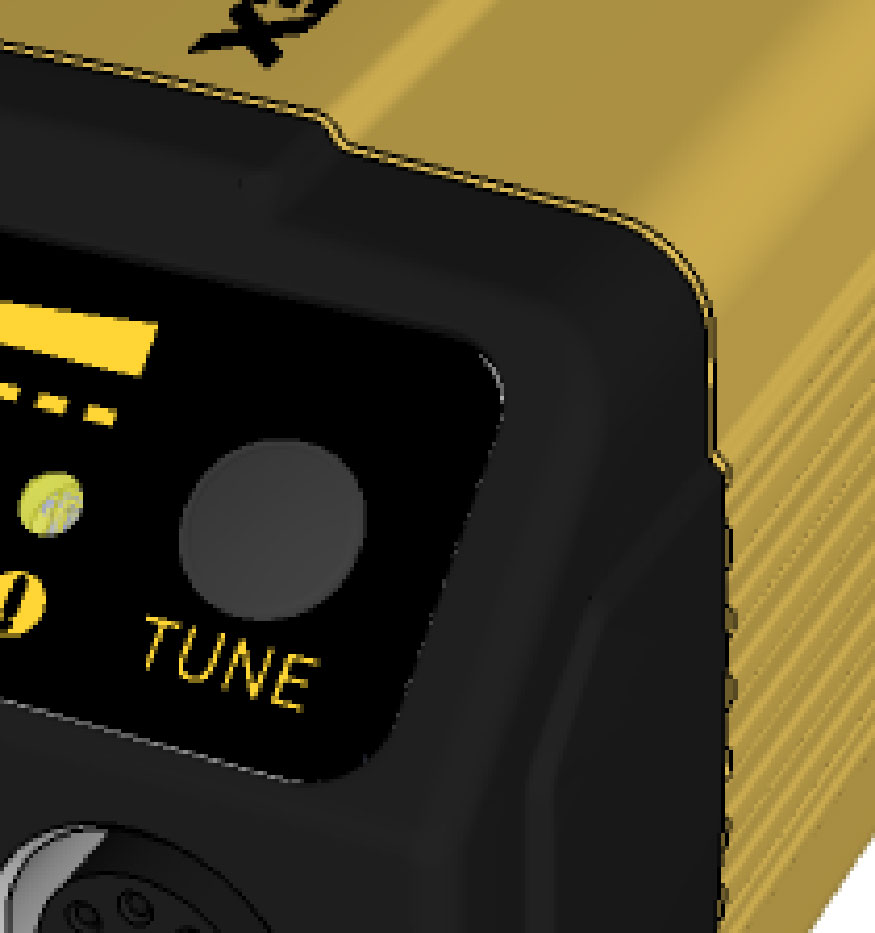
Press the Tune button at least for 3 seconds on your reader. The first press starts the tuning, and the second press cancels the tuning, if it is still ongoing.
-
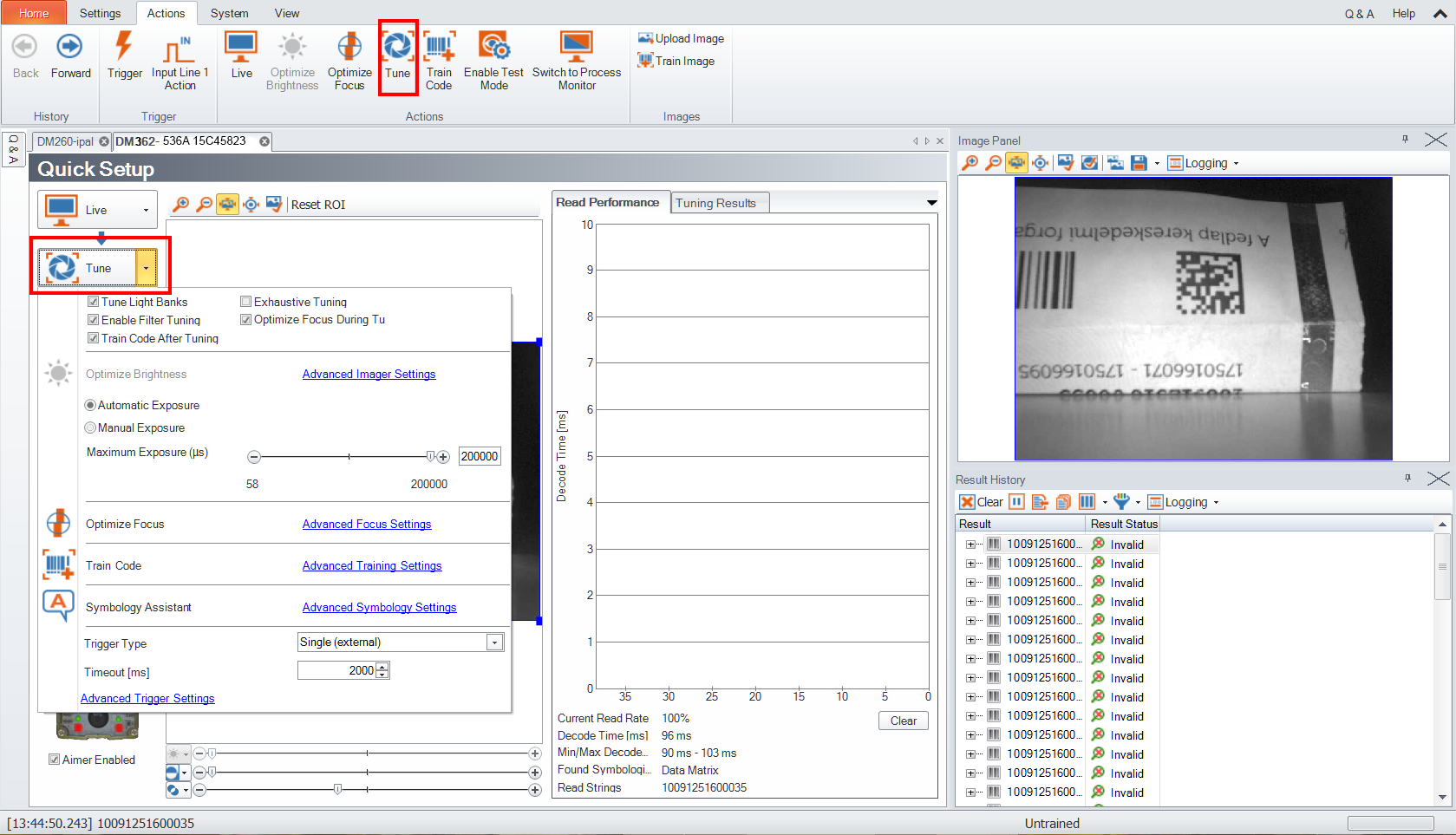
Turn on tuning in the DataMan Setup Tool.
- Start tuning by sending a DMCC, for more information, see the DataMan Control Commands Documentation, available through the Windows Start menu or the DataMan Setup Tool Help menu.
-
Use Input line 1 for tuning. Go to the System Settings pane of the DataMan Setup Tool and check Tune.
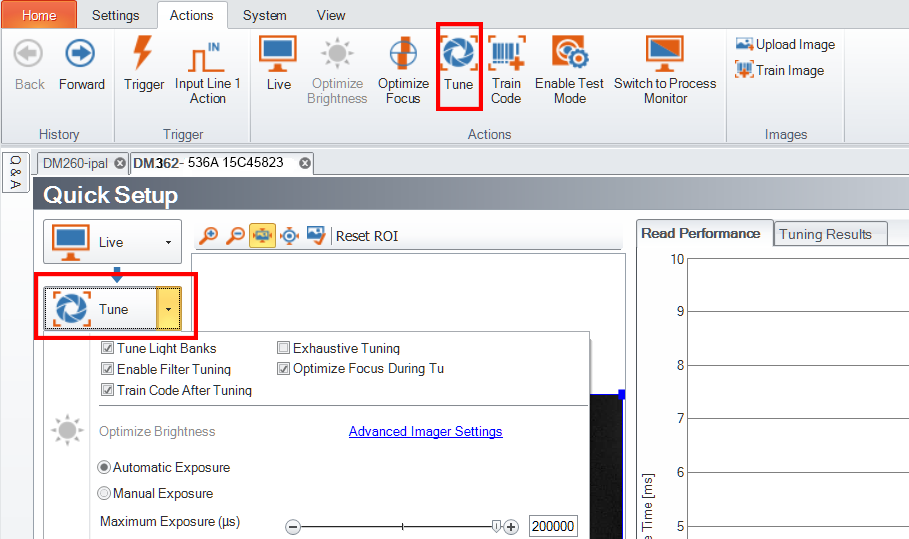
You can also use the Input Line 1 Action button on the toolbar.