Calibration
Calibration informs the verifier about the grey scale levels and pixel dimensions of the reader. This way, the verifier can report Symbol Contrast and X-dimension in true physical units.
For ISO compliant barcode verification, make sure that the verifier is in a calibrated state.
For Standards Based Grading, the verifier will not report all quality parameters without calibration.
In an uncalibrated state the verifier does not report:
- Aperture and Symbol Contrast (SC) for ISO/IEC 15415/15416 applications
- Minimum Reflectance (MR) for ISO/IEC TR29158 (AIM-DPM) applications
When the verifier is used in an uncalibrated state, neither the aperture nor Symbol Contrast (SC) for ISO/IEC 15415/15416 applications and Minimum Reflectance (MR) for ISO/IEC TR29158 (AIM-DPM) applications is reported.
To calibrate the DataMan 475:
-
Click the Calibration icon in the top left corner in the TruCheck Verification window.

-
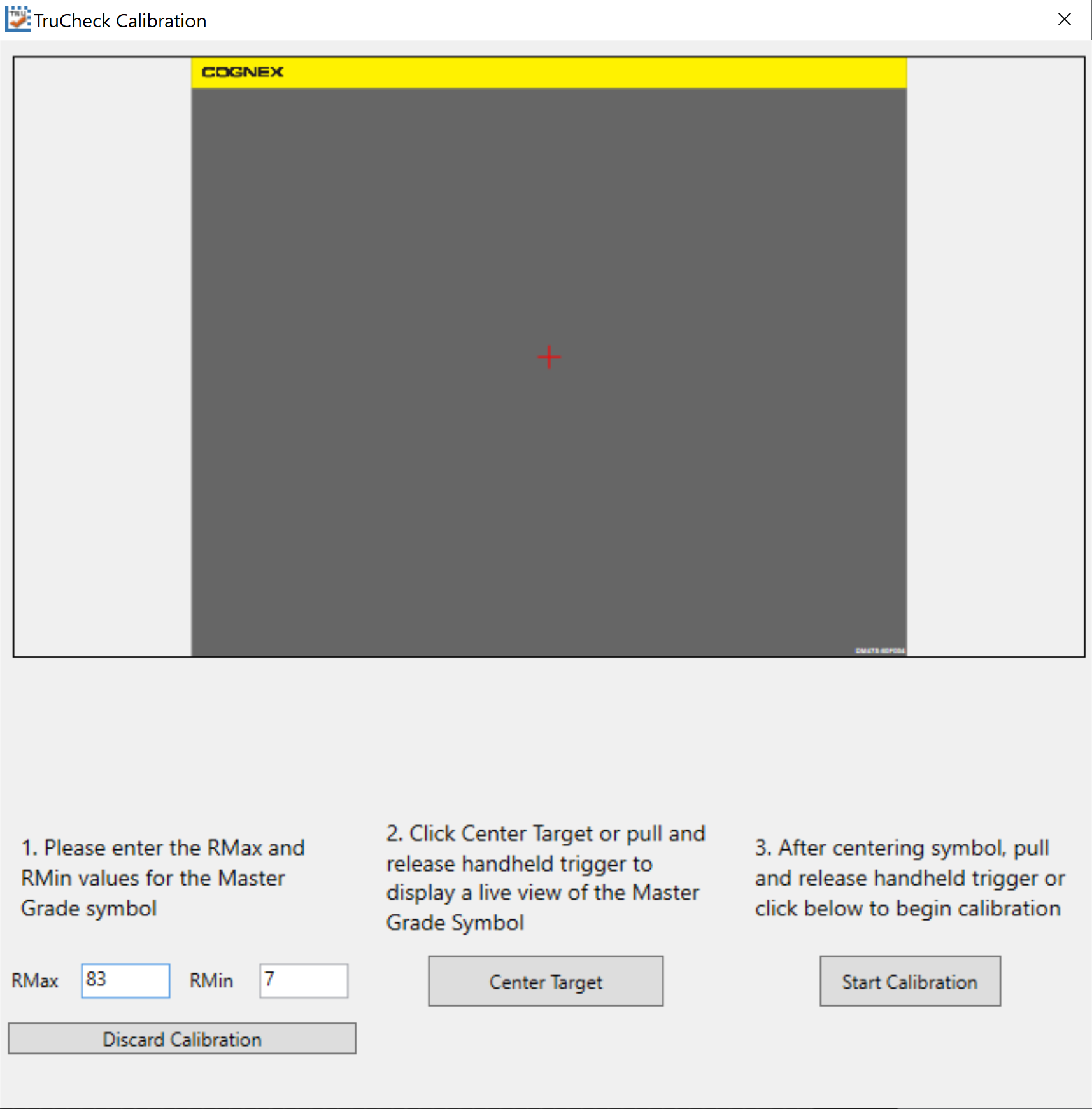
Enter the Rmax and Rmin values from the calibration card.
-
Click Center Target.
- A live image appears in the Calibration screen. Center the verifier over the Master Symbol on the Data Matrix symbol of your traceable calibration card.
-
Click Start Calibration.
-
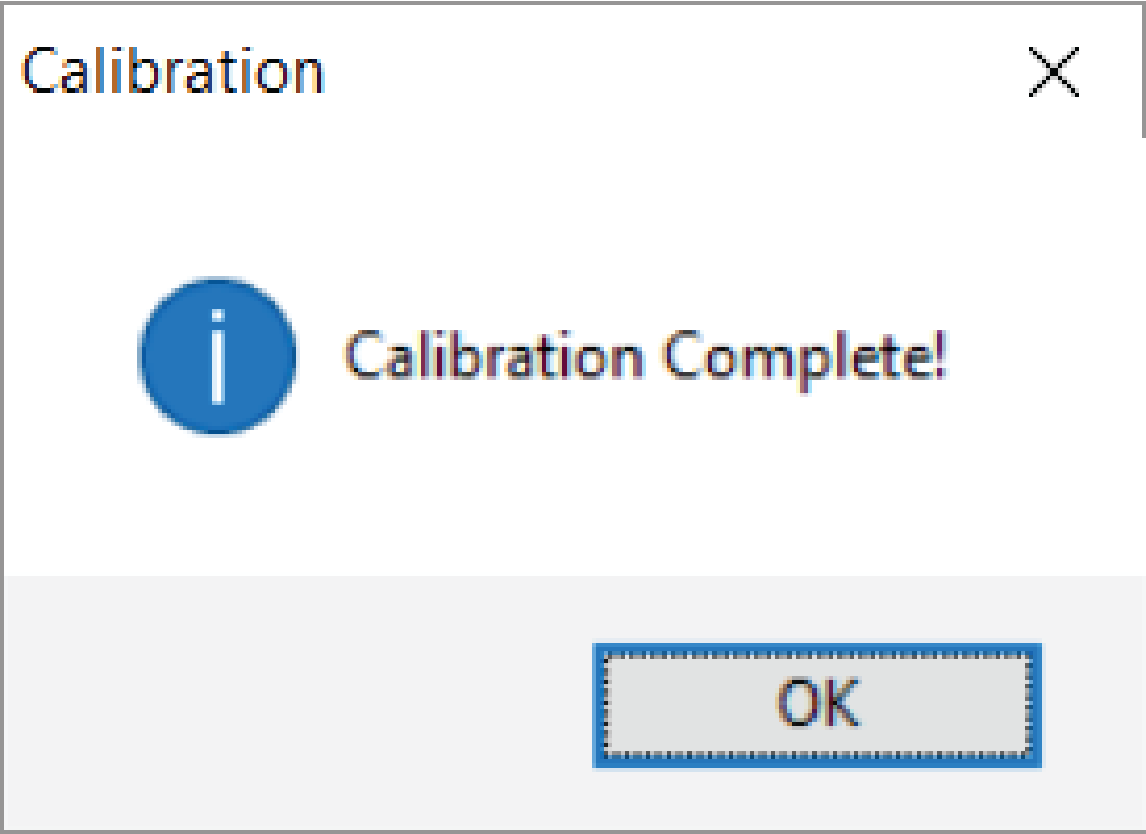
The verifier goes through a series of lighting calibrations. After a successful calibration, the Calibration Complete window pops up:
 Tip: Click Discard Calibration to remove all calibration values and return the verifier to an uncalibrated state.
Calibrate your verifier as needed to ensure accurate verification results:
- Monthly calibration recommended: for laboratory or QA environment, which is free of dust, vibration, bright sunlight or oil particulates
- Weekly calibration is recommended: for production environments, where contaminants exist
-
Custom frequency calibration recommended: where internal quality guidelines demand more frequent calibration
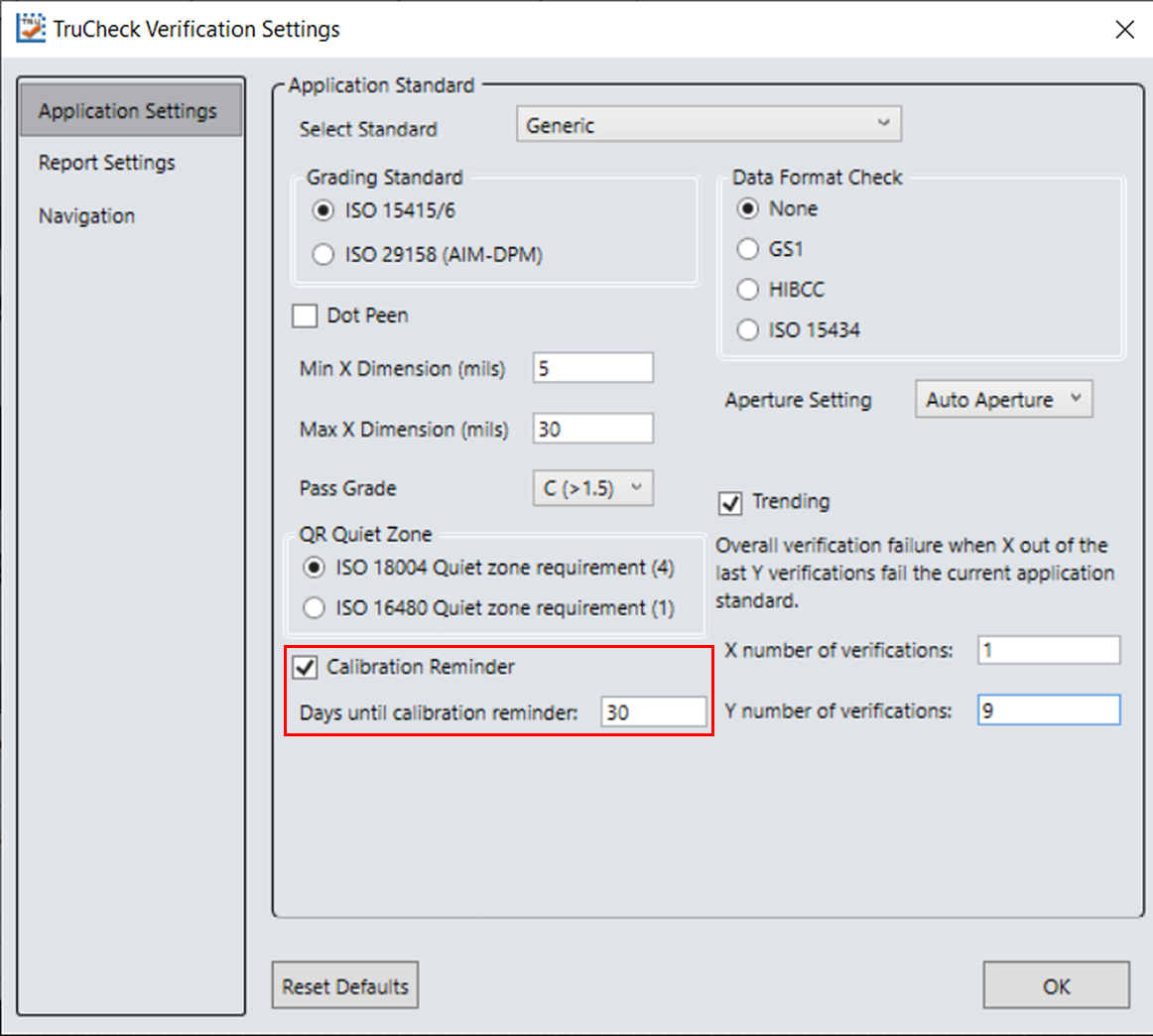
Note: Store the calibration card away from direct light where contaminants do not compromise the calibration symbol.Tip: Enable a calibration reminder to alert you about the next scheduled calibration. After enabling the calibration reminder, set the number of days for prompting a calibration reminder.