Reading your first Code
Follow the steps below to install and connect your reader to the DataMan Setup Tool:
-
Check the DataMan Release Notes for a full list of system requirements found at C:\Program Files (x86)\Cognex\DataMan\DataMan Software v6.1.8\Documentation\English.
-
Download the latest version of the DataMan Setup Tool from http://www.cognex.com/support/dataman and follow the on-screen steps.
-
Connect the DataMan 370
Note: *See appendix for use with IO Box. -
Launch the DataMan Setup Tool and click Refresh.
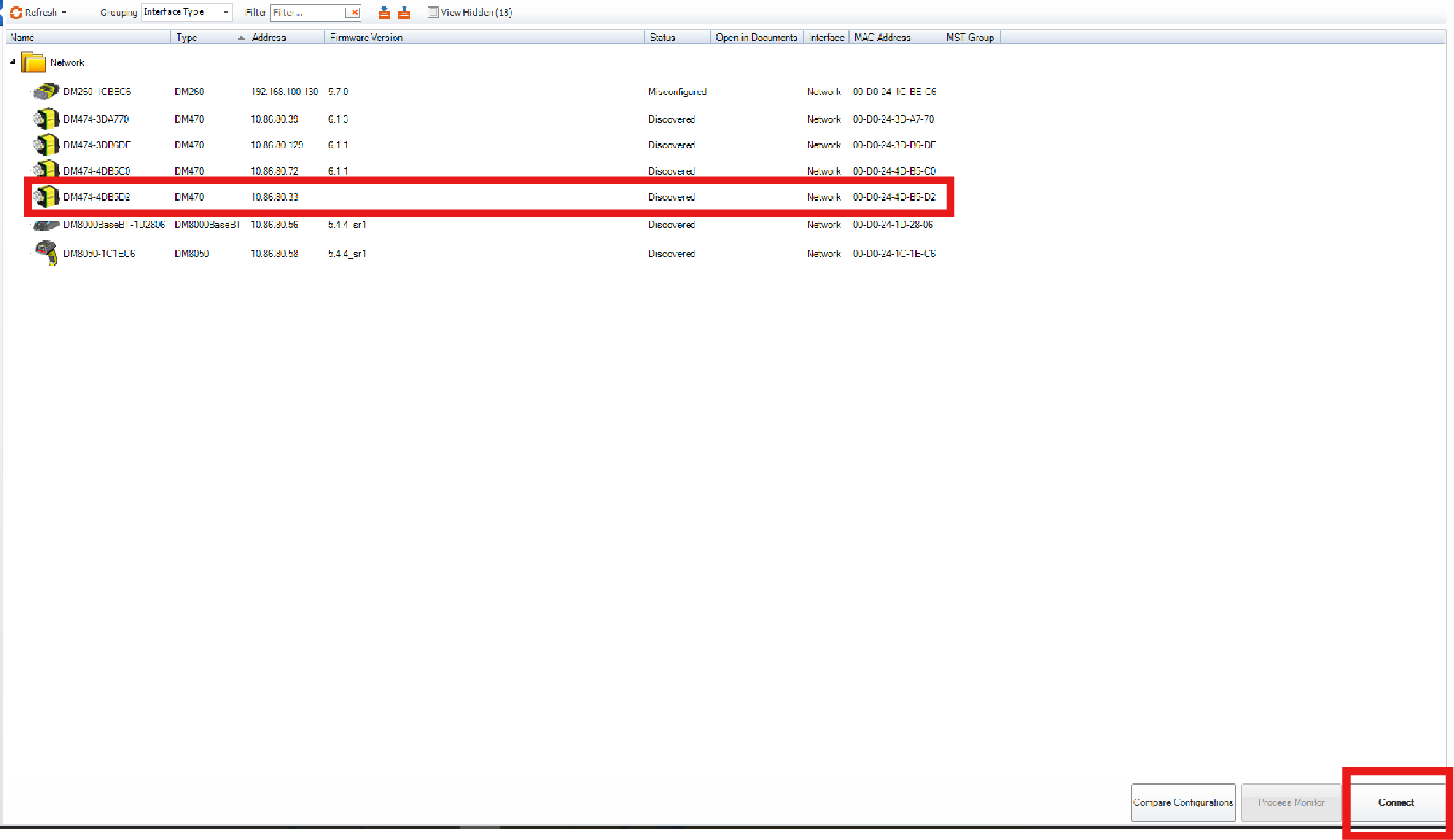
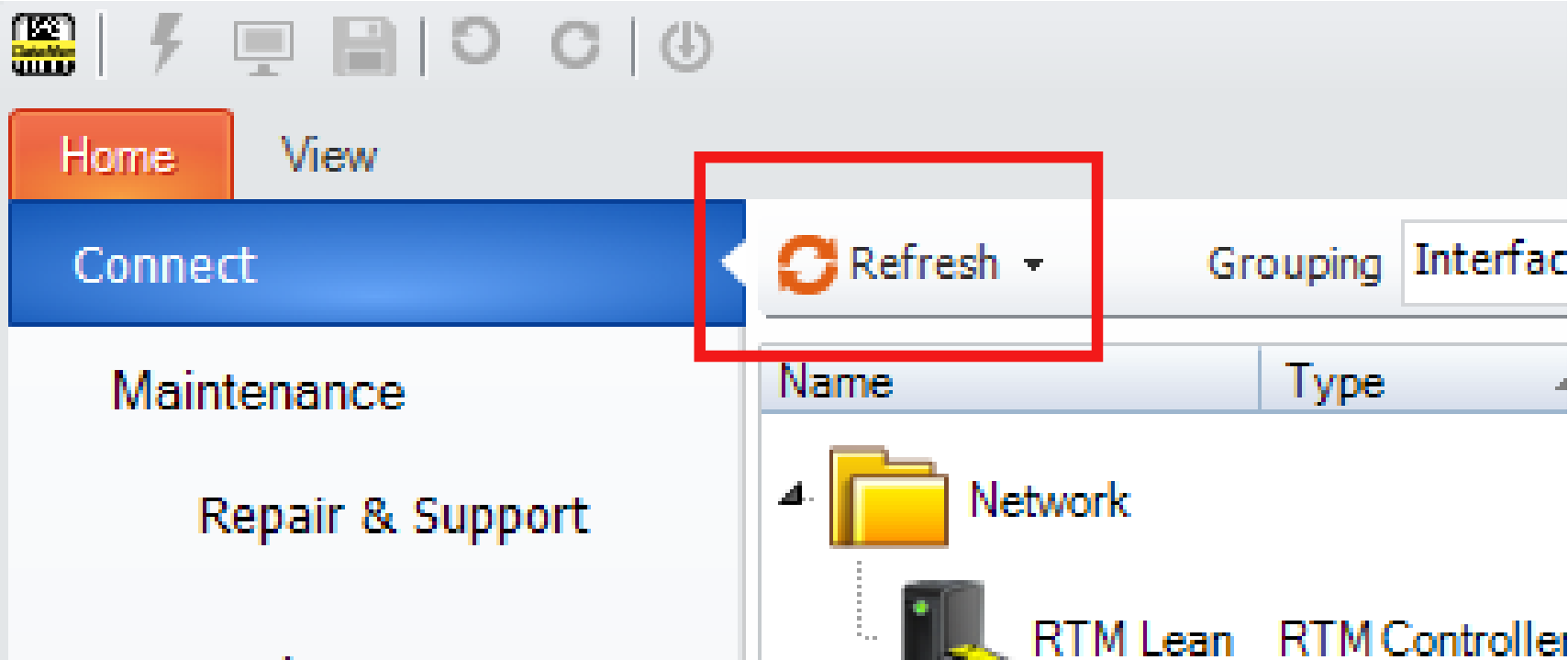 Note: Detected readers appear under COM ports or Network devices, or both.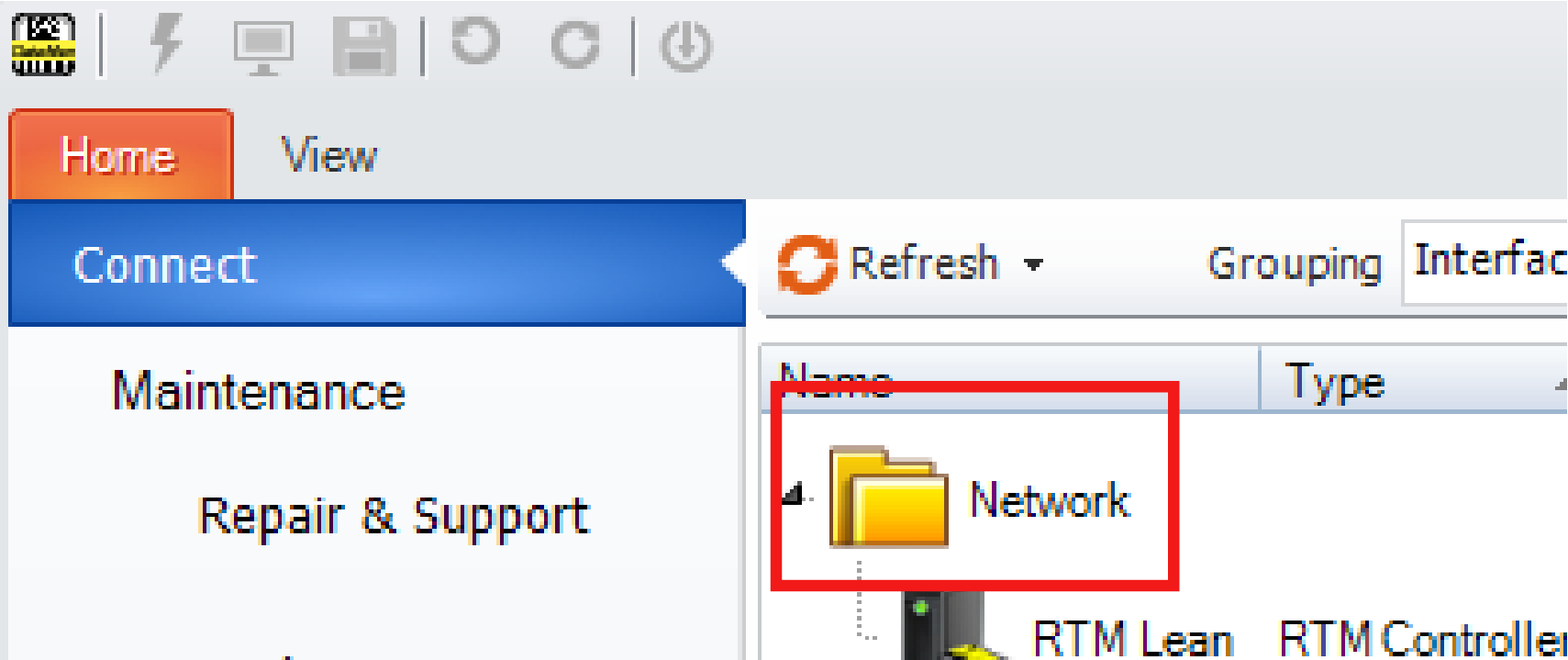
If the reader does not appear, you can use either the Add Device or Force Network Settings options in the DataMan Setup Tool under Repair & Support. For more information, see the DataMan Setup Tool Reference Manual.
-
Select a reader from the list and double click it or click Connect.
-
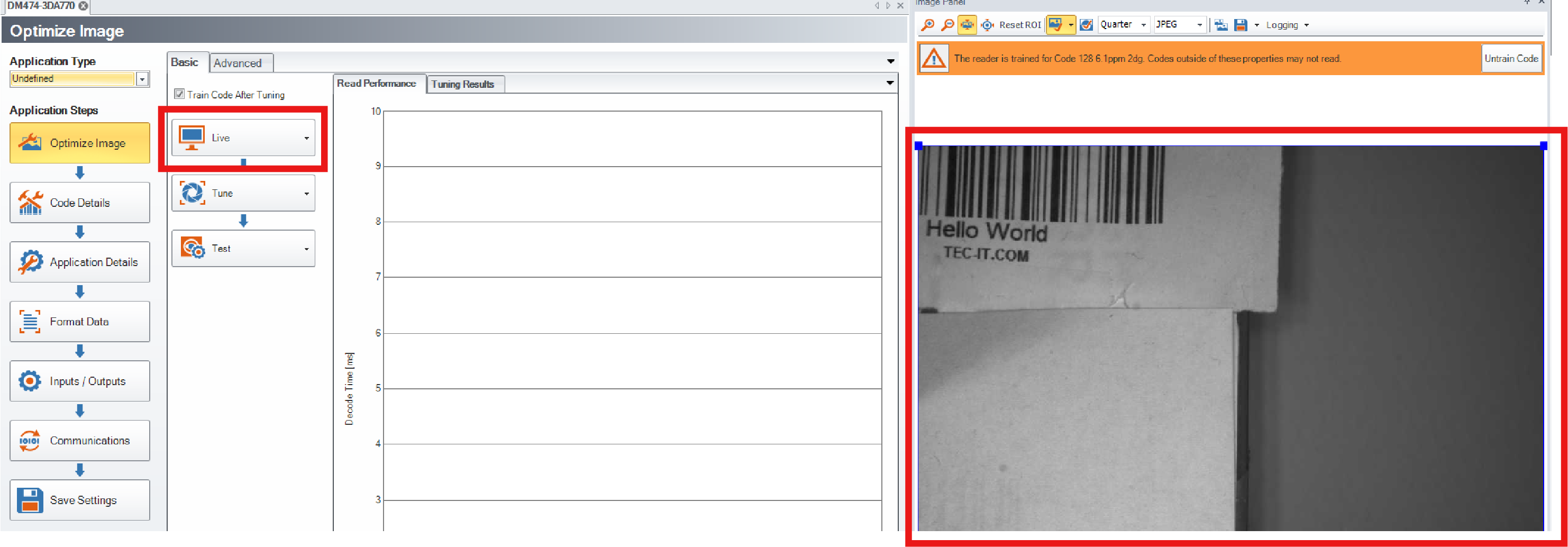 Note: If TruCheck does not open or needs to be re-opened at any point during verification, select the TruCheck window icon under the View tab in Setup Tool.Note: If you are running the DM370 at line speed, you may need to disconnect Setup Tool and obtain results through the device output interface.
 -
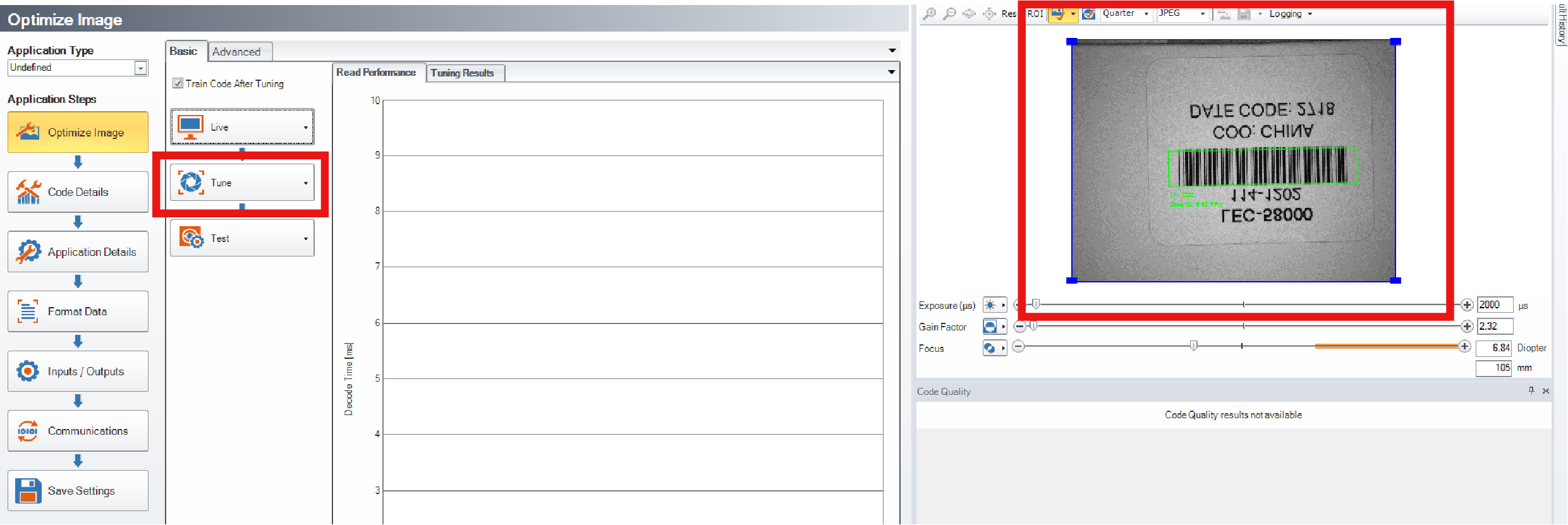
Click the Tune button to have the DataMan 370 Series reader optimize its focus and brightness based on the code and the environment.
-
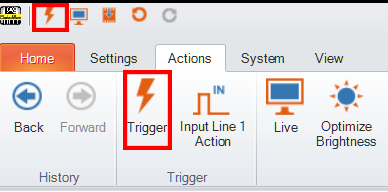
Click the Trigger button and have the DataMan 370 Series reader acquire image and decode the code. You can see the results of the code in the Result History panel.
In case you need image enhancement, image filtering might improve the image quality and code readability.
Follow the steps below to connect your reader to power and network:
- Connect the I/O+RS232+24V cable to your reader.
- Connect your reader through an Ethernet cable to your network for a network connection.
- Connect the cable to a 24V power supply.