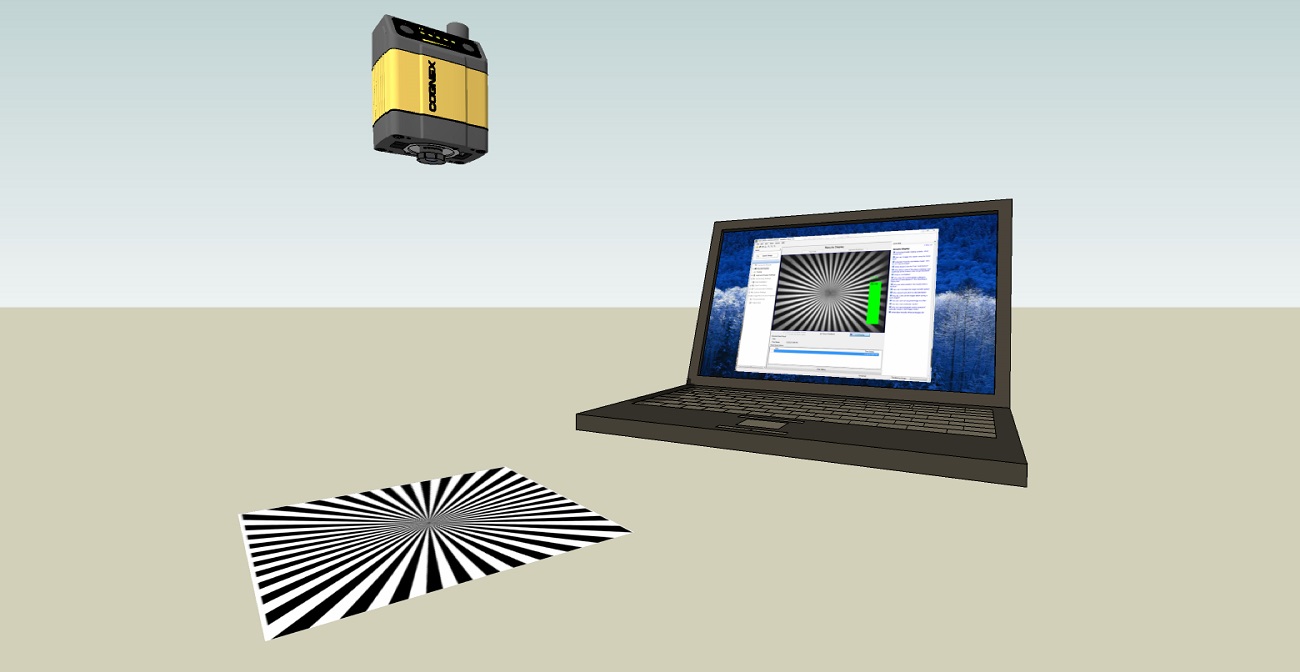
Installing a Liquid Lens
- Remove
-
Thread the lens into the reader.
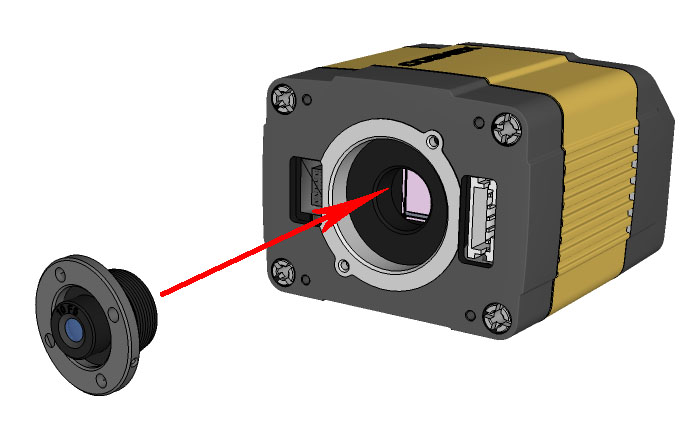
-
Tighten the locking ring.
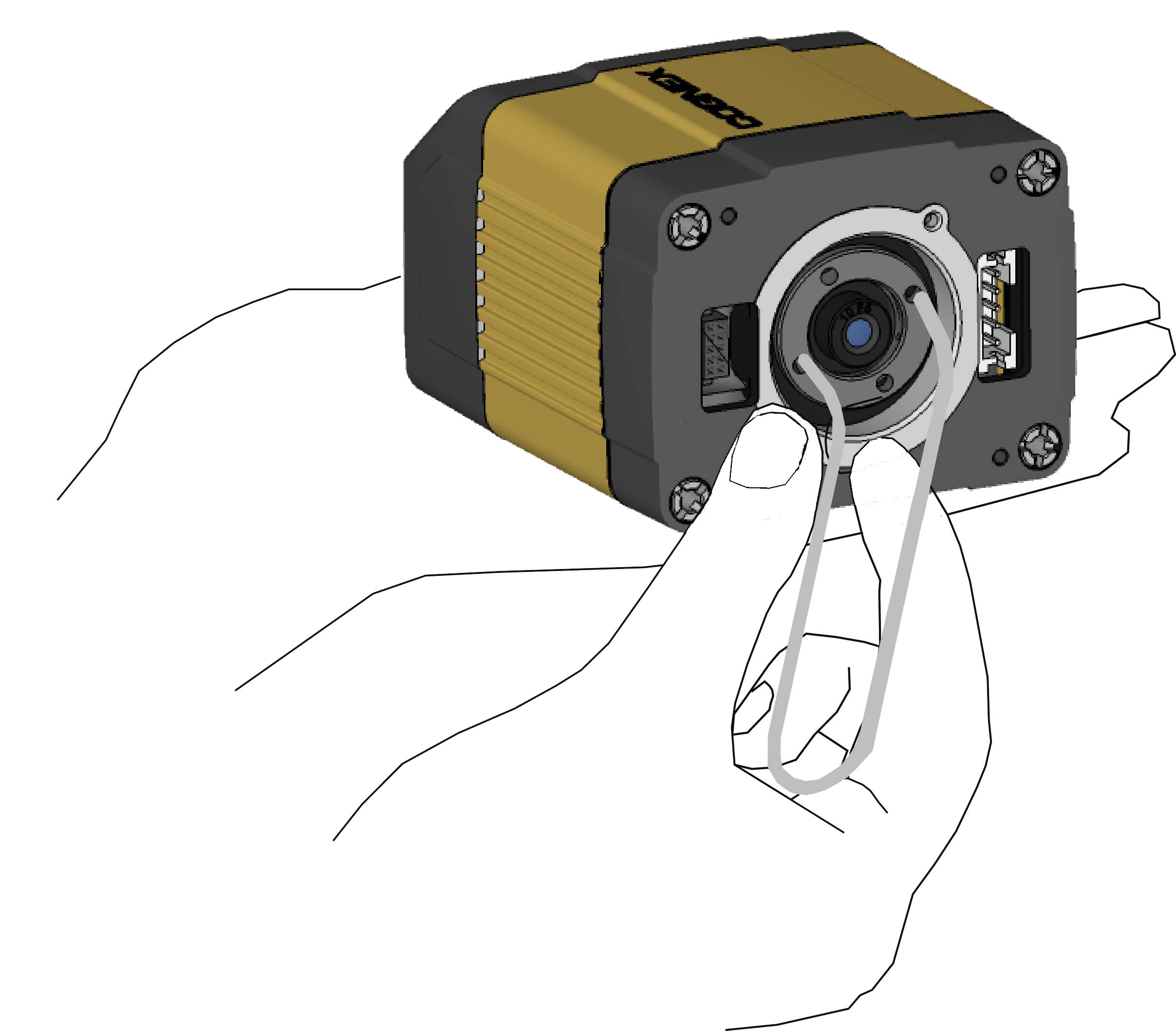
-
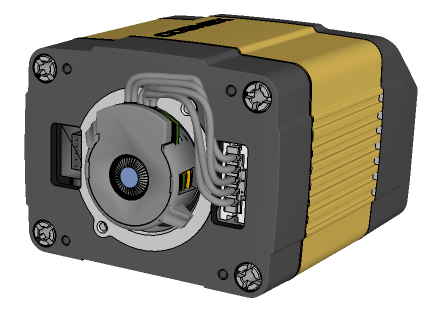
Connect the liquid lens cable to the reader.
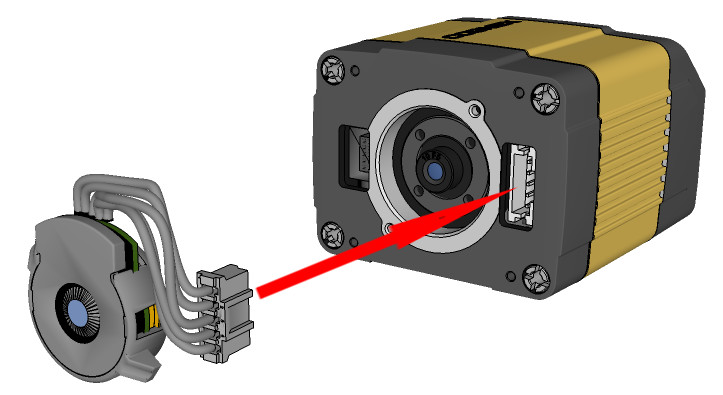 WARNING: To avoid equipment damage, the cables must be routed as shown in the figure.
 -
Snap the liquid lens module onto the nose of the lens, making sure that it lies flat.
- Place the reader at the desired working distance from focus target.
- Connect the reader to the Setup Tool.
- On the Optimize Image page, check the Focus Feedback option from the drop-down menu of the Live button.
- Use the DataMan Focus Target template, available through the Windows Start menu or the Setup Tool Help menu, to align the edge of the reader body to the line marked with the target distance used in your application.
Adjust focus for maximum sharpness. Enhance image quality in the DataMan Setup Tool for better guidance.