System
The System tab enables you to save and open configuration settings related to the device your Setup Tool is connected to. In addition, you can export parameters or save configuration in human readable form (a .txt file).

Click Configuration Backup Settings to define the way you save your configuration.
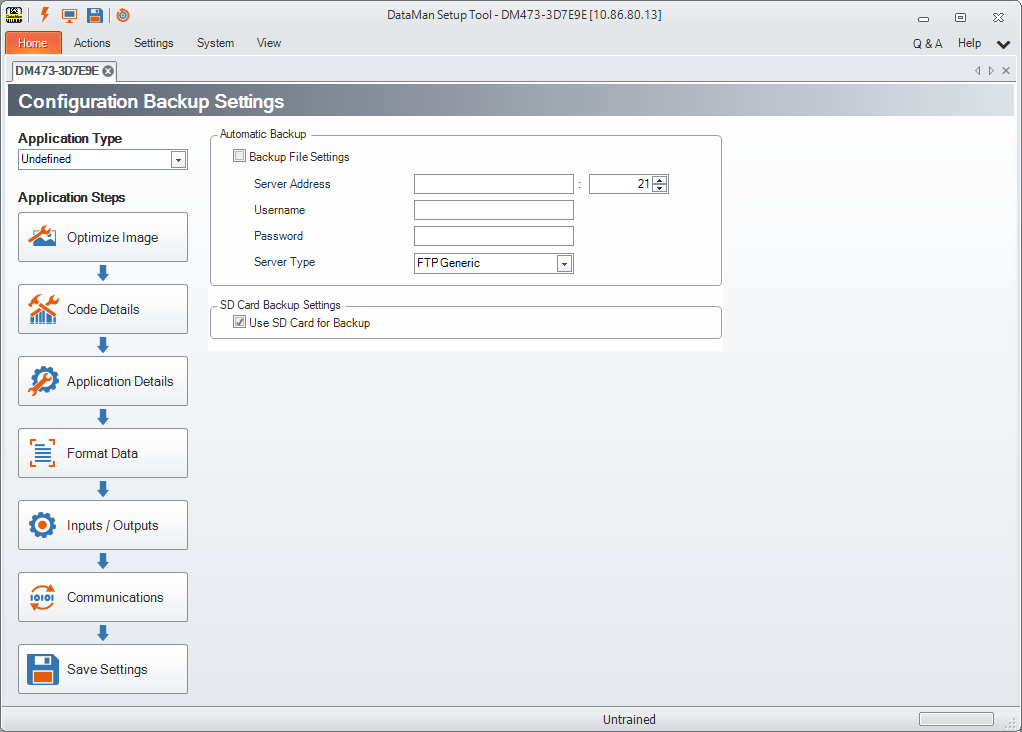
Automatic Backup works with devices connected through Ethernet. When enabled, this function does a device configuration backup to an external storage (an FTP server) every time the configuration is saved to flash. Restore can be done manually by either the Setup Tool or DMCC commands. For devices equipped with an SD Card, check Use SD Card for Backup to save your configuration there.
Configure the reader with the IP address and port number necessary to specify where you want to save the configuration. You can also set a username and password combination.