Results Viewer
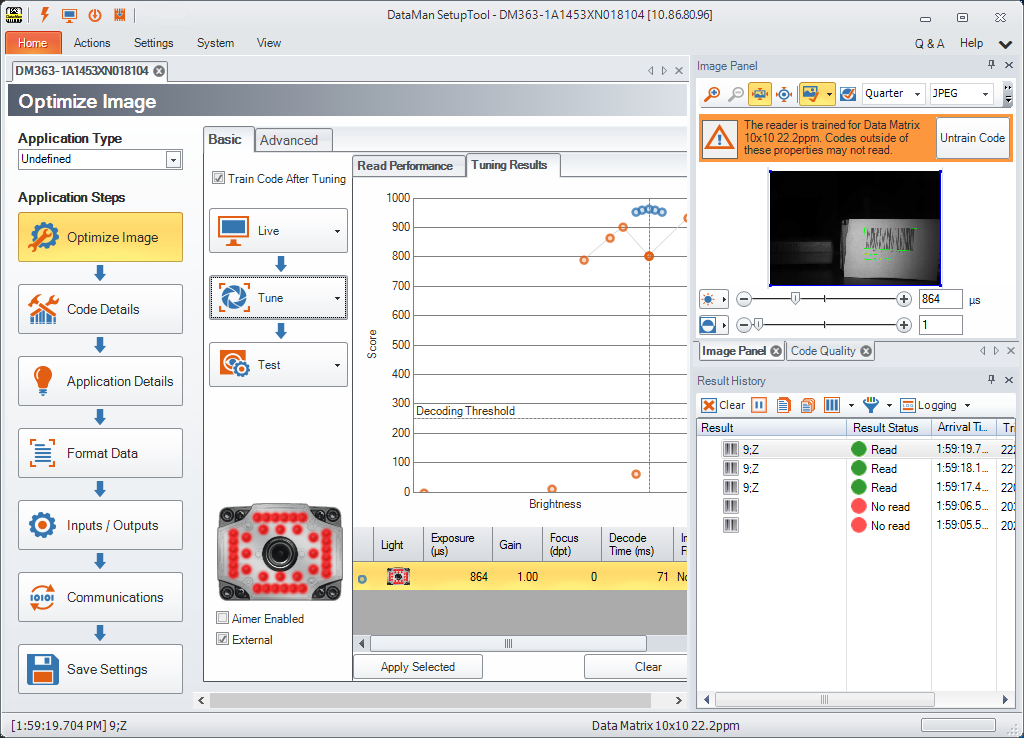
Similarly to the Image Panel, the Result History window can be configured in different layouts. The Result History window is displayed by default, but in case you have closed it, you can have it displayed again by clicking View and then clicking the Result History icon.
The result data comes from the active document.
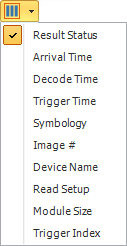
You can customize the layout of this pane using the available options, that is, you can choose what data should be shown in the columns of the table.
Select what you want to log from the Logging drop-down list:
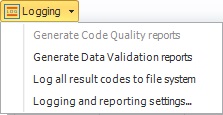
Clicking the last option here opens Options, in which you can set the default folder where reports and the logs of result codes are to be saved.