Code Quality
Under Code Quality you can set the desired code quality standard you want to use for quality assessment for your code type. Once you set this on the General tab, you can navigate to the appropriate code quality standard's sub-tab under the 1D Barcodes or 2D Codes tabs and customize for specific grades the grading thresholds, including specific grades in the overall grade and their display in the report.
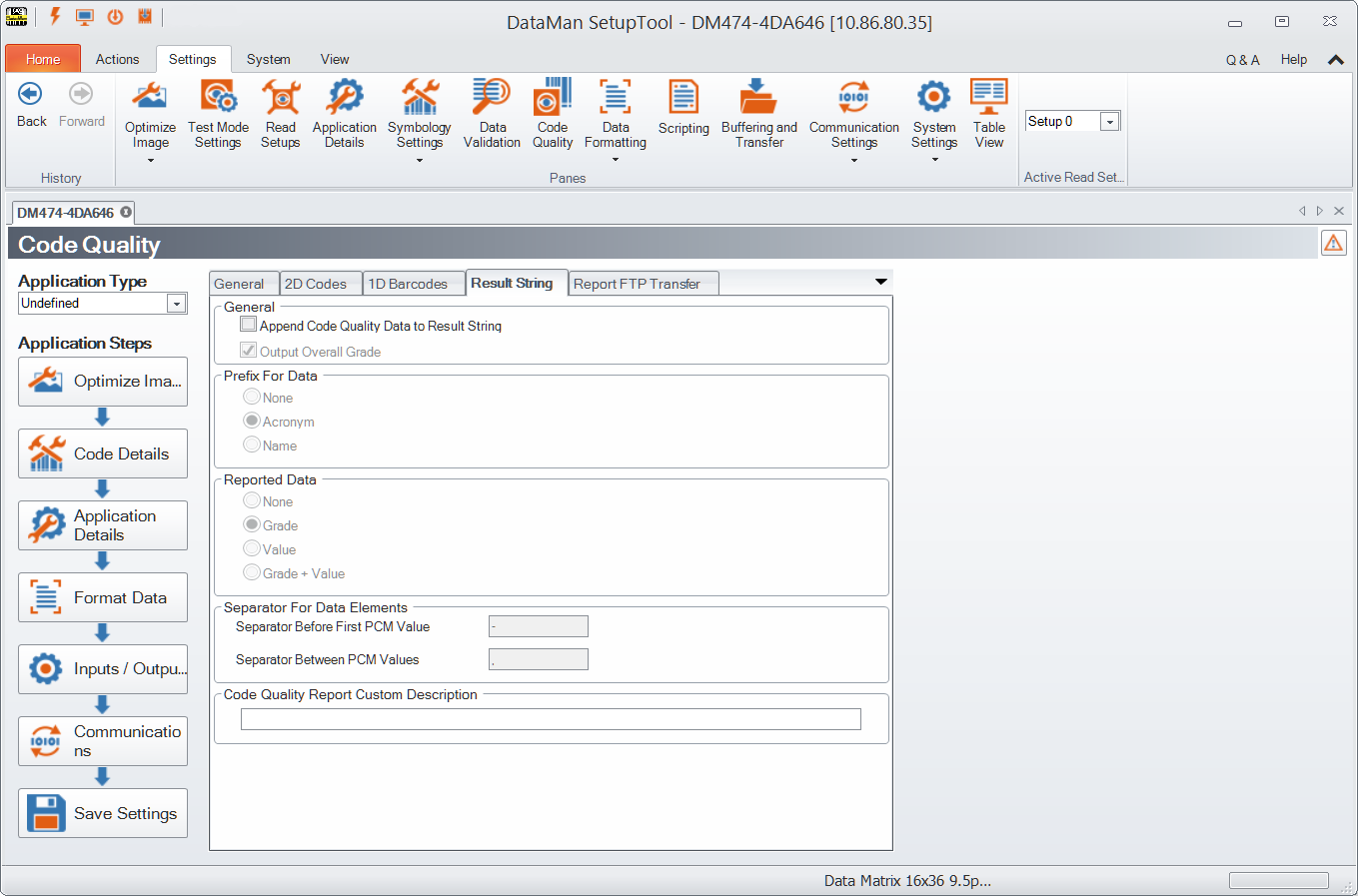
After you set up your device to compute ISO/IEC 15415, AIM-DPM/ISO/IEC TR29158, SEMI T10, or DotCode for 2D Codes under the General tab in the Code Quality pane, the 2D Codes, 1D Barcodes tabs allow you to manage aspects of those types of code grading.
In the Result String tab, check Append Code Quality Data to Result String to enable token based data formatting and allow code quality result data to be appended to result strings. If checked, Output Overall Grade outputs the overall code quality grade (which is defined as the minimum grade of selected metrics) in the result string.
The Report FTP Transfer tab allows you to set up code quality results to be sent via FTP in the form of an HTML report.