Code Details
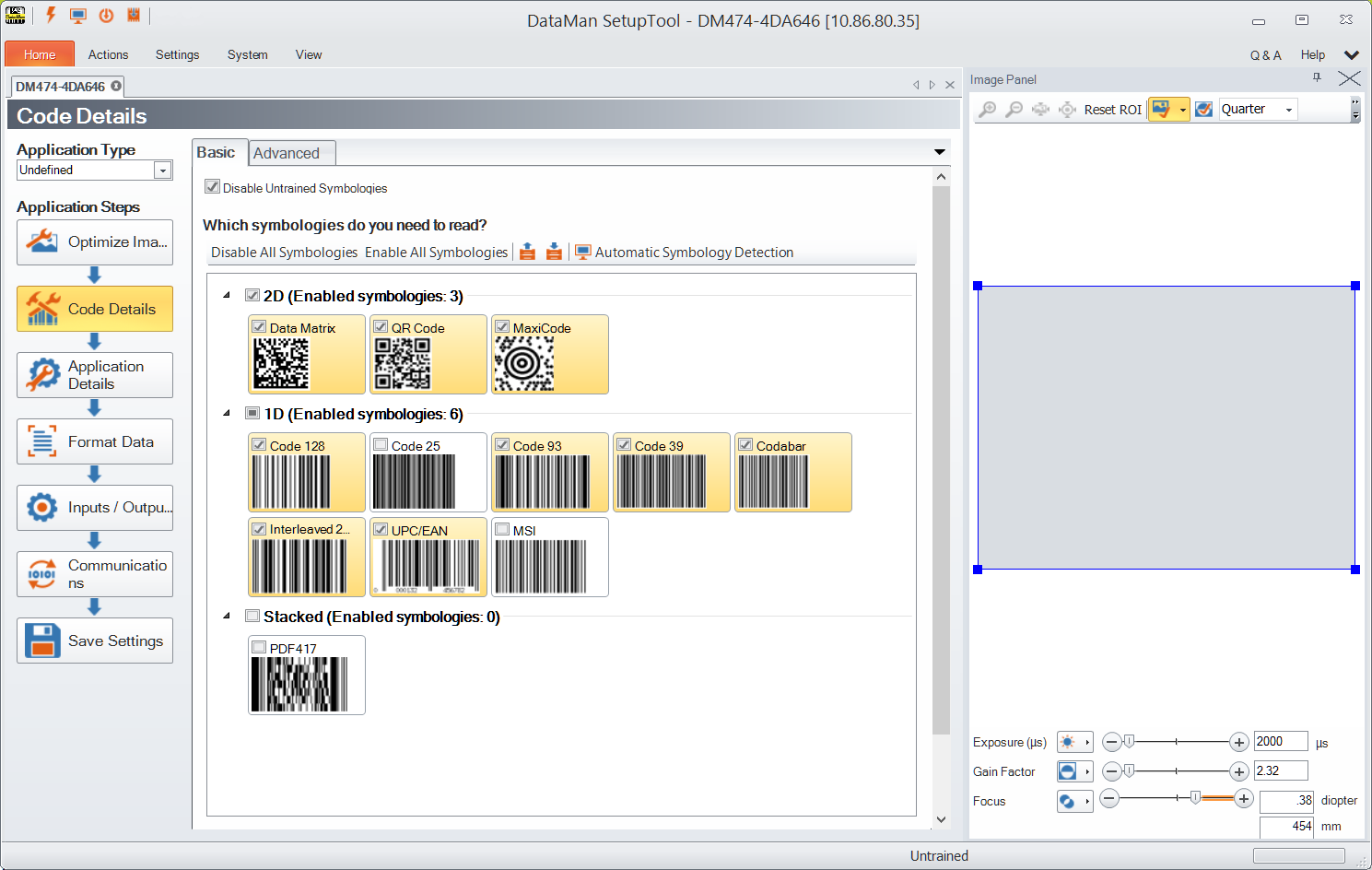
In this application step you can select the different types of symbologies to be used. On the Basic tab you can disable all or untrained symbologies and enable all of them. You also have the option to select 2D, 1D, Stacked and Postal symbologies separately and set the number of codes you need to read for each trigger.
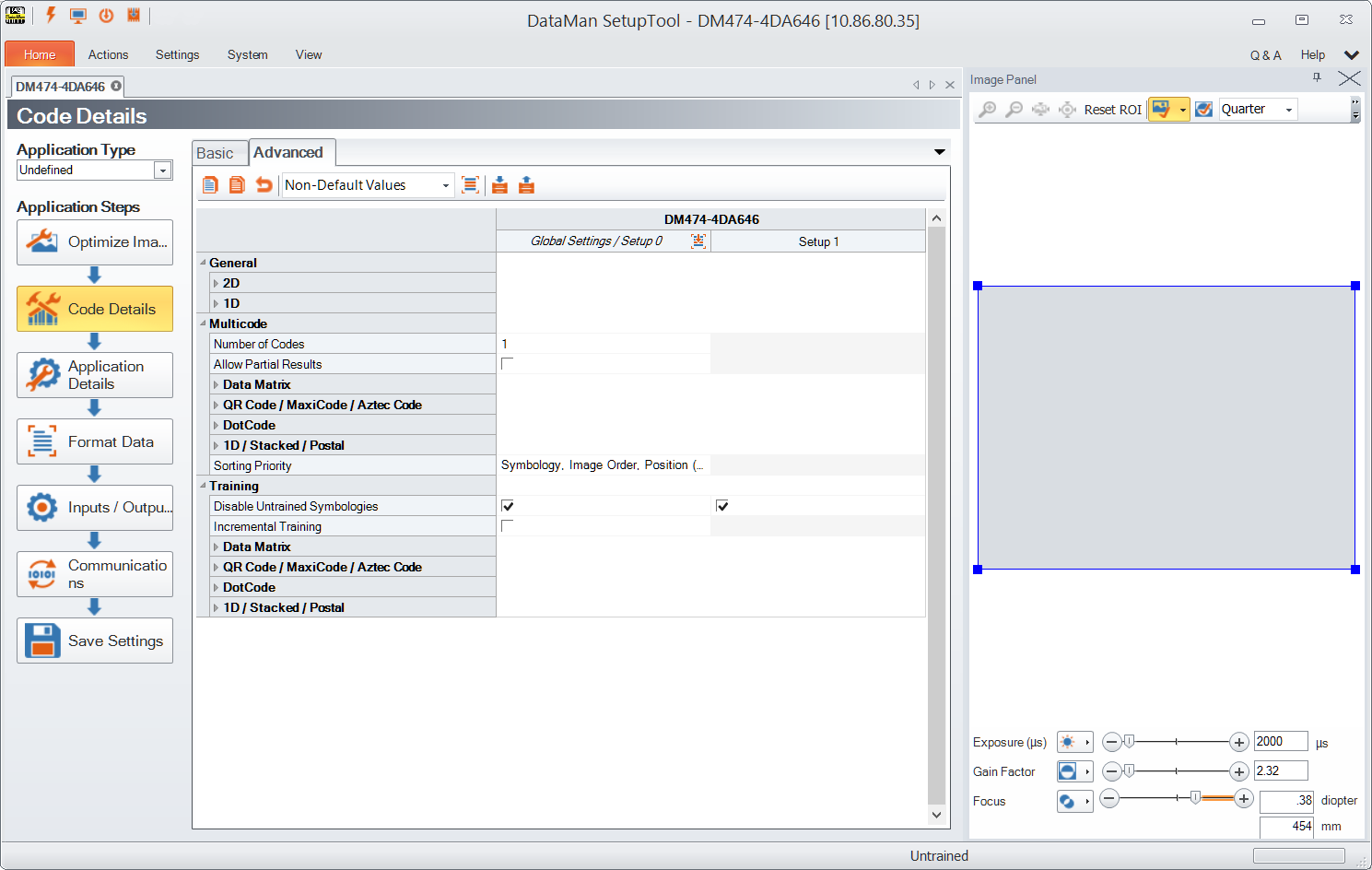
In the Advanced tab you have further configuration options. In a table-style view you can see the settings and the corresponding values for general code details (1D or 2D) as well as setting Multicode values and configuring codes for Training.