Calibration
Calibration informs the verifier about the grey scale levels and pixel dimensions of the camera. This way, the verifier can report Symbol Contrast and X-dimension in true physical units.
For ISO compliant barcode verification, the verifier must be in a calibrated state.
For Standards Based Grading, the verifier can be used without calibration but not all quality parameters are reported. When the verifier is used in an uncalibrated state, neither the aperture nor Symbol Contrast (SC) for ISO/IEC 15415/15416 applications and Minimum Reflectance (MR) for ISO/IEC TR29158 (AIM-DPM) applications is reported.
To calibrate the DataMan 475:
-
Click the Calibration icon in the top left corner in the TruCheck Verification window.

-
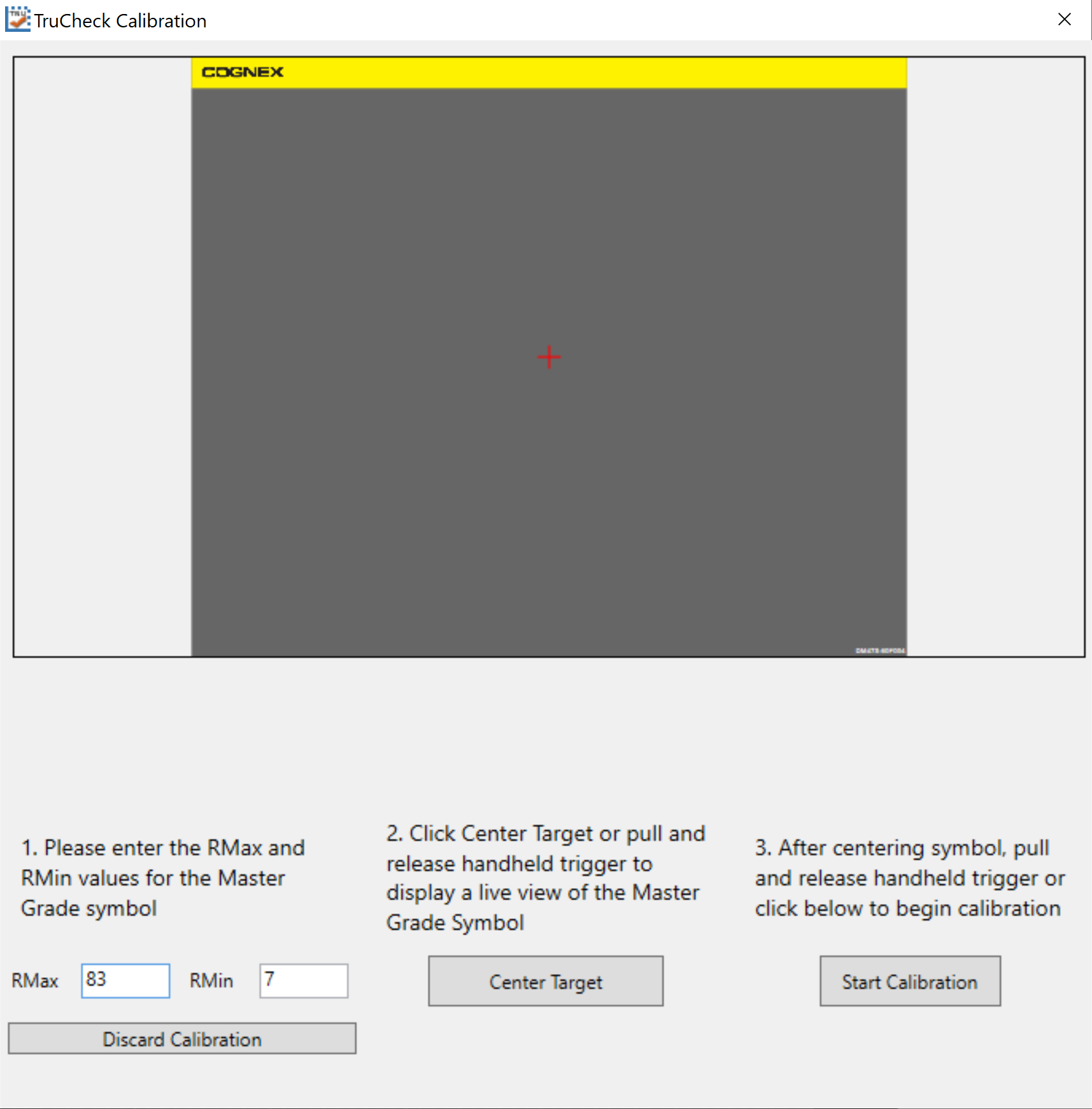
Enter the Rmax and Rmin values from the calibration card.
-
Select the Center Target button. A live image appears in the Calibration screen. Center the verifier over the Master Symbol on the Data Matrix symbol of your traceable calibration card.
-
Once the symbol is centered in the field of view, select Start Calibration.
-
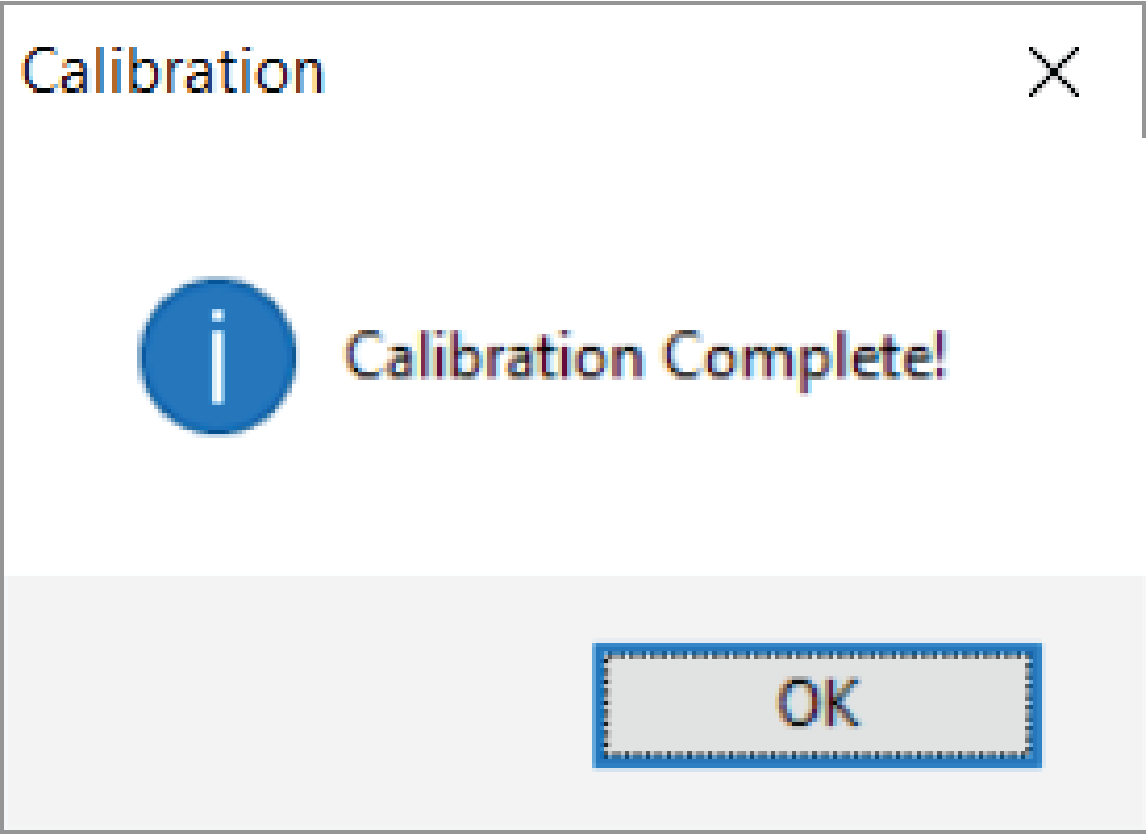
The verifier goes through a series of lighting calibrations. After a successful calibration, the Calibration Complete window pops up:
 Tip: Use the Discard Calibration button to remove all calibration values and return the verifier to an uncalibrated state.
It is recommended to calibrate your verifier as needed to ensure accurate verification results. If the verifier is being used in a laboratory or QA environment, free of dust, vibration, bright sunlight or oil particulates, monthly calibration is appropriate. In production environments, where such contaminants exist, more frequent, for example weekly calibration is recommended. Any internal quality guidelines or protocols are to override recommendations about calibration.
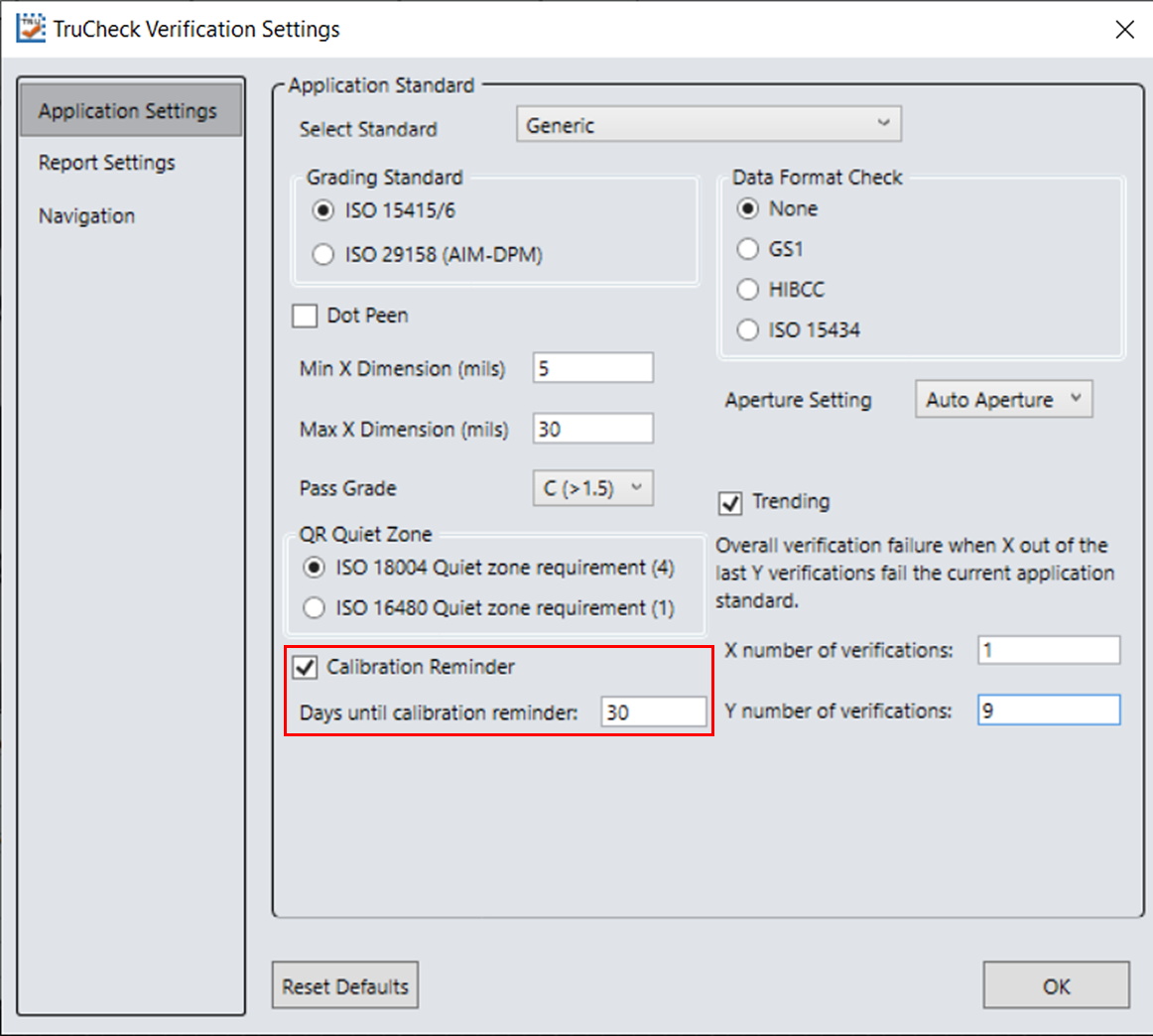
Note: Ensure that the calibration card is stored away from direct light in a manner where contaminants do not compromise the calibration symbol.Tip: Enable an optional calibration reminder to alert when a calibration is due. When the calibration reminder is enabled, set the number of days for prompting a calibration reminder.