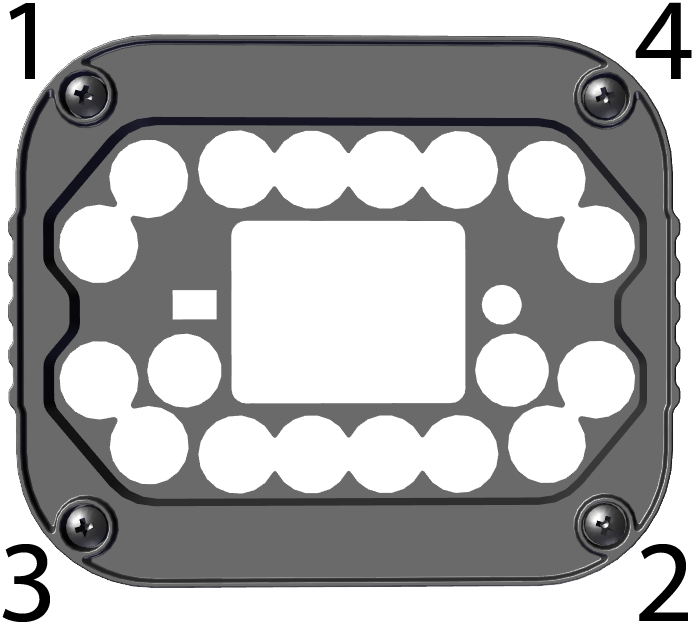
Installing High Power Integrated Torch (HPIT)
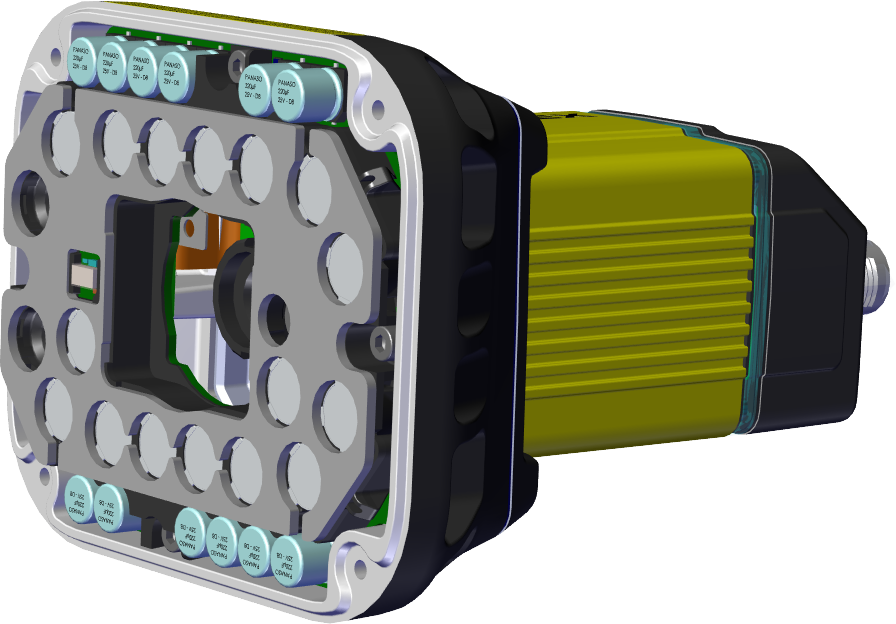
The possible hardware configurations using High Power Integrated Torch with a DataMan 370 reader are the following:
| System | Light | Lens | Front cover |
|---|---|---|---|
|
|
Wide opening angle (RED/WHITE) | 10 mm F5 HSLL | Polarized (RED ONLY) |
| Clear (RED/WHITE) | |||
| Diffuse (RED/WHITE) | |||
| 16 mm F8 HSLL | Polarized (RED ONLY) | ||
| Clear (RED/WHITE) | |||
| Diffuse (RED/WHITE) | |||
| Narrow opening angle (RED/WHITE) | 24 mm F10 HSLL | Polarized (RED ONLY) | |
| Clear (RED/WHITE) | |||
| Diffuse (RED/WHITE) |
Tools needed:
-
2 mm Allen wrench
- Phillips screwdriver (PH0)
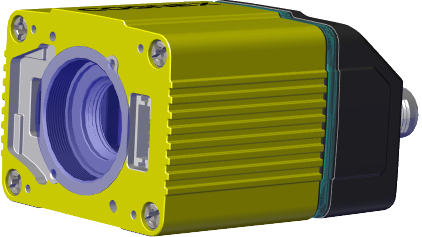
Perform the following steps to mount the HPIT to your DataMan 370 reader:
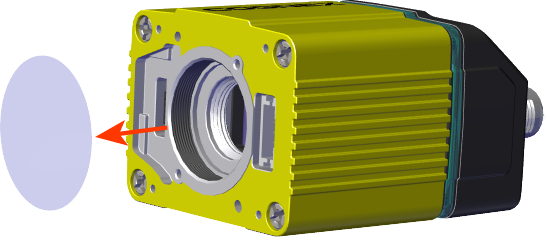
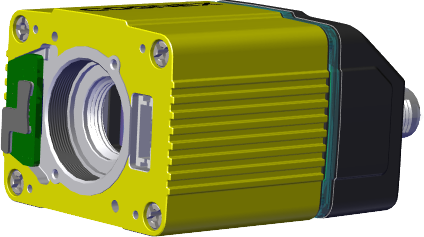
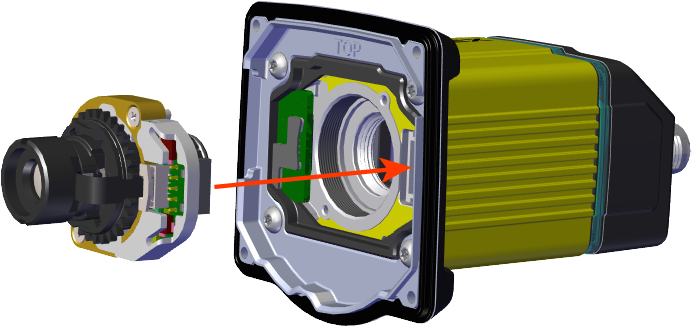
- Remove the adhesive protective film covering the threaded lens opening.
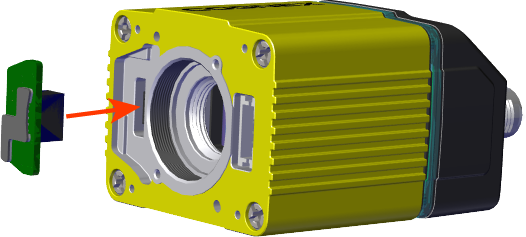
- Add the small PCB into the light connector.
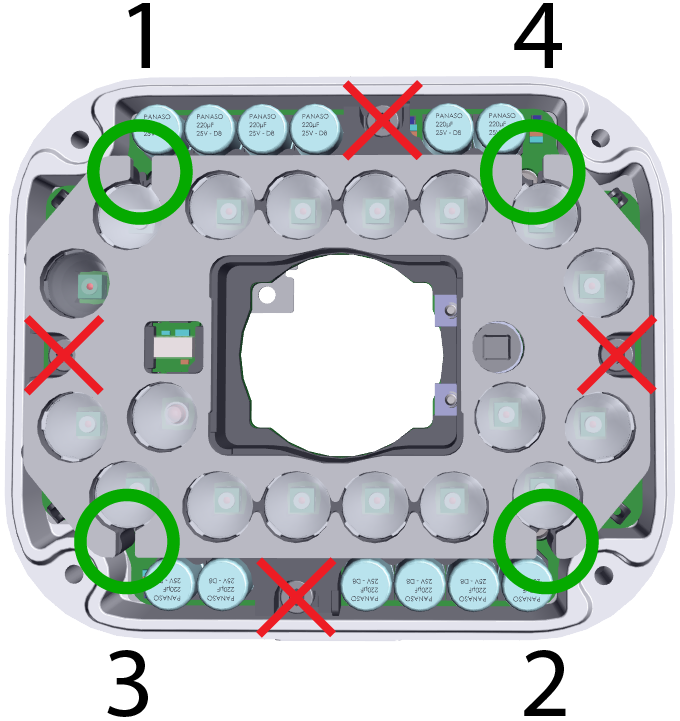
- Attach the DM470 HPIT adapter plate.
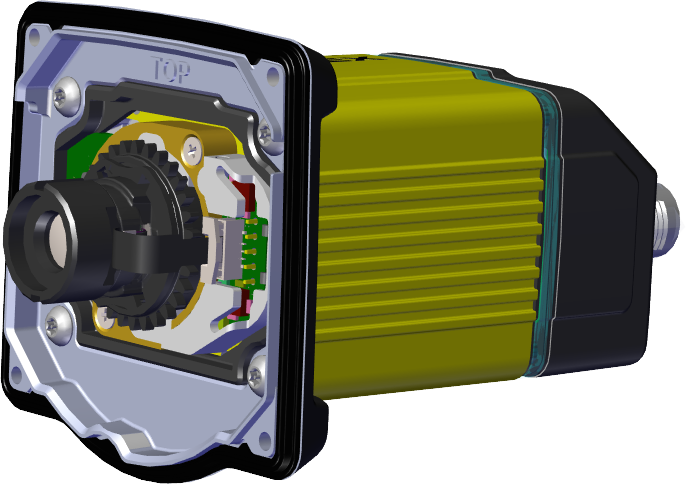
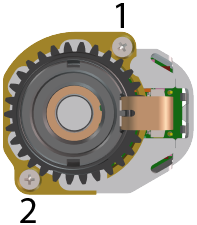
- Attach the lens module and fix the lens with the captive screws.
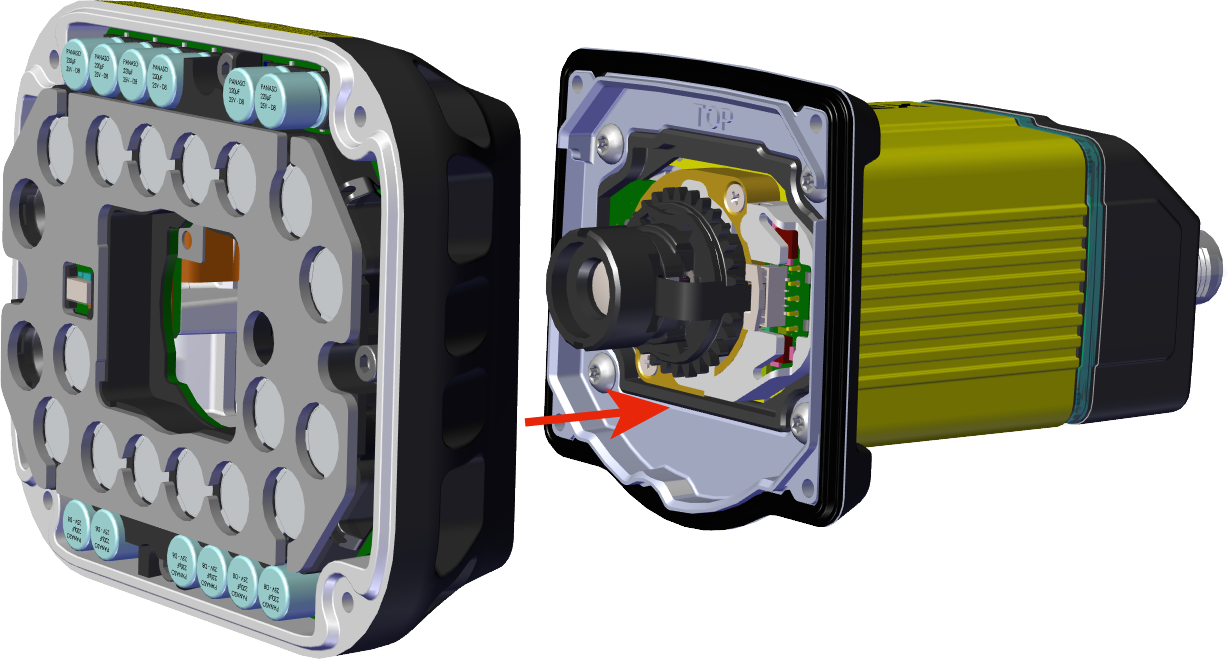
- Attach the light module.
- Attach the front cover.
|
|
|
|
|
|
|
|
|
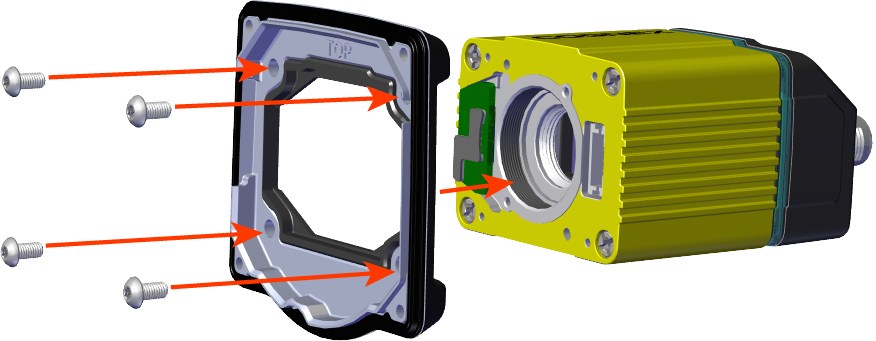
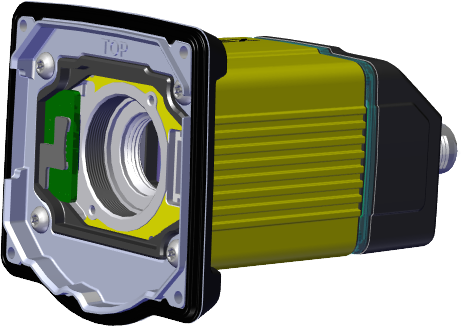
M3 x 6 mm screws
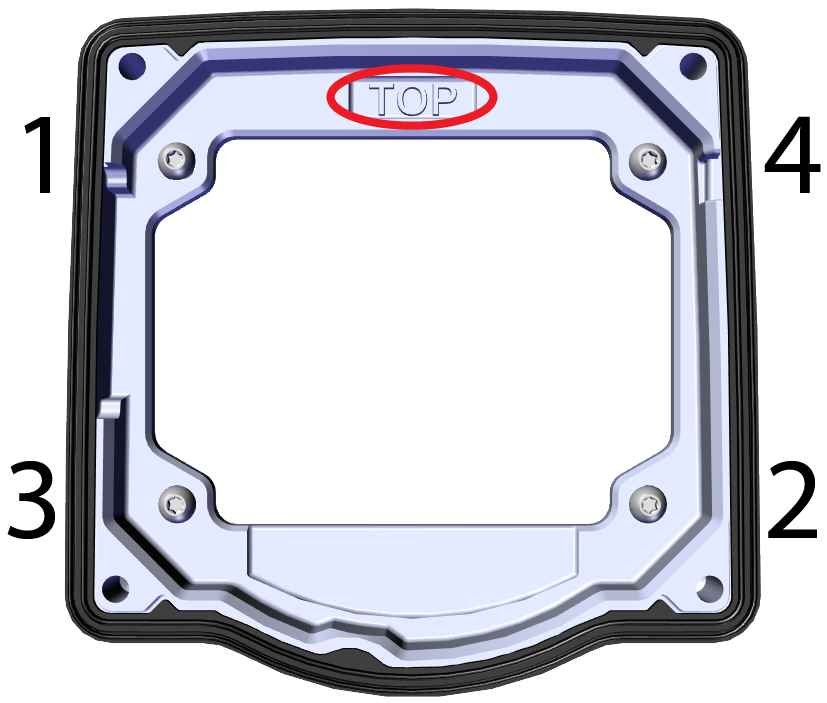
|
|
|
|
|
|
M3 x 6.35 mm captive screws
|
|
|
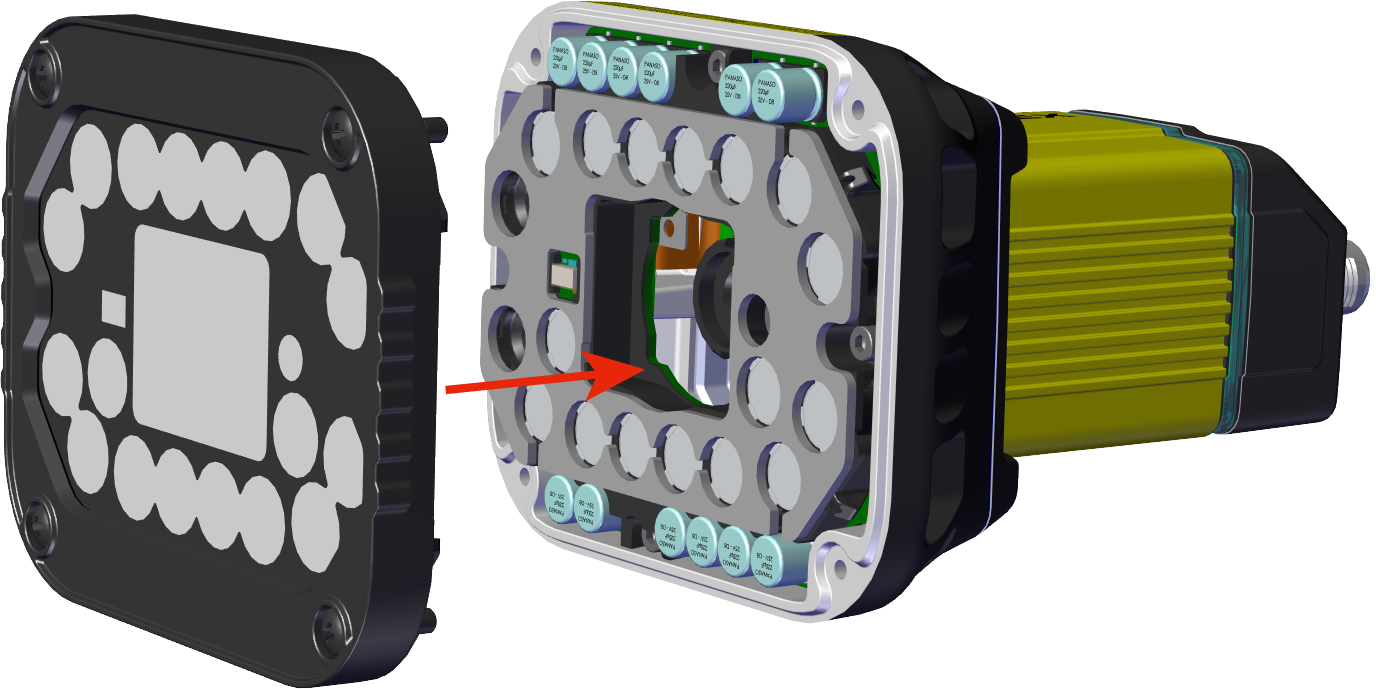
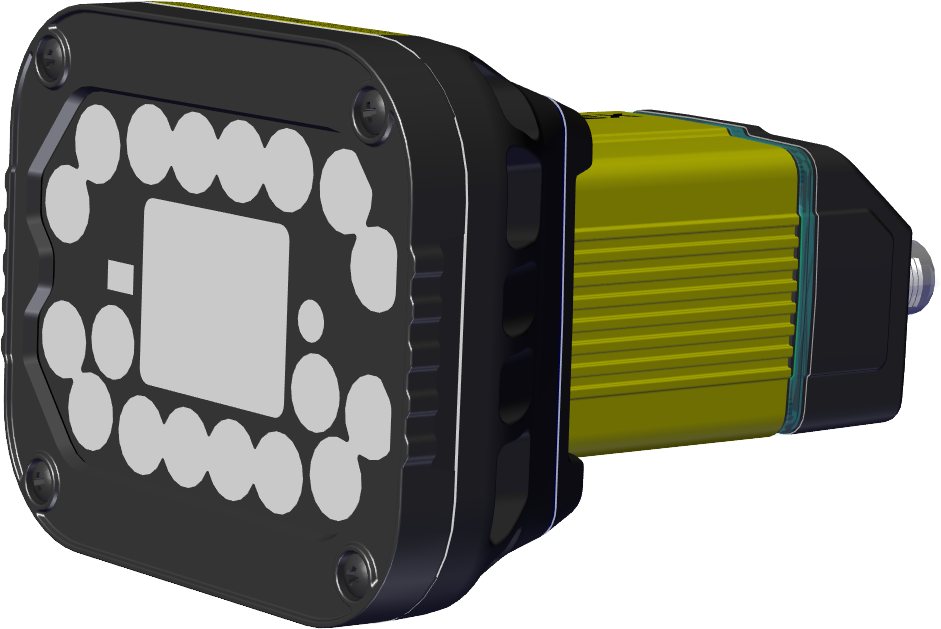
M3 x 12 mm captive screws