Calibration
Before starting to use the DataMan 8072 Verifier verifier for verifying barcodes, the device needs to be calibrated. Perform the following steps to calibrate the unit.
-
In the TruCheck Verification window, click the Calibration icon in the top left corner.

-
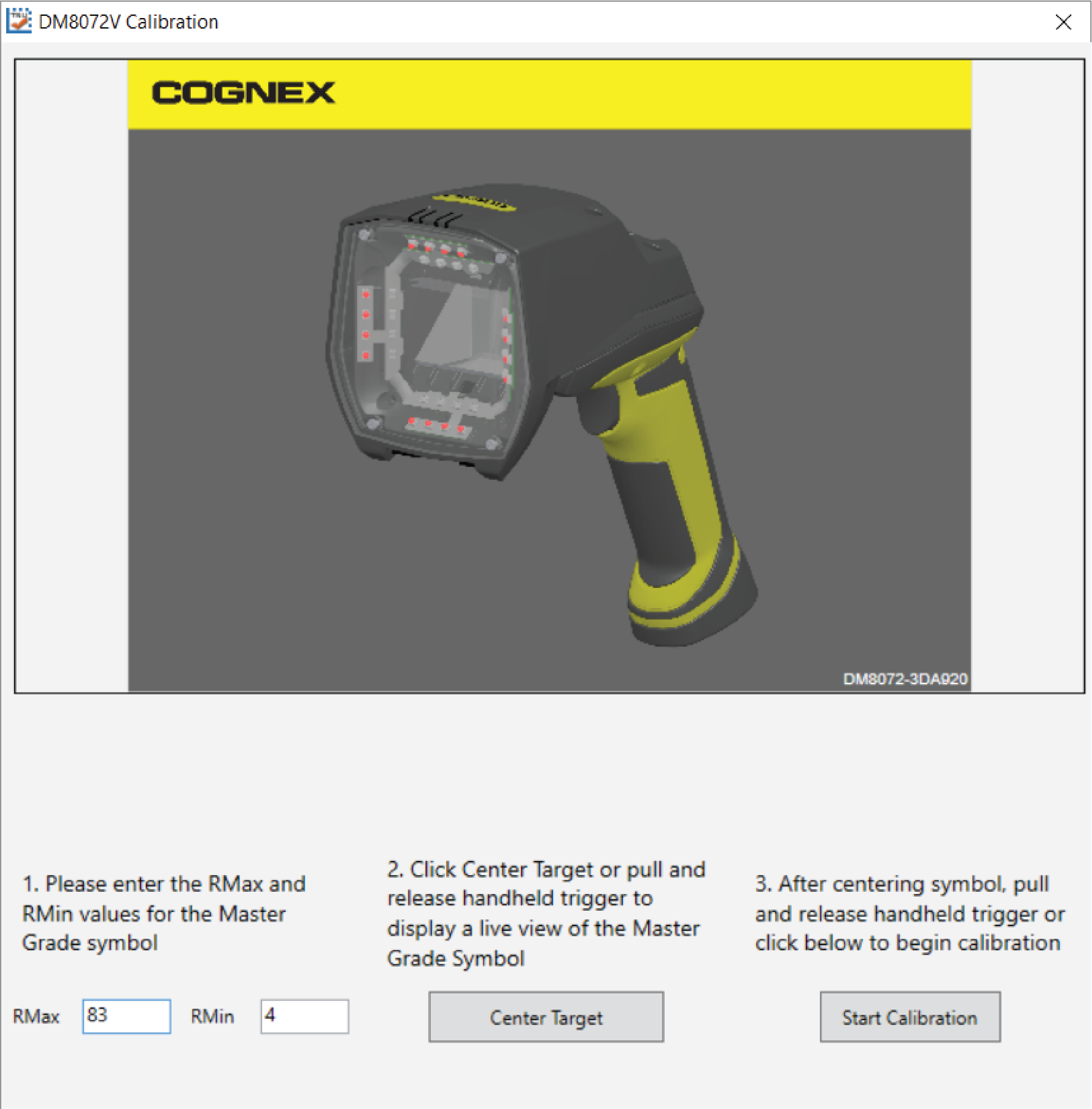
Enter the Rmax and Rmin values from the calibration card.
-
Select the Center Target button. A live image appears in the Calibration screen. Center the verifier over the Master Symbol on the Data Matrix symbol of your traceable calibration card.
-
Once the symbol is centered in the field of view, select Start Calibration.
-
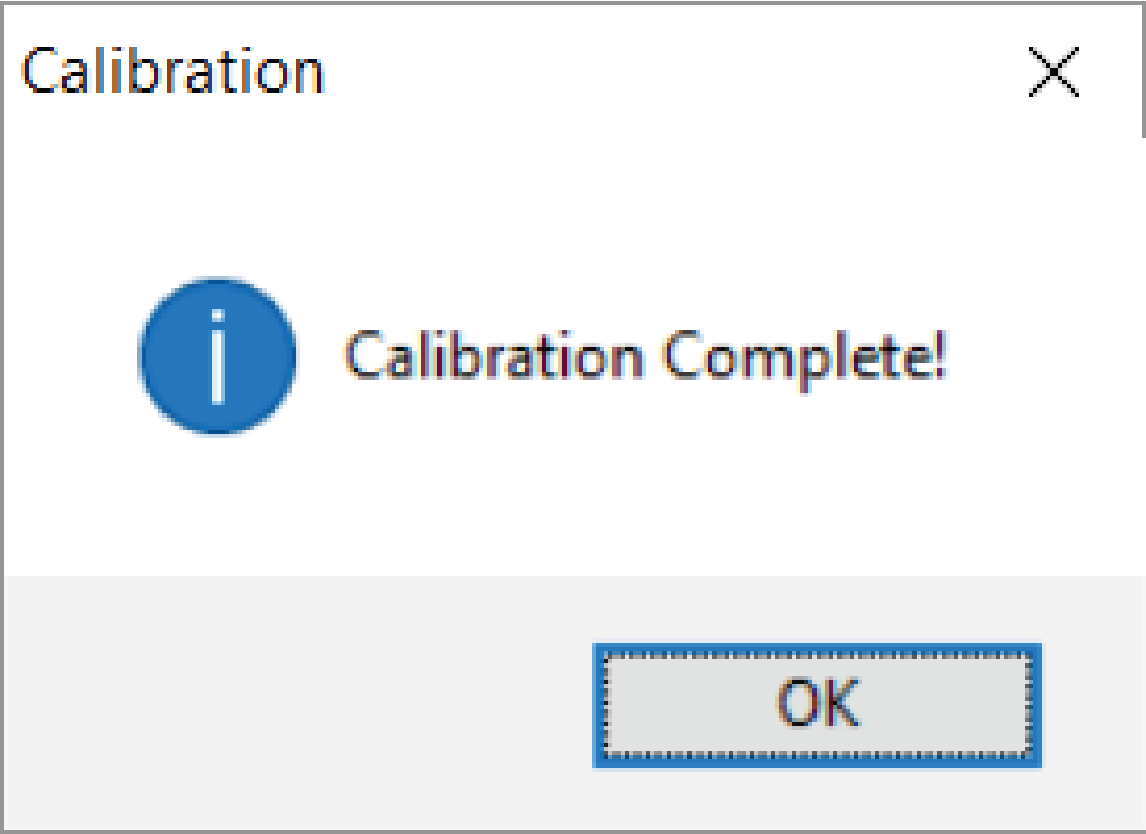
The verifier goes through a series of lighting calibrations. After a successful calibration, the following window pops up: