Options
The OptionsDialog of the DataMan Setup Tool offers you to do settings in the application according to your preferences.
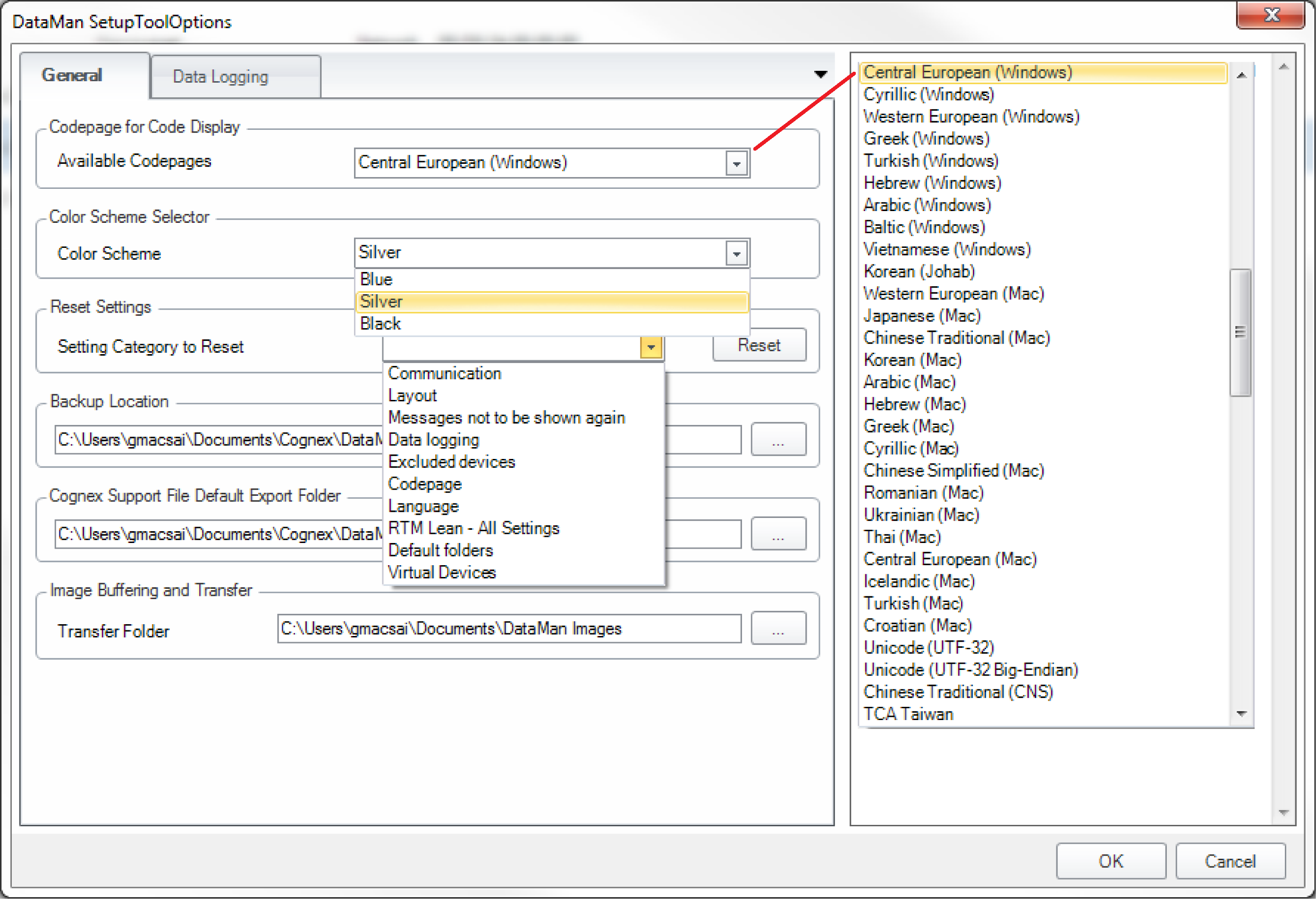
On the General tab, you can set the way according to which the read string will be decoded. Here, you can also select the color scheme (Silver, Blue or Black) of Setup Tool itself, and you can also select a category (Layout, Communication, Language, Codepage or Data logging) which you want to reset to defaults.
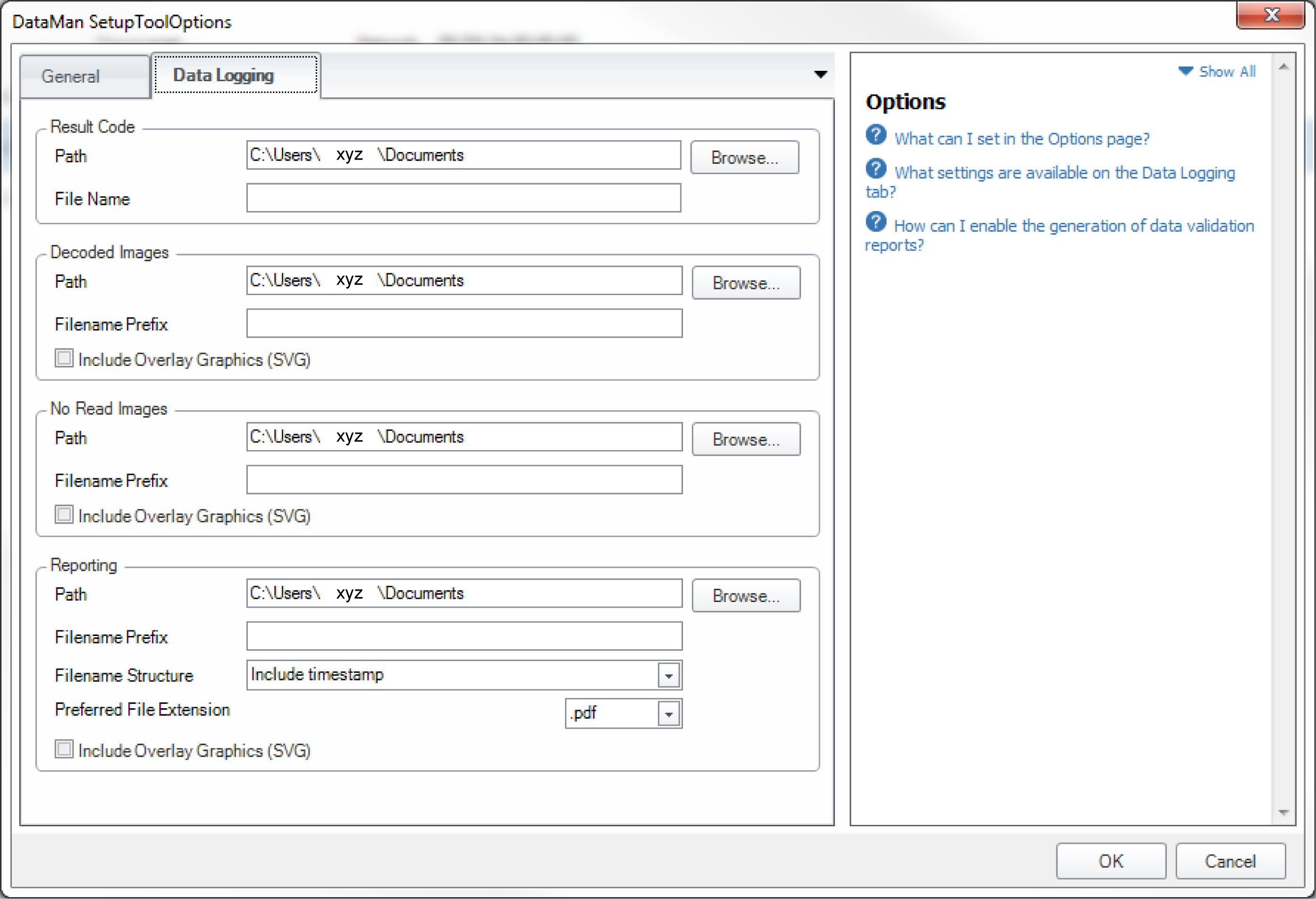
On the Data Logging tab, you can set the folders into which result codes, decoded images, no-read images and reports are to be saved.