Format Data
In addition to standard formatting possibilities, you have the option to write a script inside the DataMan Setup Tool.
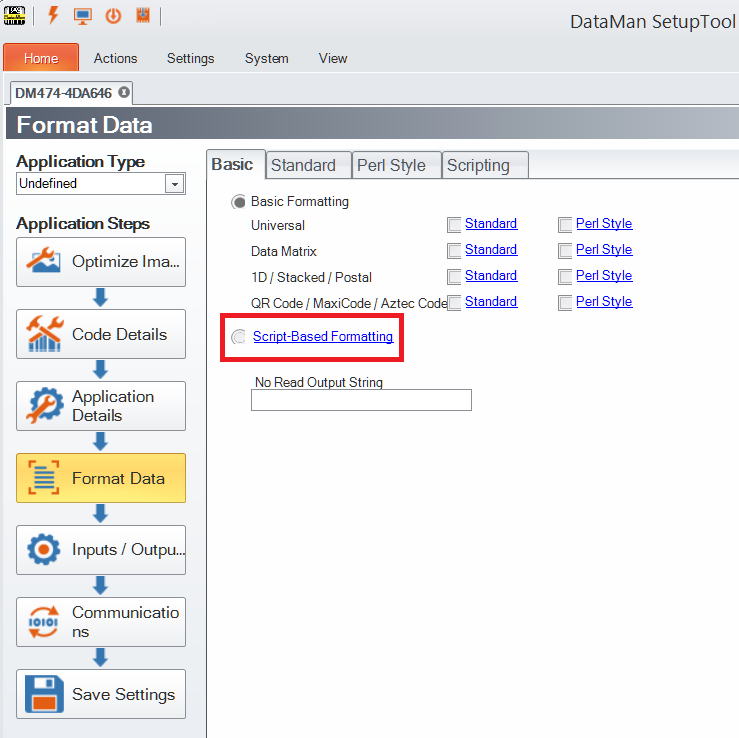
You can enable script-based formatting under the Format Data application step's Basic tab. Clicking Data Formatting in the Settings pane also navigates you to the Format Data application step:
When script-based formatting is enabled, you can define a JavaScript module to format data according to your needs on the Scripting tab of the Format Data application step.
Example:
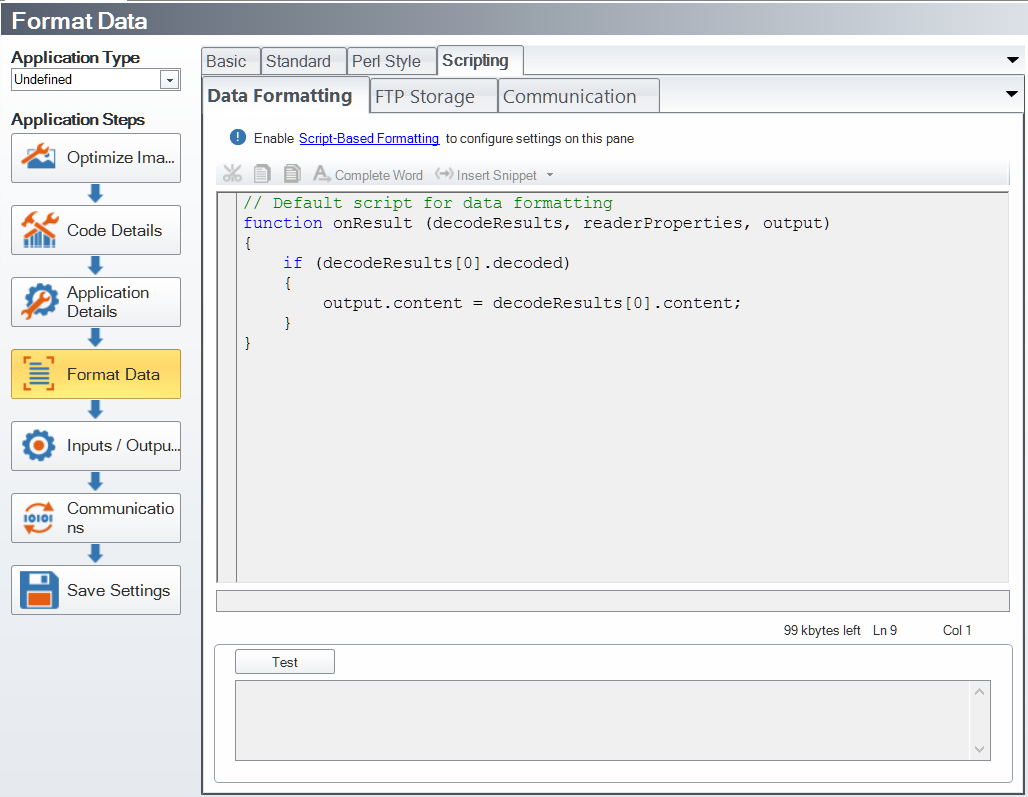
To reach this document, click Scripting in the Format Data application step.
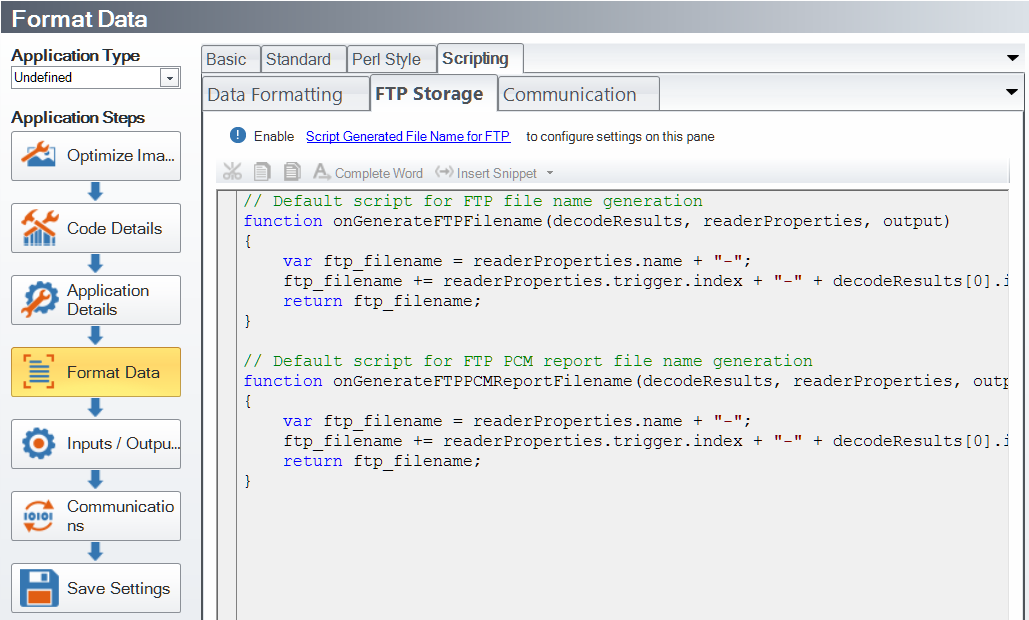
If your DataMan device, for instance, uploads its images to an FTP server, the images on the server get a certain file name. This file name can be customized with the help of the script that can be edited under the FTP Storage tab.
Example:
On the Communication tab, you can edit your custom communication protocols.
Example:
.png)
For more information on the custom communication protocols, see the DataMan Communications and Programming Guide.
The script for data formatting not only allows you to have different data formatting combinations, but you can also perform operations on the output channel, for example, to pull output 1 up. You can configure read results flexibly and configure reader events before the result returns.
For the details of how to write the script and for scripting examples, please see the DataMan Communications and Programming Guide. You can find scripting samples by clicking the arrow of the Insert Snippet drop-down menu or right-clicking within the text field and selecting Insert Snippet from the pop-up list.
You can open your own scripts through the DataMan Setup Tool’s Scripting -> Open Script... option.