Compare Configuration
Use the Compare Configuration page to set, copy, compare, or restore device configurations and settings. You can use multiple devices to quickly synchronize configurations or check for inconsistencies. Select multiple devices from the device list and click the Compare Configuration button to initiate the comparison in a new document.
The table view lists all settings of the selected devices, while the menu on top allows you to take a number of actions relating to these settings.
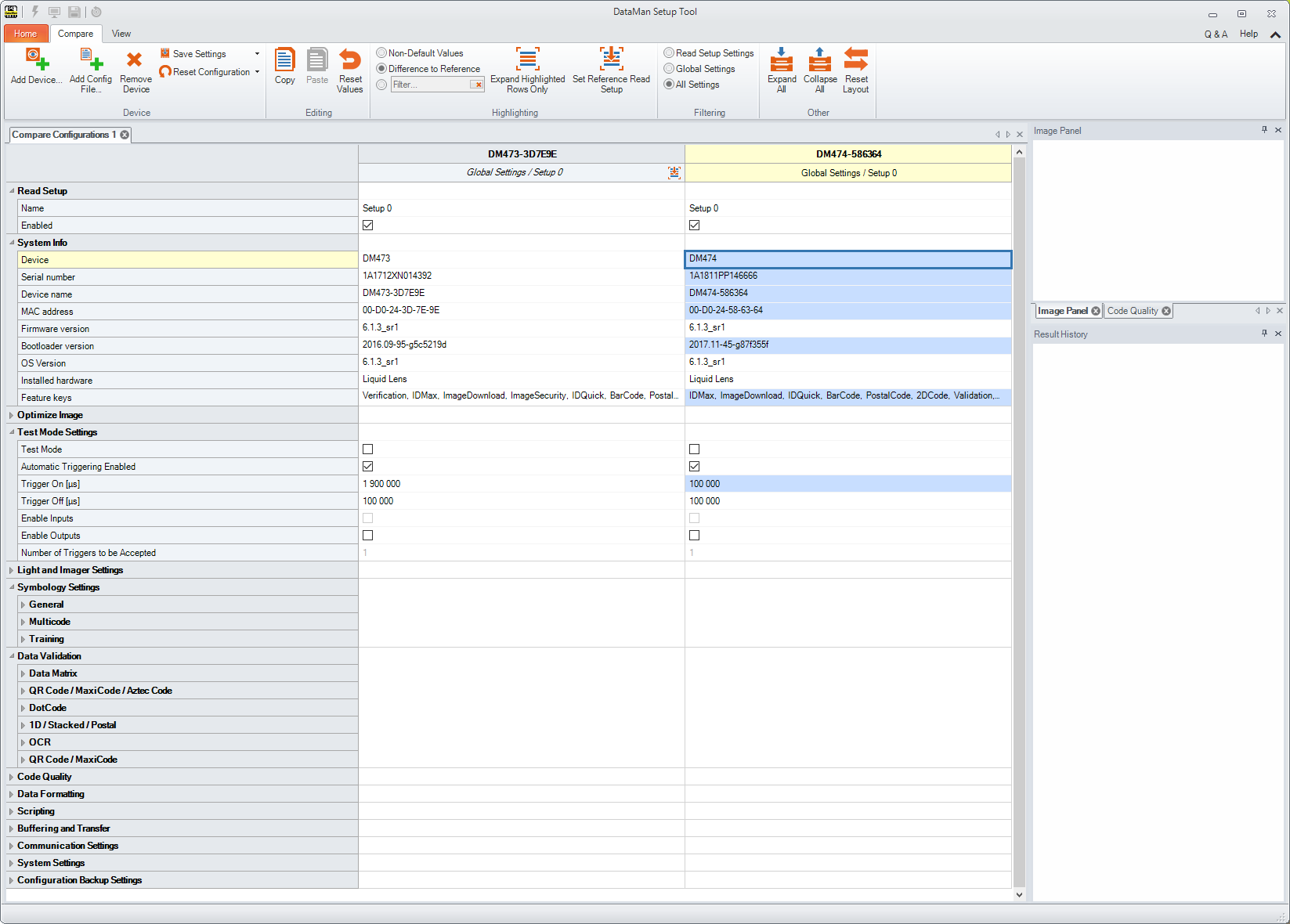
For more detailed information on Compare Configuration features, see the Q & A of the page that can be opened from the top right corner.