Installing a C-Mount Lens
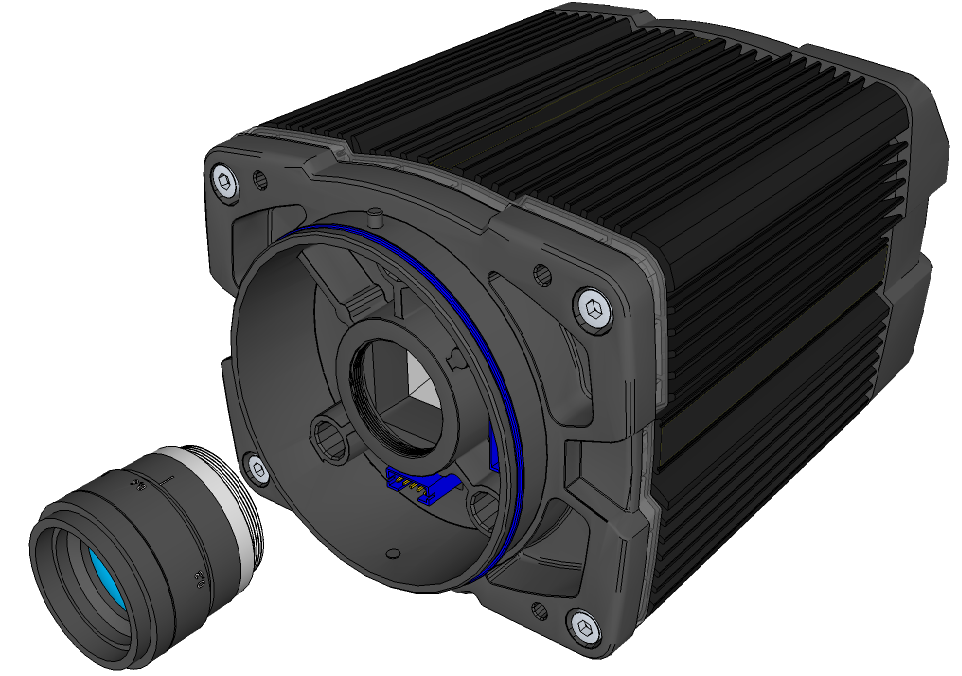
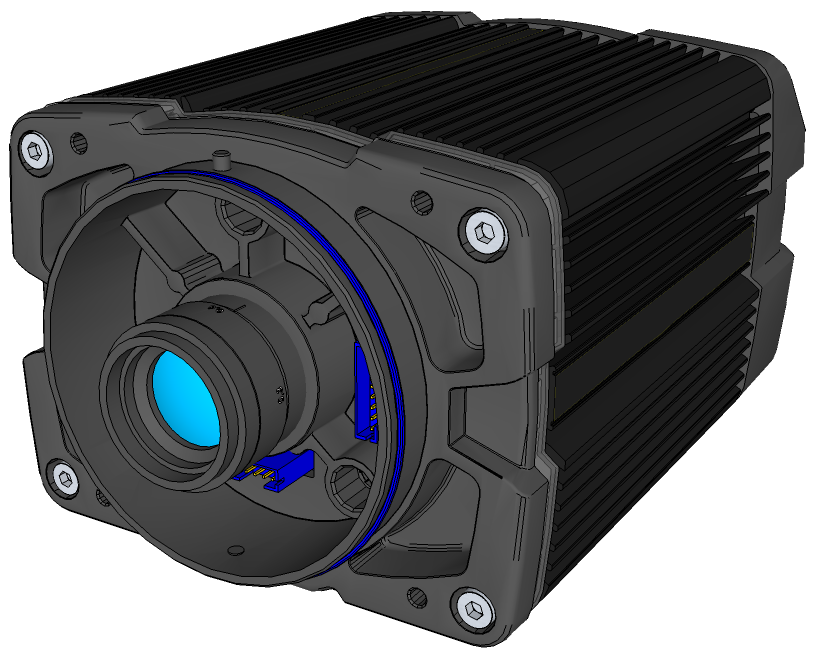
DataMan 503 ships with no lens installed. You must install a standard C-mount lens before using your reader.
For reading distances and field of view charts, see the DataMan Fixed-Mount Reference, available through the Windows Start menu or the DataMan Setup Tool Help menu.
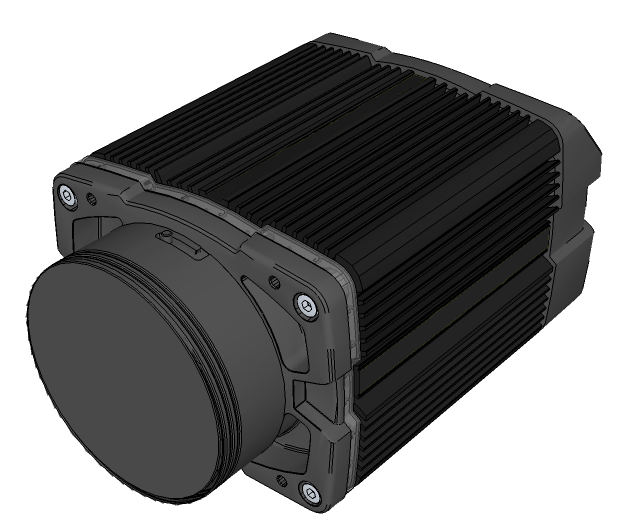
- Remove the front cover, if attached, and lens cover.
- Insert and thread lens into the reader.
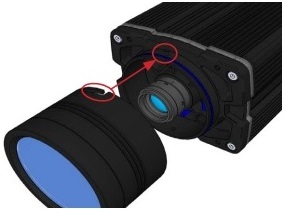
- Align the peg on the reader and the slot on the cover, and re-attach it.
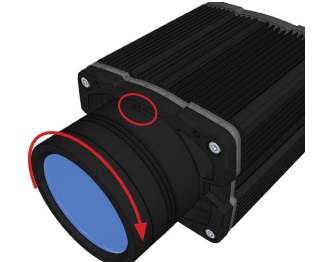
- Lock the cover in place.
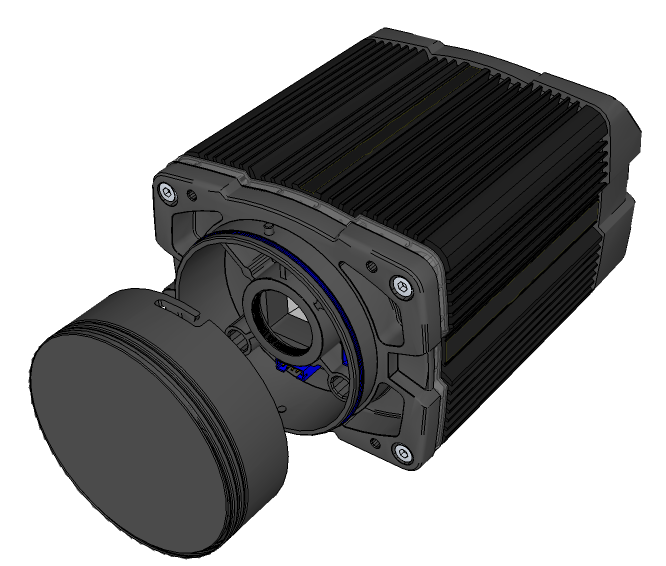
Note: Remove the protective cover from the lens mount.
CAUTION: Do not leave the DataMan sensor exposed to the environment!