USB-Keyboard (HID) Functionality
To use the DataMan 290 as an emulated keyboard, set the language of the keyboard in the software. HID reports use the keyboard language set in the drop down menu.
You can configure HID functionality with both UI options available for the DataMan 290:
-
To enable the HID interface with the DataMan WebUI, switch the toggle on the Communications substep:
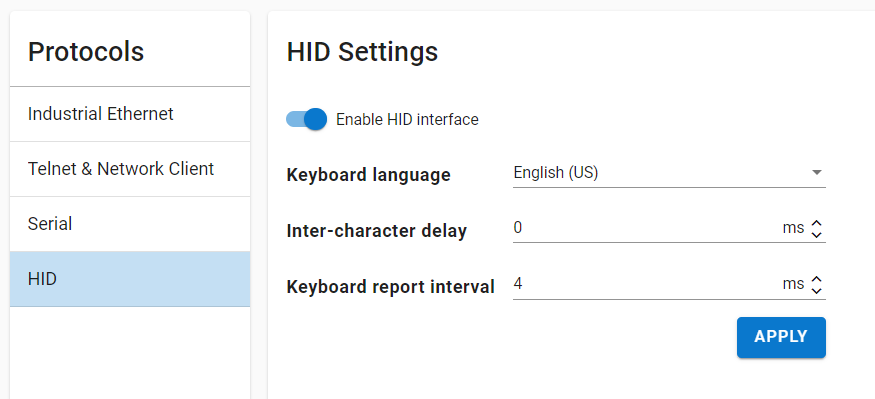
-
To enable HID reports with the DataMan Setup Tool, tick the checkbox on the Communications application step:
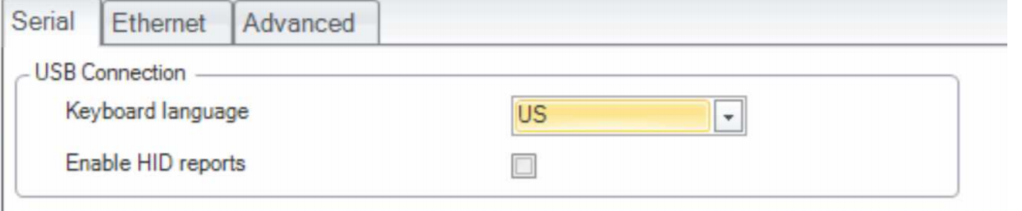
Note:
- Communication through HID reports is similar to using a physical keyboard.
- Using keyboard emulation with applications supporting hotkeys can result in unexpected behavior, depending on the data of the read codes.