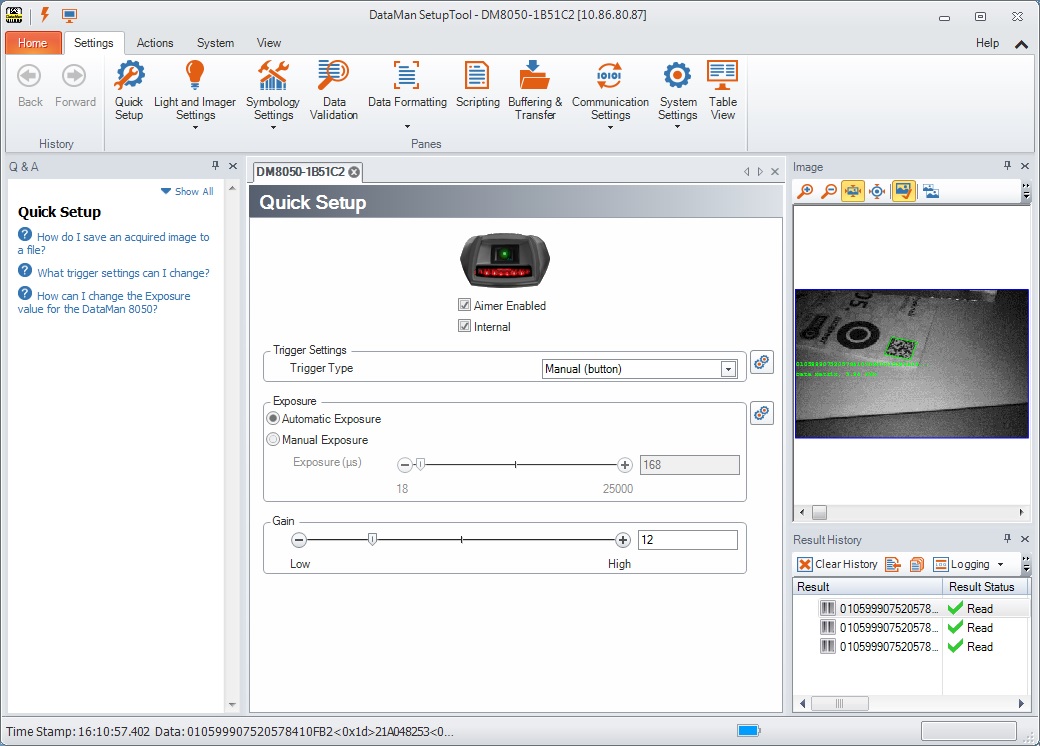
Setting up the Reader
To connect to the reader
- Select the connection type:
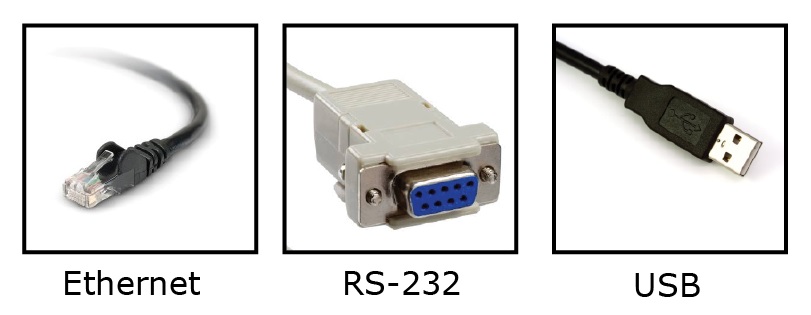
- Turn on your device(s).
-
Install the DataMan Setup Tool on your computer, see Install the DataMan SetupTool and Connect to Reader.