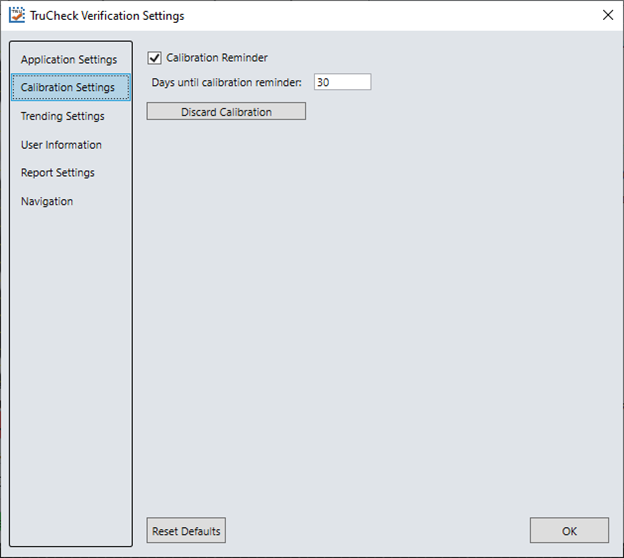
Calibration Settings
The Calibration Settings menu can enable a reminder for calibration as well as set the number of days that have elapsed since the previous calibration for the reminder.
The verifier must be calibrated for ISO/IEC conformance.
When the verifier is used in an uncalibrated state, neither the aperture nor Symbol Contrast (SC) for ISO/IEC 15415/15416 applications and Minimum Reflectance (MR) for ISO/IEC TR29158 (AIM-DPM) applications are reported.
In addition, there is a button to Discard Calibration and return the verifier to an uncalibrated state. Discarding the calibration can have some benefits. For example, if the ink and paper combination is not black and white, the software can reference the brighter and darker reflectance values of the codes, not just the extreme bright and dark values. Applications like UV greatly benefit from this feature.