USB Connections
When connected to a PC over USB, the DataMan 70 appears as a COM port.
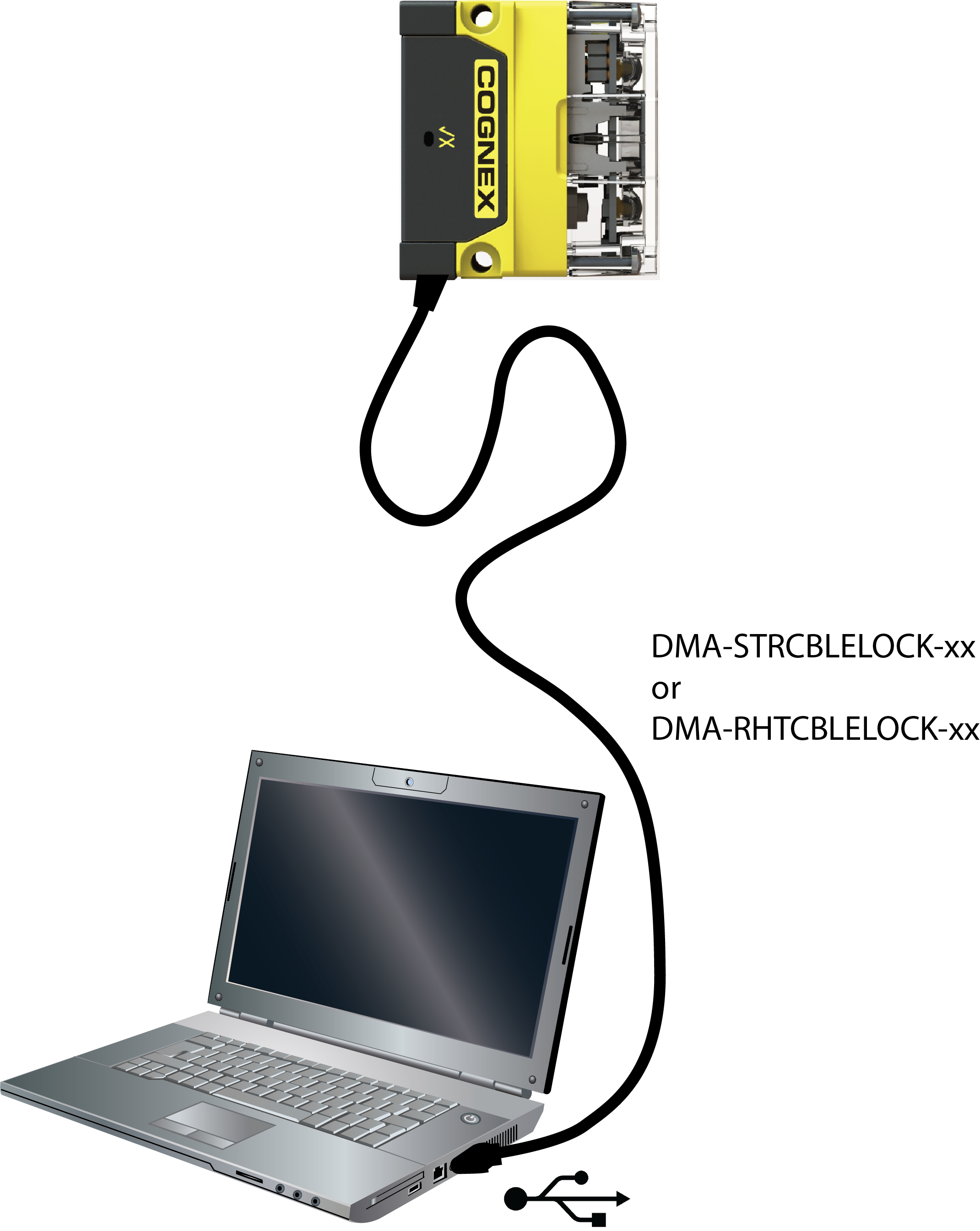
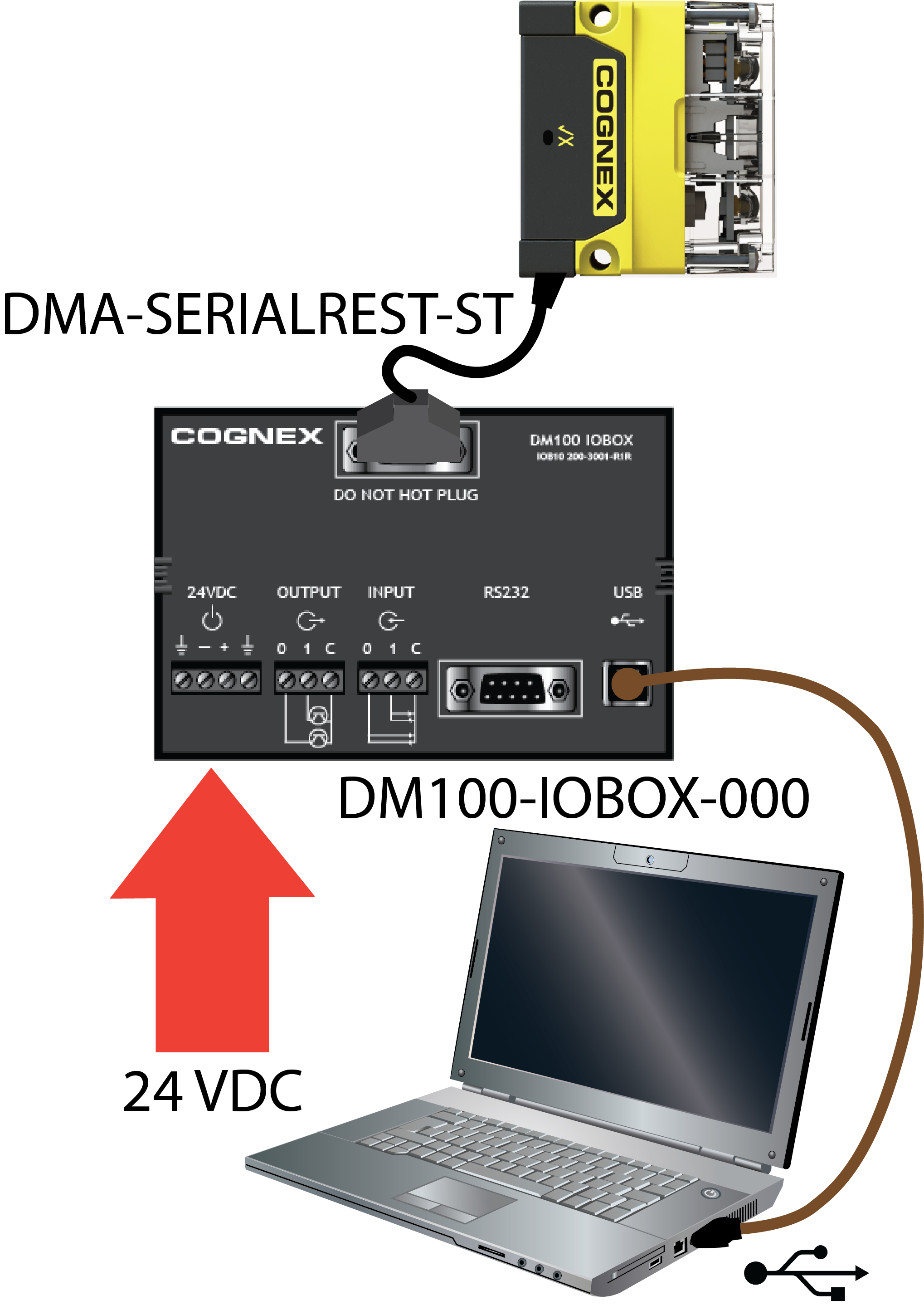
You can connect your device to the computer in the following ways:
|
Connect directly to the PC: |
Connect to the PC through a basic I/O module: |
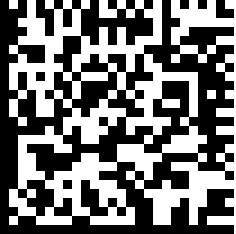
If the reader is configured as an HID device and you want to return to USB serial, scan the USB serial connection code:
Note: The DataMan PC software must be installed for this connection type!