Adding Input and Output Pins to a Tool Block
Within Cognex Designer, CogToolBlock [Inputs] and [Outputs] Terminals are used to define the Input and Output pins on the VisionPro Tool Block in a Task.
- Double-click the Tool Block to open the VisionPro Tool Block, which will open in a new tab beside the Task.
-
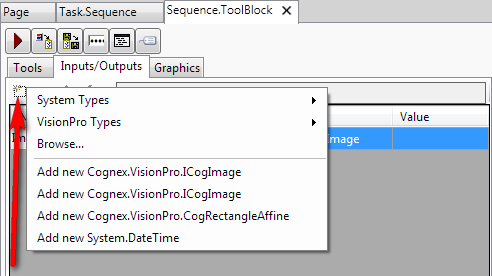
To add Input/Output pins to the Tool Block, there are two options: using the Inputs/Outputs tab, or selecting either [Inputs] or [Outputs] in the Tool tab, and using the right-click menu. Both options call the same menus and Browse dialog.
-
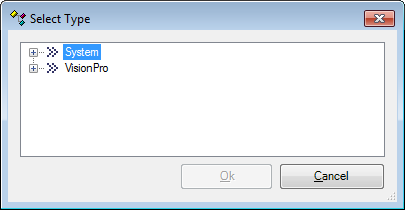
Select the desired Input/Output from the default menu options. If the desired type does not appear in the list, press the Browse button, and then navigate and select the desired Input/Output type from the list.