VisionPro Tool Editor
The VisionPro Tool Editor is used to insert an interactive edit control for a specific VisionPro tool, such as a CogBlobTool, CogCaliperTool or CogIDTool, which allows the operator to interact with the tool during runtime.
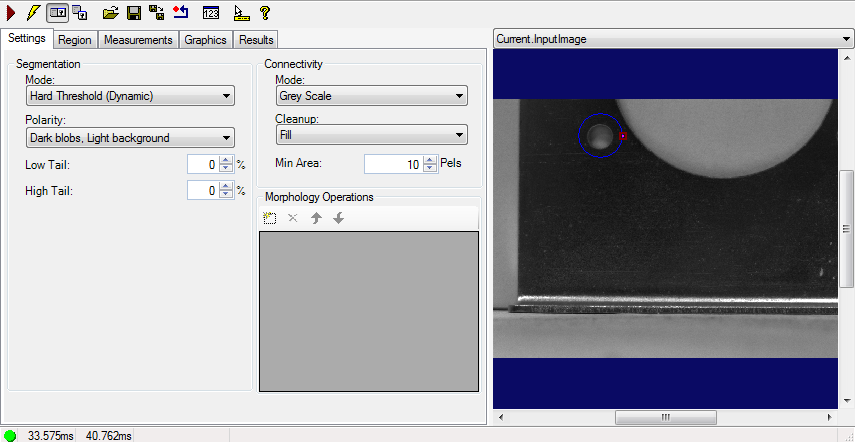
In order to have the VisionPro tool's editor control available, it must first be added as a tag:
- Go to the desired tool's Tool Block in the Task, and double click the Tool Block to open the ToolBlock Edit Control.
-
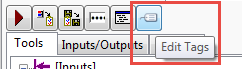
Press the Edit Tags button.
-
From the VisionPro Tag Manager, select the desired tag and press the arrow button to add it to the list of tools on the right.
Note: For more information about adding VisionPro tags, see the Adding Tags Using the VisionPro Tag Manager topic.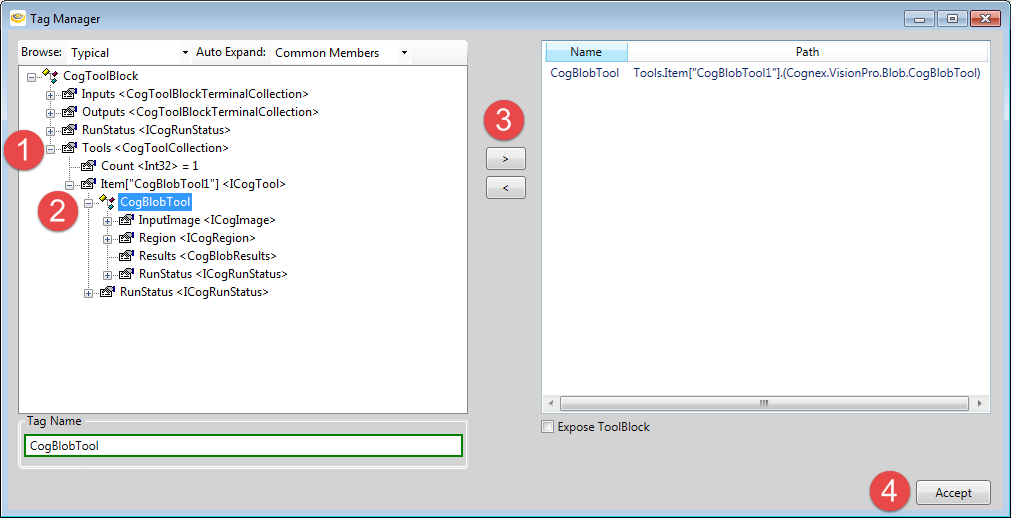
- Go back to the Page, and, using the Expression Builder, set the Subject property to the tool, i.e. $Tasks.Task.Task.ToolBlock.CogBlobTool.