Creating SQLite Tables
-
To create a new table, right-click on a database and select New Table, which will open the Table Definition Editor.
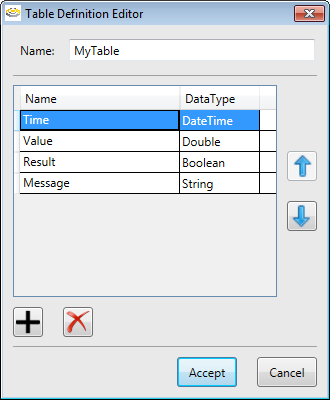
- Enter a name for the table, and enter a row for each column in the table.
-
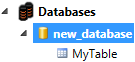
Once you have specified the Name and Data Type (using the Data Type Selector) for each column, click Accept to create the table. The table will be displayed beneath the Databases node in the Project Explorer.
Note: The SQLite database has a maximum size of 1TB.