TCP/IP Server Events
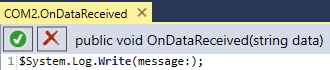
The TCP Server has three events that scripts can be hooked into. Once the Server is loaded, you can access it using scripts. Right-click the newly created TCP/IP Server device, select Scripts and choose from On Data Received, On Client Connected or On Client Disconnected.
Before invoking the On Data Received method, ensure that if you transmit ASCI text, all data sent and received must be ASCI text and both sender and receiver must be using the same encoding algorithm. Sending or receiving non-ASCI text may result in data loss and unexpected results.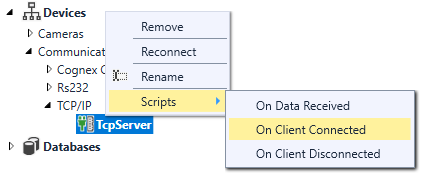
 | |
|---|---|
| Event | Description |
| Data Received | This event occurs when data is received on the TCP Server. |
| Client Connected | This event occurs when a new client establishes a connection. |
| Client Disconnected | This event occurs when a client disconnects from the server. |