Free Run and Auto Trigger Modes
The Free Run and Hardware Auto trigger modes do not require the Acquisition Edit Control to run in order to begin acquisition. Acquisition begins immediately if TriggerEnable=true, and will continue until 32 images are taken. After the buffer is full, an error message is generated, which is ignored by Designer. This results in 32 images waiting in the queue for the user. When the user presses the Run button, you will retrieve the oldest image from the application queue. Then another image is acquired, another error message is ignored, and then the acquisition stops again.
The behavior is the same with the Hardware Auto trigger mode, when the hardware signals are arriving on the camera's input pin.
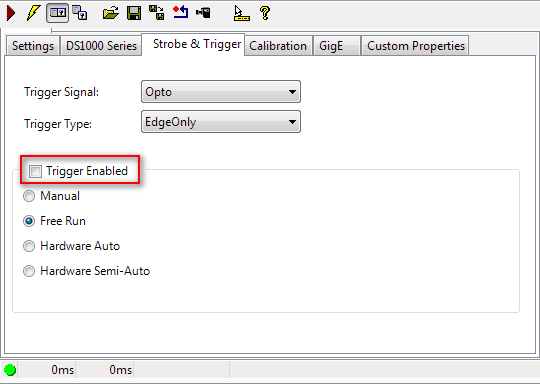
Figure 1: Disabling triggers in the Acquisition Edit Control.