Image File Device
The Image File device simulates a camera by using a single image, or a set of images in a folder.
- To add an Image File device, from the Project Explorer > Devices node, right-click Cameras, then select Add 'Image File' Device.
- Once the Image File device has been added, it can be used in a Task and configured. It will appear under the Devices node of the Task Toolbox.
|
|
|---|---|
| Control | Description |
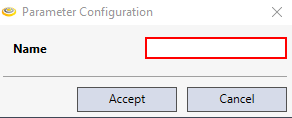
| Name | The name of the image file device. |