Using Tool Chains
Each of the Cognex Deep Learning Tools has a unique output. Tools can use the output of another tool as input, in what is referred to as tool chaining. In the image, a Blue Locate Tool has a node model A specific spatial arrangement of a set of features (Blue Locate and Blue Read tools only.) During a post-processing step, the Blue Locate and Blue Read tools can fit all of the features detected in an image to the models defined for the tool. The overall pose and identity of the model is then returned. made up of the three features (H, B, and T) which provides a location. This is similar to using a pattern tool in a traditional vision application to create a fixture.
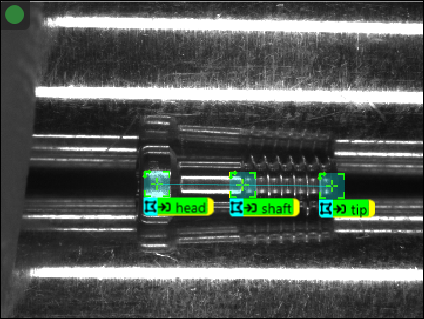
The Red Analyze Tool uses the location output by the Blue Locate Tool to orient and create the view A view of an image is a region of pixels in an image. Tool processing is limited to the pixels within the view. You can manually specify a view, or you can use the results of an upstream tool to generate a view., allowing the detection analysis to be performed in the same area of the image, based on the node model output by the Blue Locate tool.
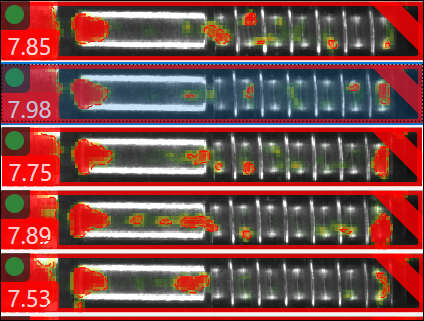
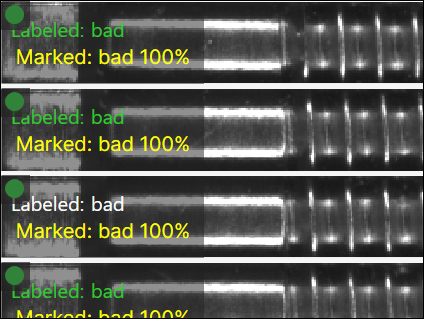
The Red Analyze Tool uses the Green Classify Tool to classify the output, based on the classification criteria established for the Green Classify Tool.