Add Multiple Tags in Green Classify Focused
Green Classify Focused mode supports multi-class classification (multiple tags) by disabling Exclusive checkbox. In non-exclusive mode, a view can belong to multiple classes (tags) and the classification results for each tag are produced accordingly. If you want to engage non-exclusive classification with a Green Classify Focused tool, you have to reset this tool (remove all markings and labels) and remove the trained model of the tool.
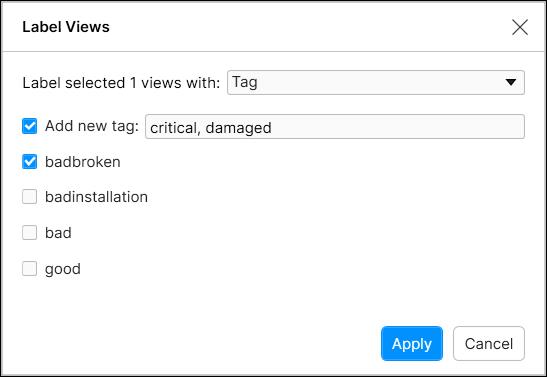
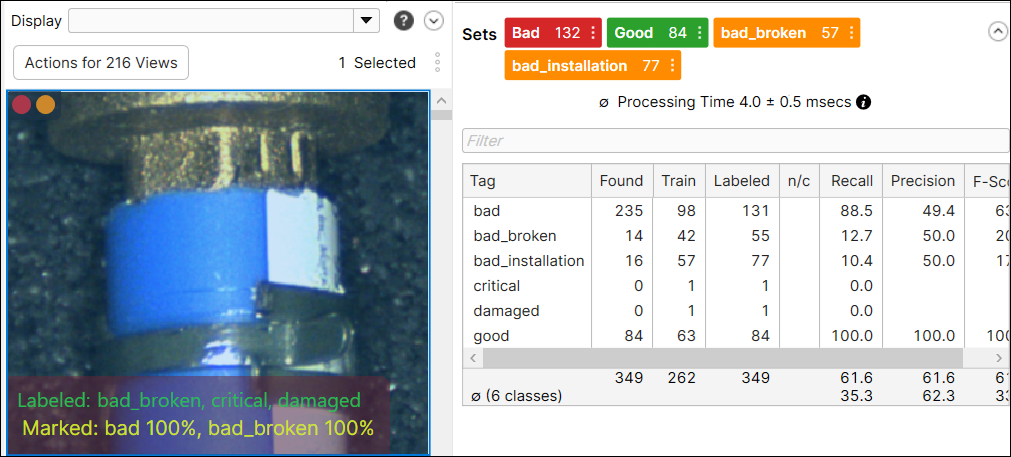
Activated non-exclusive mode by disabling Exclusive, you can put multiple tags for each view. Note that you can mix up new tags and tags that already existed. If your view was an already labeled one, all the previous tags will be removed and replaced by the new tags.