脚本块示例 – 红色分析
本主题包含示例代码,用于存储第一个缺陷区域的中心。
要运行下面使用“标签”的示例代码,请转到项目资源管理器 - 标签管理器先添加标签。
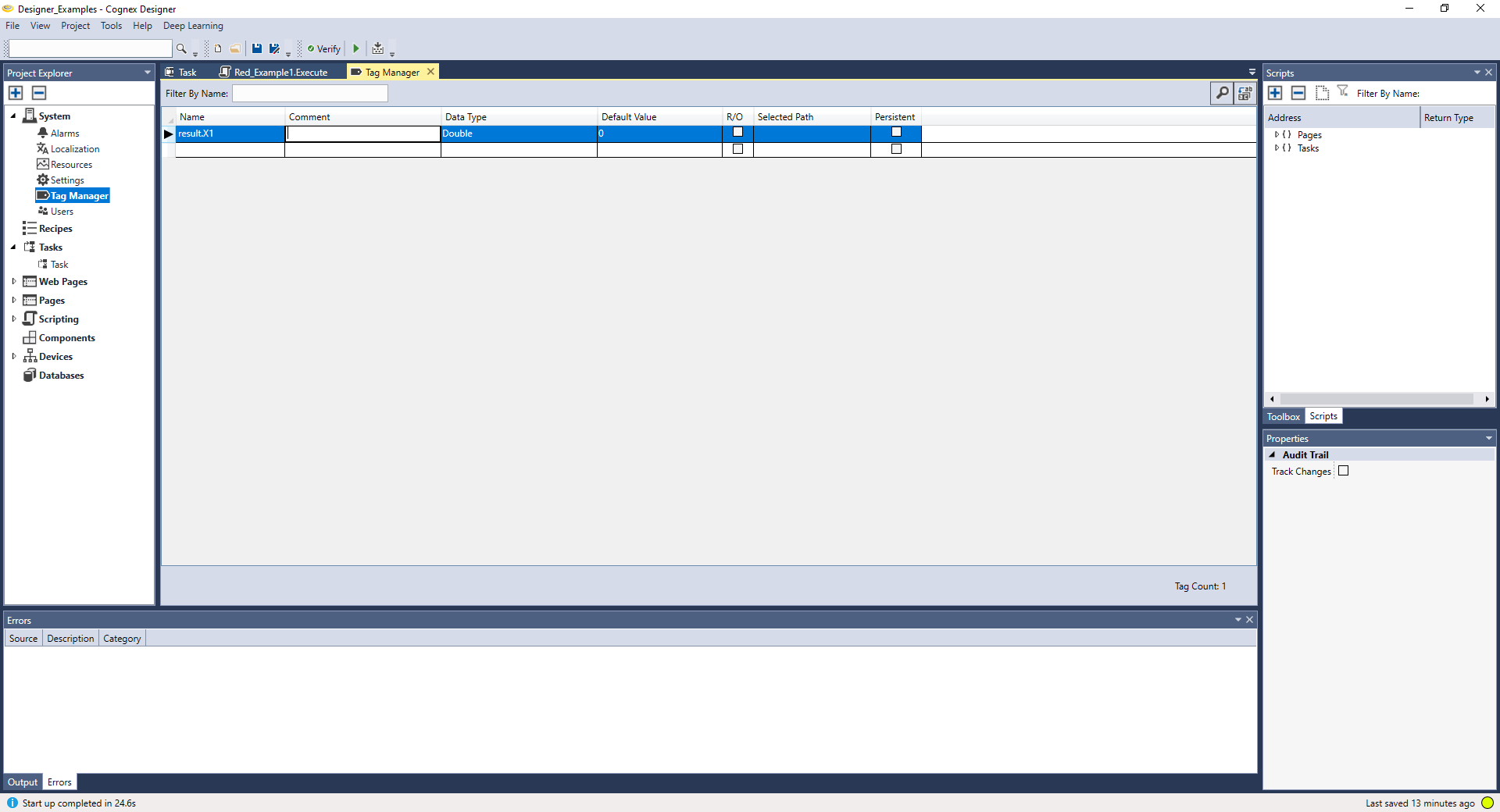
然后,编写示例代码并运行脚本。
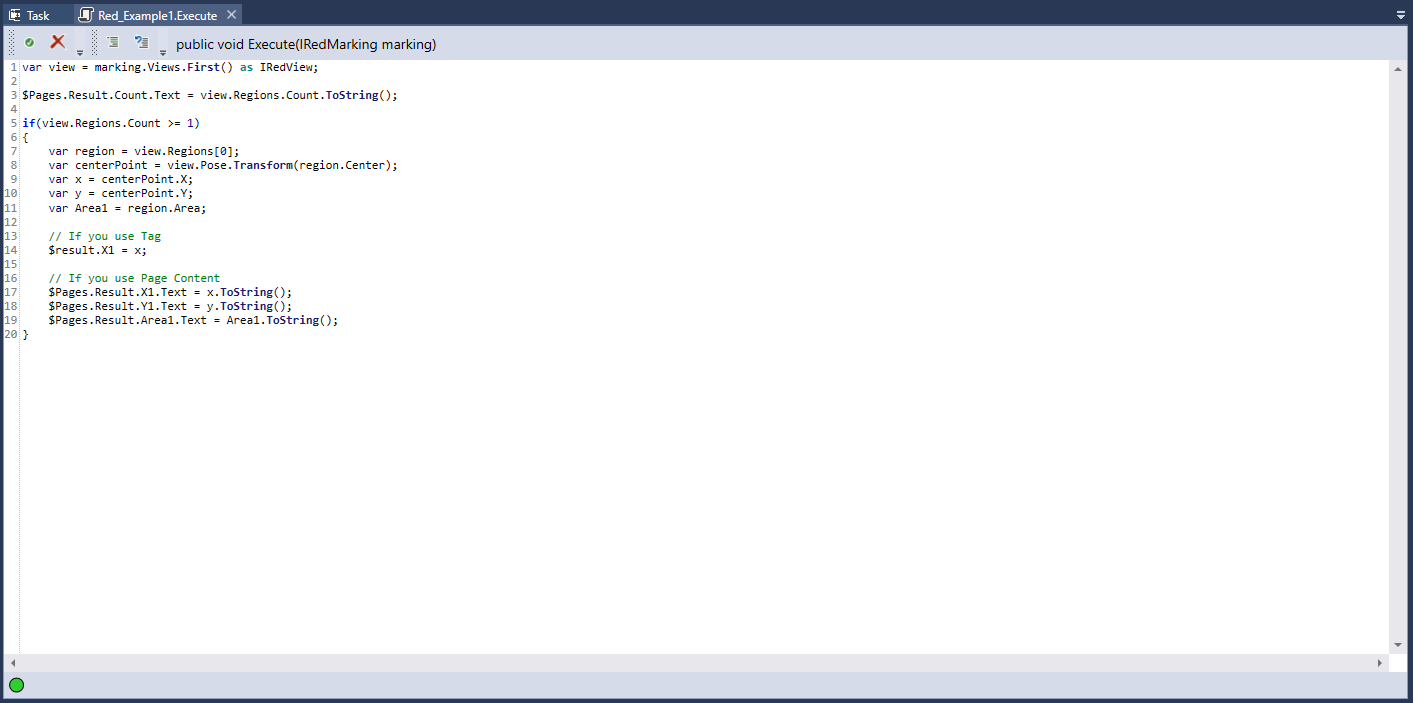
var view = marking.Views.First() as IRedView;
//Returning the number of markings:
$Pages.Result.Count.Text = view.Regions.Count.ToString();
if(view.Regions.Count >= 1)
{
//Choosing the region:
var region = view.Regions[0];
//Return the center-point (X, Y) of the region:
var centerPoint = view.Pose.Transform(region.Center);
var x = centerPoint.X;
var y = centerPoint.Y;
//Return the area of the region:
var Area1 = region.Area;
// If you use Tag
//Write the variables to the tags:
$result.X1 = x;
// If you use Page Content
$Pages.Result.X1.Text = x.ToString();
$Pages.Result.Y1.Text = y.ToString();
$Pages.Result.Area1.Text = Area1.ToString();
}
这是红色分析的另一个示例脚本。如果您的脚本代码不使用任何标签,请右键单击脚本块,然后单击重新配置脚本 I/O 运行以下示例。这将打开脚本定义编辑器窗口,在此将返回类型设置为字符串。
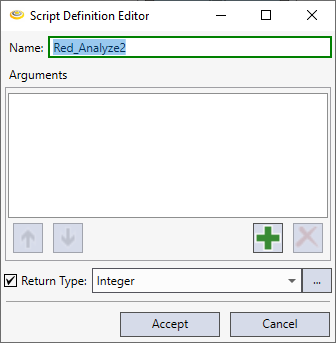
然后,编写示例代码并运行脚本。
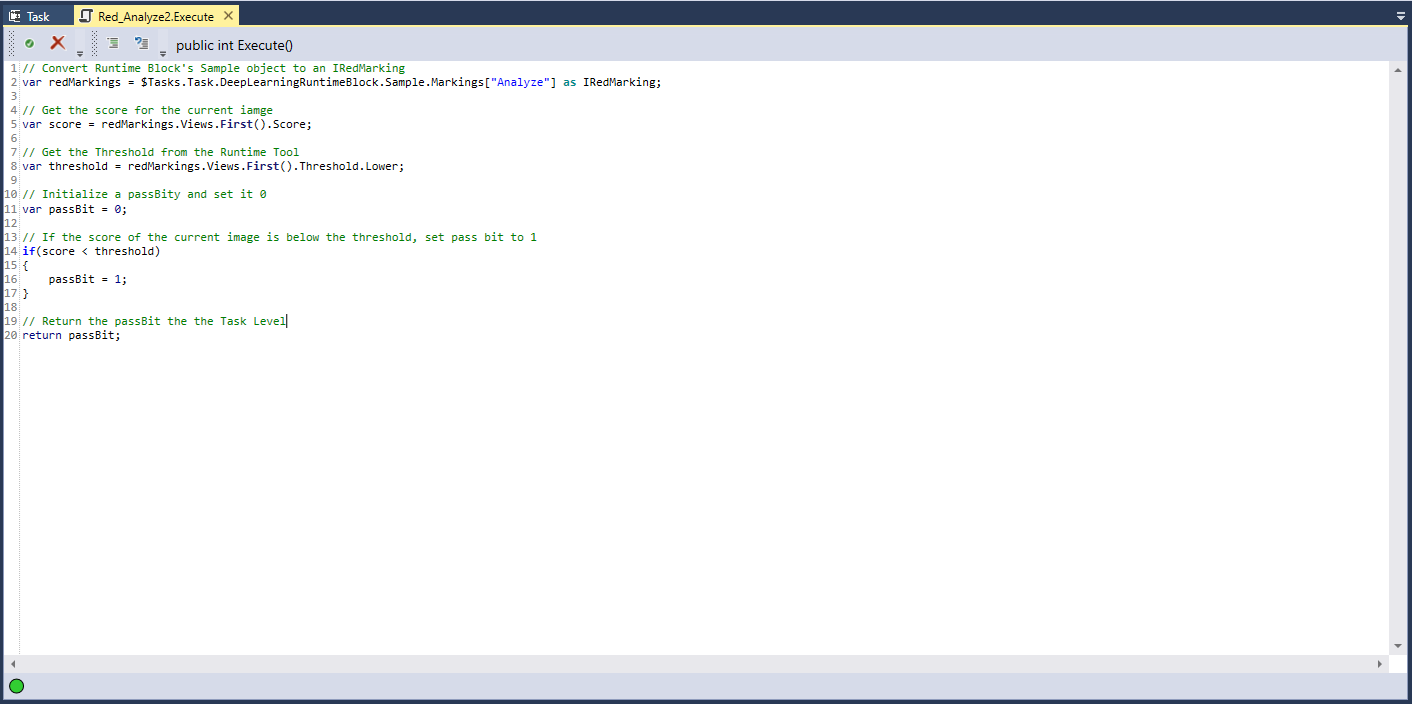
Example Codes 2
//Convert Runtime Block's Sample object to an IRedMarking.
var redMarkings = $Tasks.Task.DeepLearningRuntimeBlock.Sample.Markings["Analyze"] as IRedMarking;
//Get the score for the current image.
var score = redMarkings.Views.First().Score;
//Get the Threshold from the Runtime Tool.
var threshold = redMarkings.Views.First().Threshold.Lower;
//Intialize a passBit and set it 0.
var passBit = 0;
//If the score of the current image is below the threshold, set pass bit to 1.
if (score < threshold)
{
passBit = 1;
}
//Return the passBit to the Task Level.
return passBit;
红色分析高细节支持整幅图像处理
VisionPro Deep Learning 3.0 中采用的整幅图像处理也在Designer中得到支持。如果您的 Deep Learning 运行时块是红色分析高细节工具,则可以选中整幅图像处理复选框。
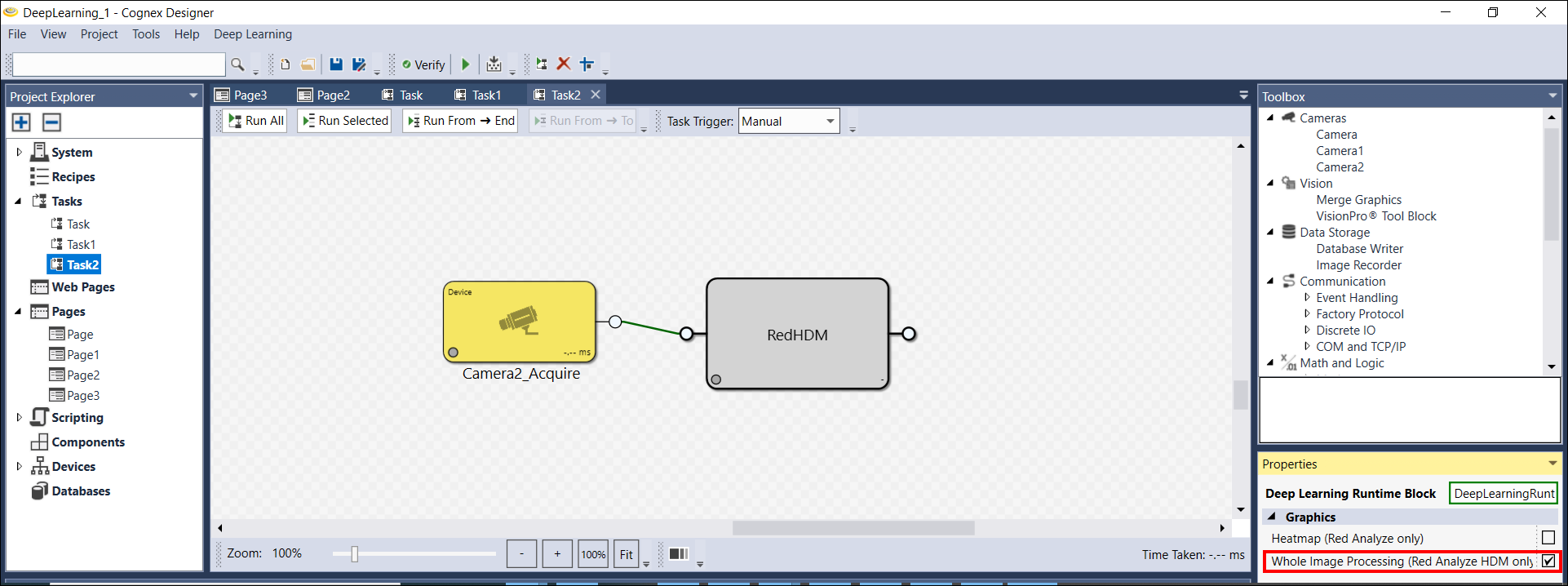
如果选中此复选框,则红色分析高细节工具会以整体方式处理每个图像。有关详细信息,请参阅配置处理参数。