View Inspector
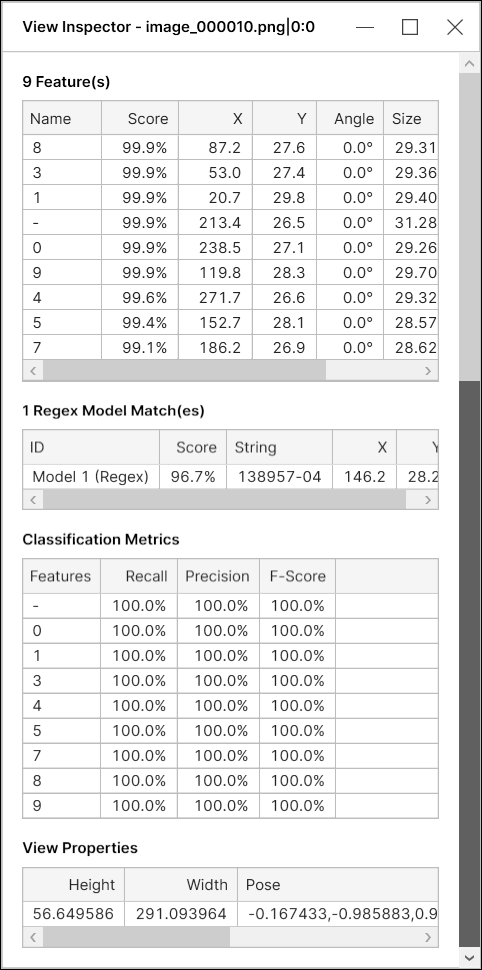
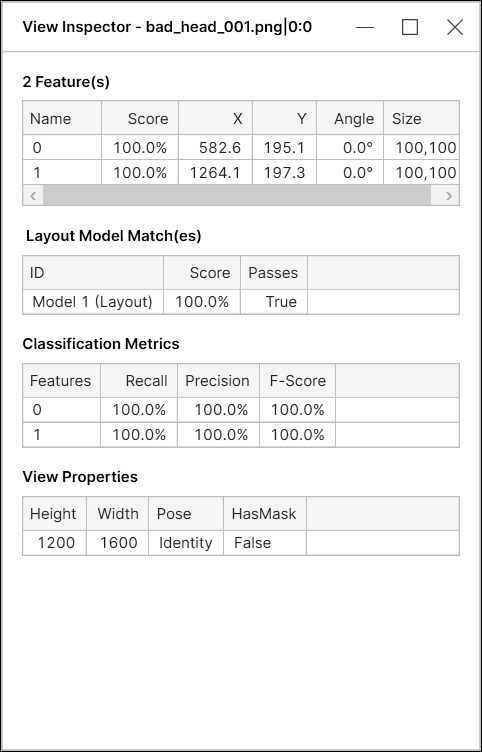
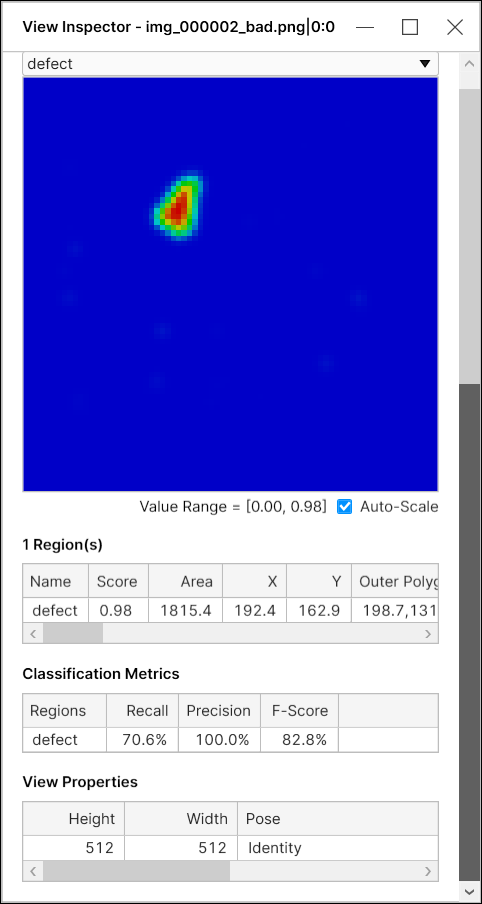
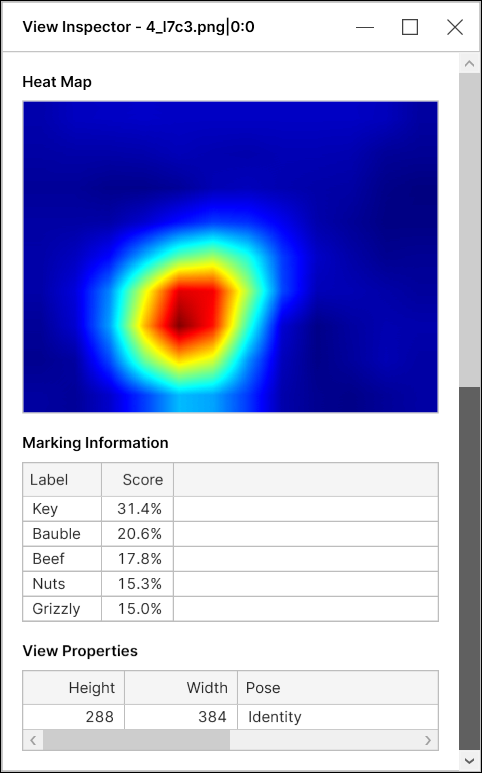
The View Inspector is used to generate data about the currently selected View, providing a GUI for Markings. This data can be used to graphically illustrate how features are being found by a Blue Locate tool, for example, or how a Red Analyze tool is generating heat maps of defects.
To use the View Inspector, select a view from the View Browser, and select Show Inspector (alternatively, you can use the shortcut keys Ctrl + I after selecting a view).

| Blue Read Tool |
|---|
|
|
| Blue Locate Tool |
|
|
| Red Analyze Tool |
|
|
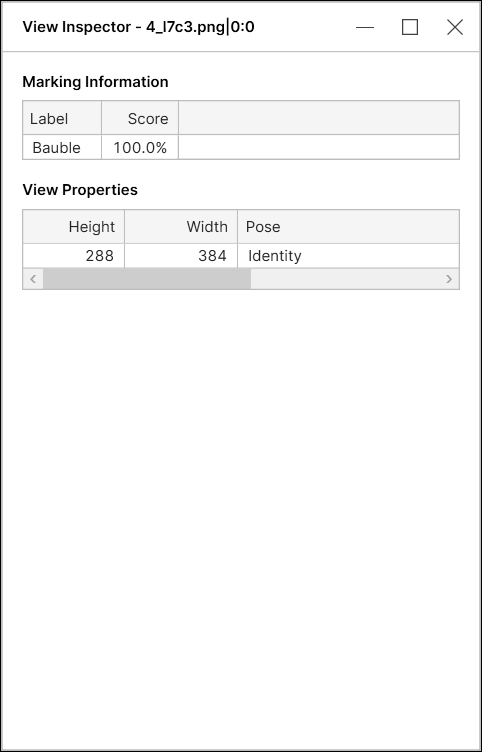
| Green Classify Focused |
|
|
| Green Classify High Detail & High Detail Quick |
|