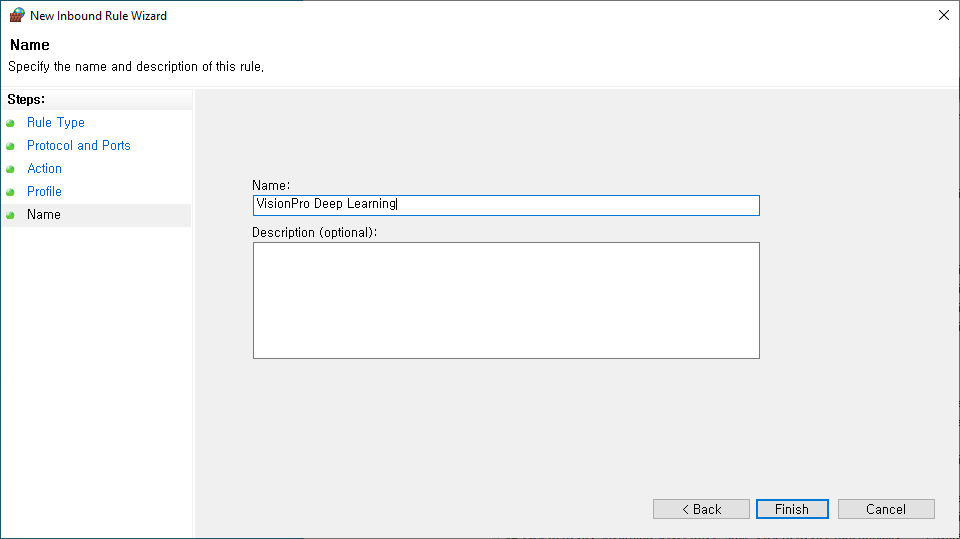
Server VisionPro Deep Learning Service with Firewall
If you can not access to the server due to the Firewall, please follow this guide.
- Open Widows Defender Firewall with Advanced Security.
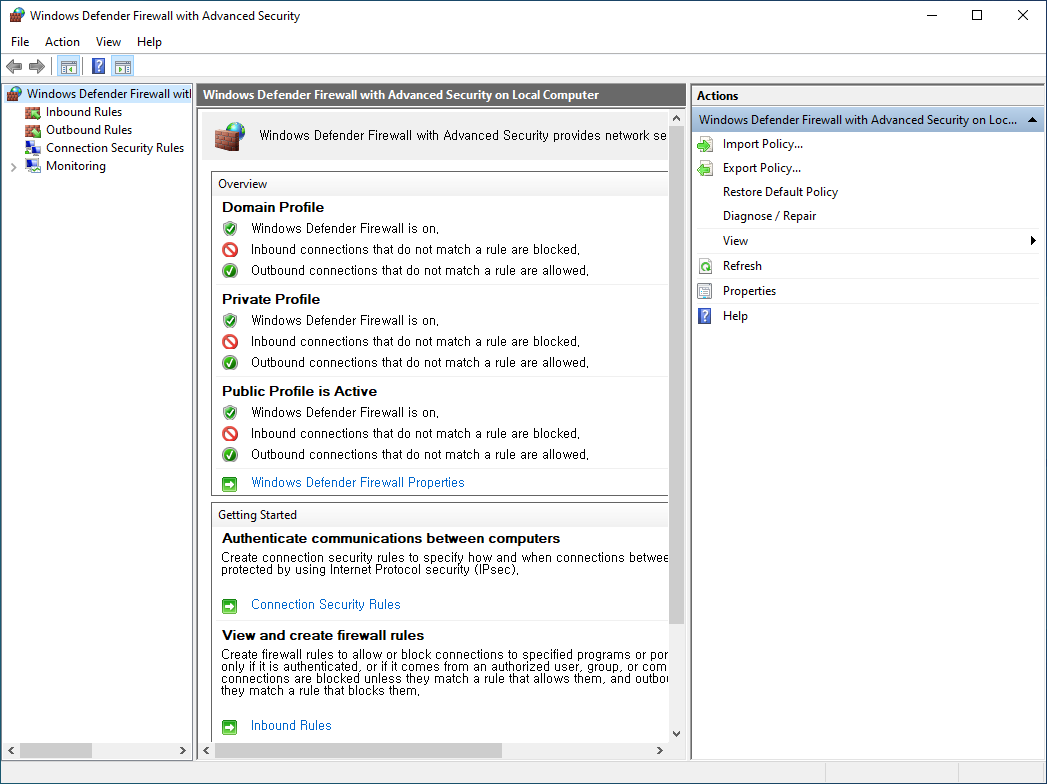
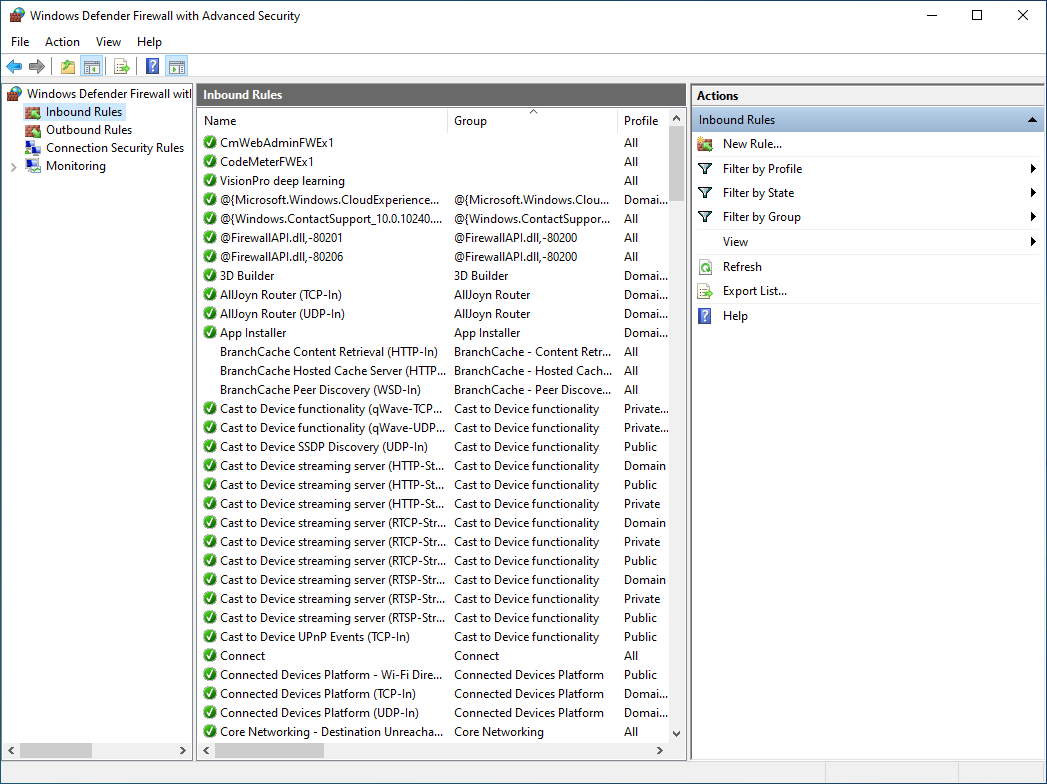
- Select Inbound Rules and select New Rule.
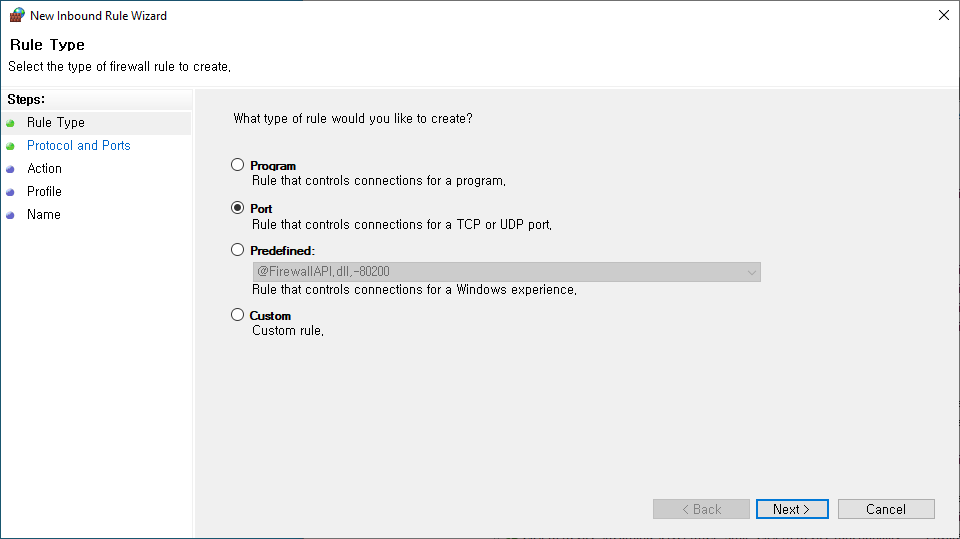
- Choose Port and click next.
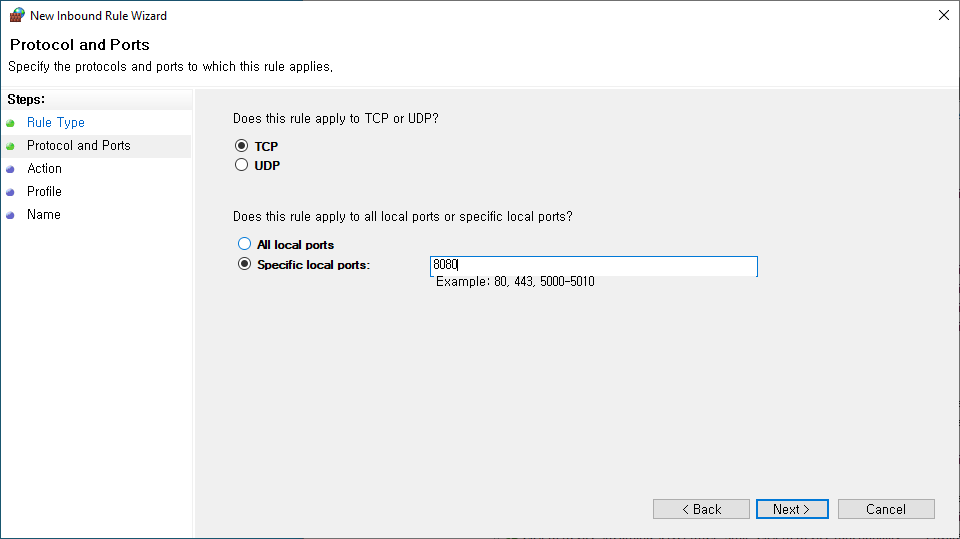
- Input 8080 in the Specific local ports and go next.
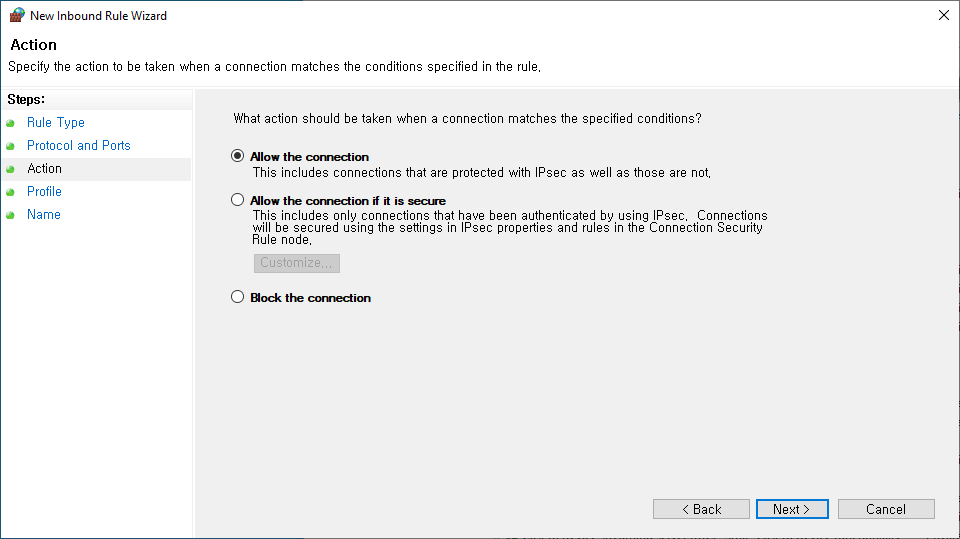
- Select Allow the connection.
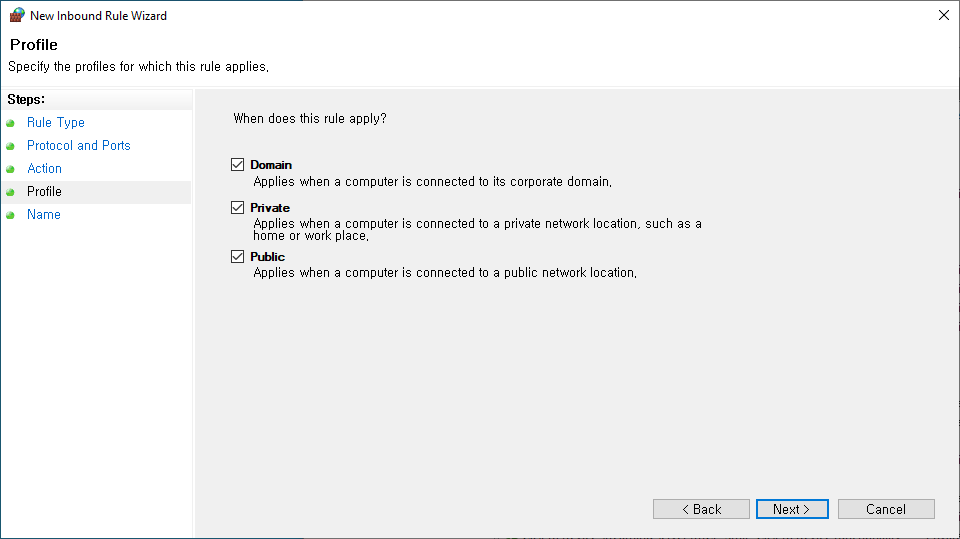
- Select "Domain", "Private" and "Public" and click the next button.
- Fill in the Name box and click the finish button.