Resizing – Preview Dialog
Resizing Preview Dialog is for checking how the views are resized before training.
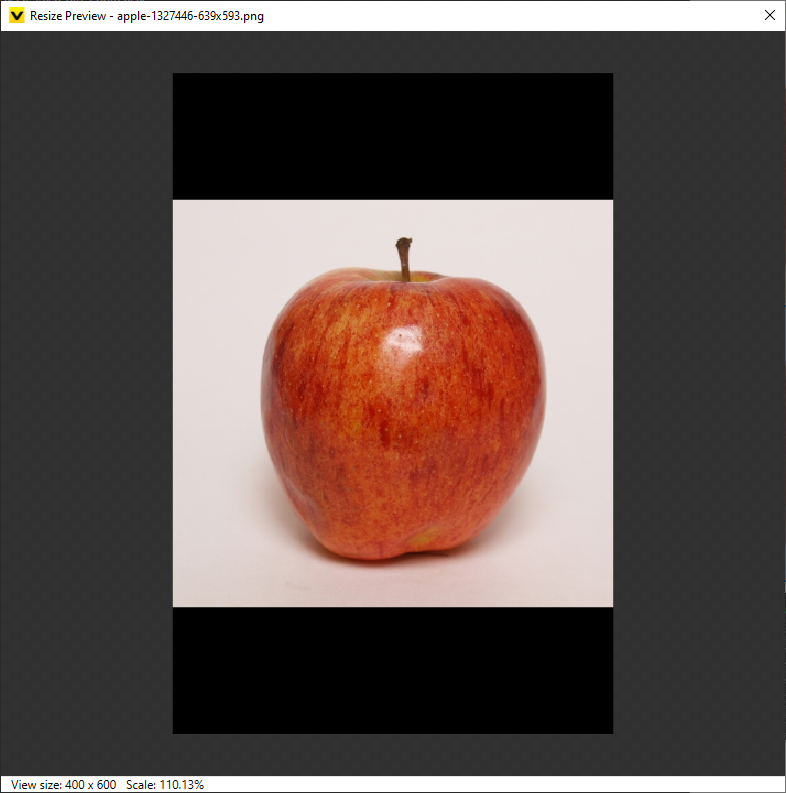
The representation in viewer is like below.
- The dialog shows the view that you were looking in image display area. It is shown in the resized size and resolution.
- The zero-padded area is displayed with black color.
- You can zoom in and out the view with scrolling to check the details. The scale of view is shown at the bottom.