Blue Locate Tool – Labels and Marking Legend
This topic provides an overview of the feature label graphic, as well as the states of the labels and markings used by the Blue Locate tool.
|
Note:
|
|
| Graphic | Description |
|
1 |
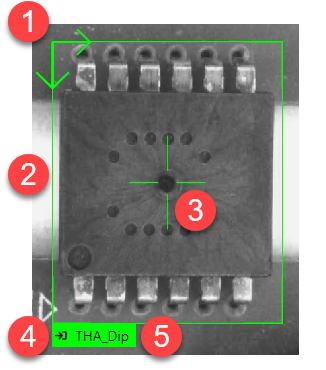
Indicates the orientation of the feature graphic. The Oriented checkbox must be enabled to be able to change the orientation of the feature graphic. When the display is switched to a circular feature graphic, the orientation is indicated in the middle of the circular graphic. |
|
2 |
The bounds of the feature. |
|
3 |
The center of the feature. |
|
4 |
Along with the color, indicates the state of the feature graphic. |
|
5 |
The 140 character name of the feature graphic. |
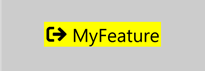
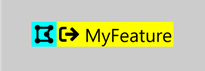
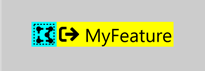
| Feature Not in a Model | Feature in a Model | Feature Assumed to be in a Model | |
|---|---|---|---|
|
Label |
|
|
|
|
Marking |
|
|
|
| Mismatched Marking |
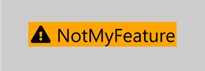
|
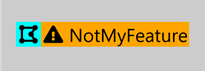
|
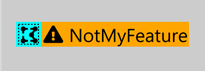
|
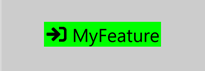
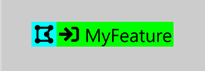
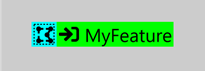
| Neither in a model | Both in a model | Only the label is in a model | Only the marking is in a model | Only the marking is assumed to be in a model | Label is in a model and the marking is assumed to be in a model | |
|---|---|---|---|---|---|---|
|
Label covering a marking |
|
|
|
|
|
|
|
Label with a mismatched marking |
|
|
|
|
|
|
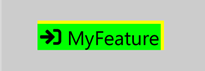
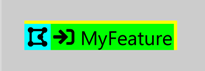
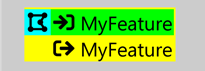
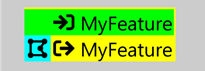
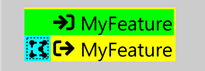
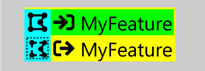
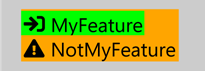
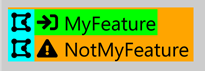
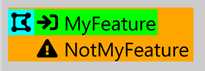
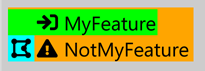
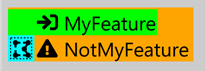
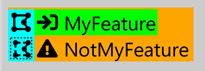
| Unselected | Selected | In a model | Assumed to be in a model | |
|---|---|---|---|---|
|
Label feature graphic |
|
|
|
|
|
Marking feature graphic |
|
|
|
|
|
Mismatched marking feature graphic |

|

|

|

|