Parts
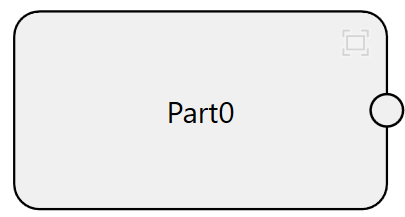
Part is used to specify which part rests on which stage or platform. Part component has no corresponding task, nor needs any further configuration in the generated project. It only provides necessary for pose computation in alignment task.
Add
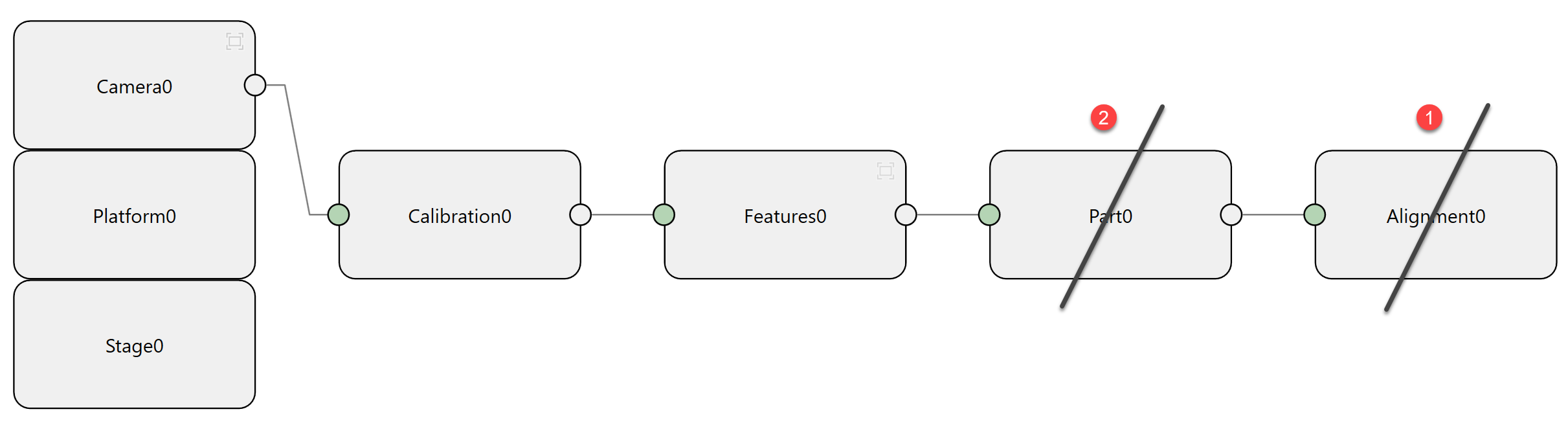
Click Add Part to add a part component.
Connect
Connect it with one finder component on the left side.
Set
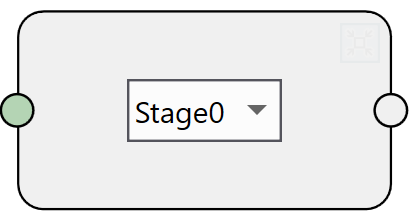
Open the dialog box, and select the device where the part (whose features are found by the connected finder) rests on according to real situation.
Delete
If the part component is connected to an alignment component, delete the alignment first, then delete the part.