Alignment System
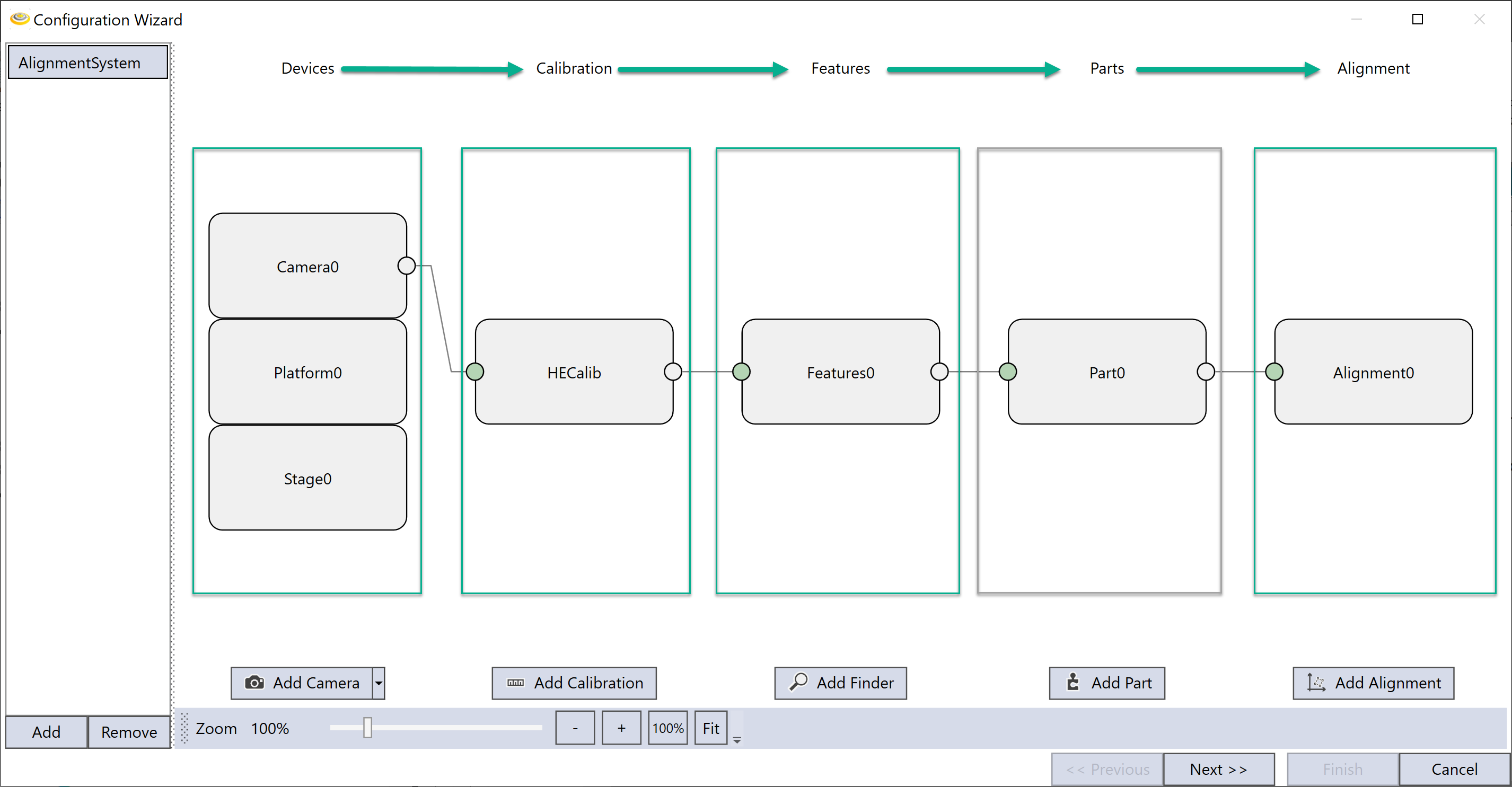
An alignment system is a system that communicates or controls related hardware (such as camera, lights, motion devices), runs vision tasks, and computes results to guide motion devices to achieve alignment/assembly goals. One alignment system manages five type of components: Devices, Calibrations, Feature Finders, Parts, and Alignments. Each type could have multiple components depending on the application.
Devices are used to acquire images, communicate with motion devices and control lights. Calibrations calibrate images acquired from the corresponding cameras; Feature finders locate features on calibrated images; Parts specify which part rests on which station; Alignments compute target poses for motion devices based on found features. Each component takes inputs from the components (except Devices) on the left side and produces outputs for components (except Alignments) on the right side. During the wizard configuration, configure from left to right so that each component receives its proper inputs.
Add
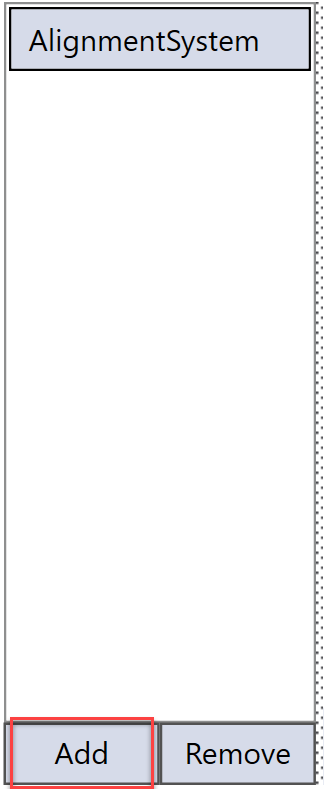
By default, the Configuration Wizard generates only one alignment system named "AlignmentSytem". However, it allows user to add more alignment systems. After the application is generated, each alignment system will run independently without interfering with the others. To add one, click "Add" button at the lower left corner of set up wizard window.
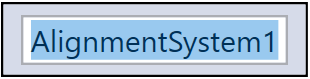
To rename the added system, double-click it to enter edit mode and input the new name (only numbers and alphabetic characters are allowed). Once it is done, hit "Enter" key to confirm.
Remove
To remove an alignment system, select it from the list and then click "Remove" button. Note that there should be at least one alignment system remains.