Camera Center Parameters
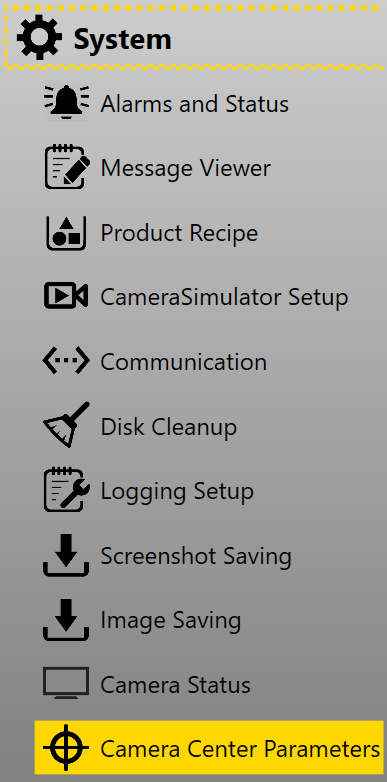
In alignment applications, customers sometimes want to use camera centers as part features in when establishing the golden pose for the part to keep golden pose consistent during model change (For more information about using camera center as golden pose, please refer to Golden Pose. This can be done by setting Camera Center Parameters page which is located under System category in Setup mode of the generated application.
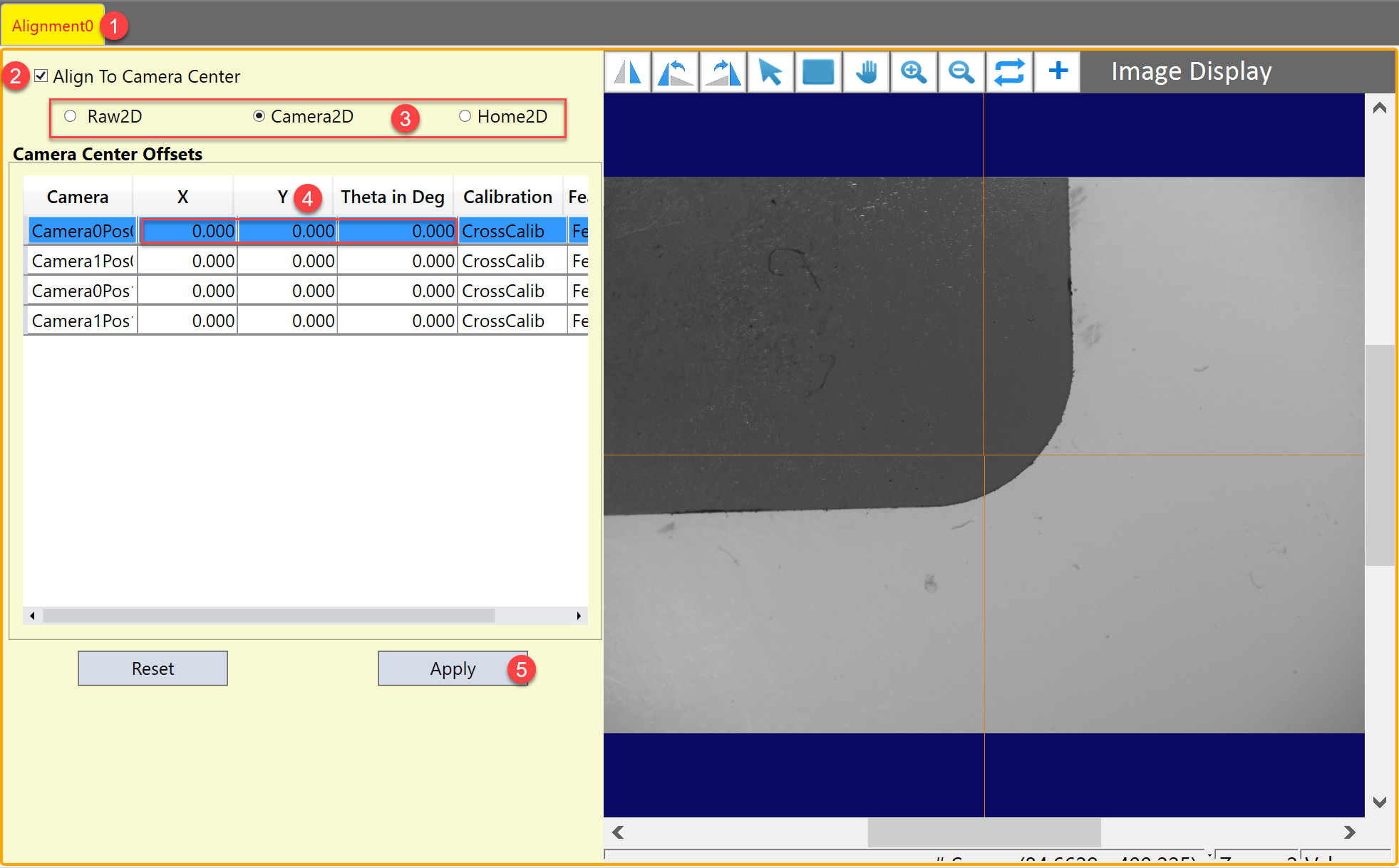
The setting page consists of two areas: offset setting and image display. Offset setting allows users to input offsets(x, y, ϴ) to each camera center at each camera acquisition position, and save these offset camera centers in Home2D space as feature locations of the part in the golden pose. Image display shows the corresponding image at selected acquisition position and marks its offset camera center using a yellow cross graphic.
Here are the steps to set up:
-
Select the alignment task which needs to use camera centers as golden pose
-
Enable "Align To Camera Center"
-
Select the space to input offsets
This function supports offset inputs in the any of the following three spaces, the user can choose one that is convenient to measure.
Space Origin Unit Raw2D Upper-left corner of the image pixel Camera2D Center of the camera mm Home2D Origin of Stage2D mm -
Input offsets for each camera
The cross mark on image display will automatically change upon user's offset inputs.
-
Click "Apply" to confirm
Regardless the input space of the offsets, when "Apply" button is clicked, this function will convert these offsets into Home2D values and generate the feature locations at golden pose for the alignment task. The user does not need to run train time command to retrain the golden pose after this change.
-
Save alignment recipe
The golden pose generated from offset camera centers will be saved in a separate data without overwriting original trained features. Therefore, user can switch between using train time features or offset camera centers as golden pose when needed without retrain.