Screenshot Saving
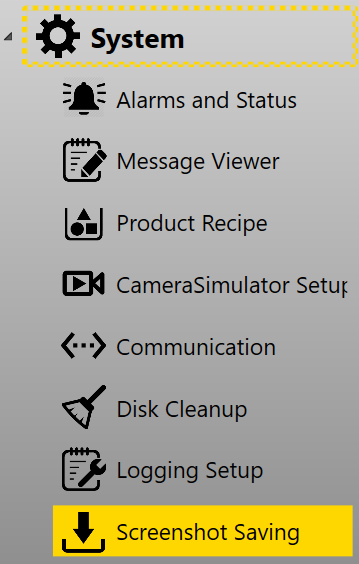
Screenshot saving page configures the settings for screenshot images. It can be found in System category in setup mode.
Settings
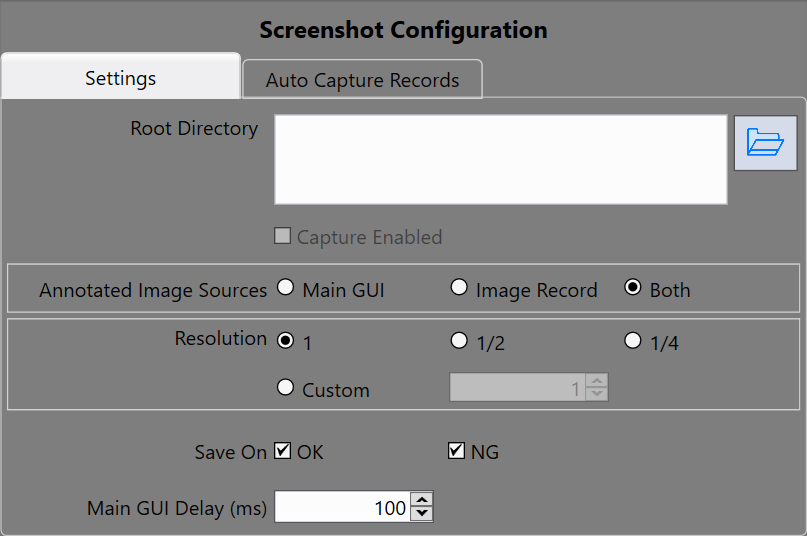
The Settings tab configures the resolution of screen shot images, whether to save GUI or not, etc.
| Item | Description |
|---|---|
| Root Directory | The root directory for all screenshot images to save |
| Capture enabled | Obsolete |
| Annotated Image Sources |
Main GUI: The screen shot of main GUI will be saved Image Record: The run time images together with result graphics will be saved Both: Both screen shot of main GUI and images with result graphics will be saved |
| Resolution |
1: Save images at its original resolution 1/2: Save images at its half resolution 1/4: Save one quarter the size of original resolution Custom: Use customized size to save image |
| Save On |
OK: Save OK images NG: Save NG images When they are both checked on, the program will save both OK and NG images |
| Main GUI Delay(ms) | Add delay time for main GUI screen shot to make sure all image displays have been updated before being captured |
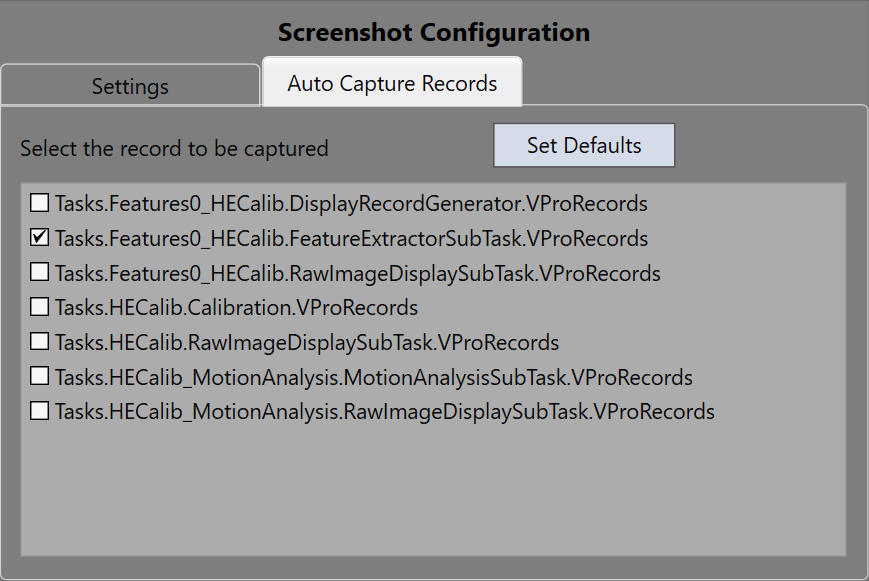
Auto Capture Records
This tab configures which result images to save. For most cases, only feature finder tasks' FeatureExtractorSubTasks need to be saved as they have the run time image results. The list below may be a bit complicated for you to choose, however, you can set it in Image Saving instead as Image Saving has clearer description about what screenshot images to save.