Advanced Sensor Settings Overview
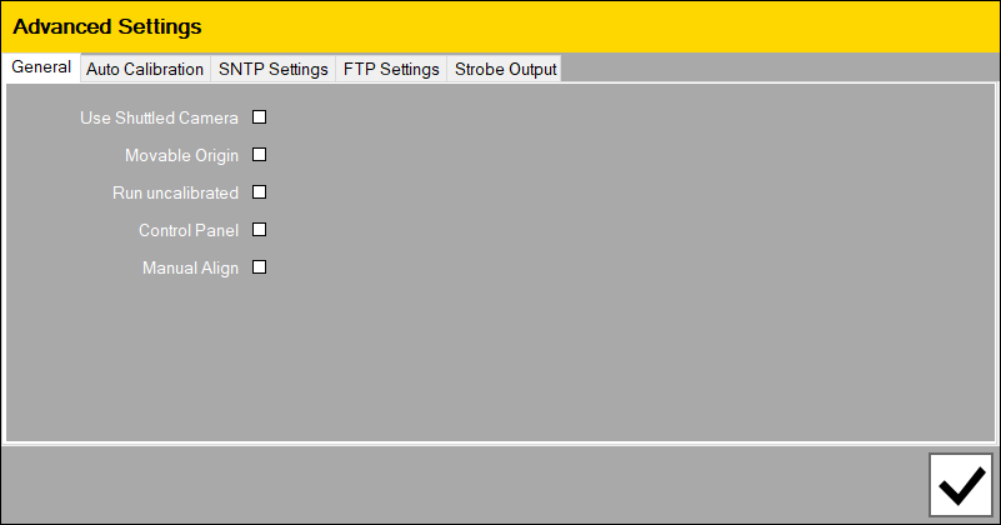
General:
- Use a Shuttled Camera in your sensor
- Change the origin of your feature with Movable Origin
- Allow your sensor to run uncalibrated
- Enable the Control Panel to connect to a robot controller and control robot movements
- Enable option to use manual Alignment
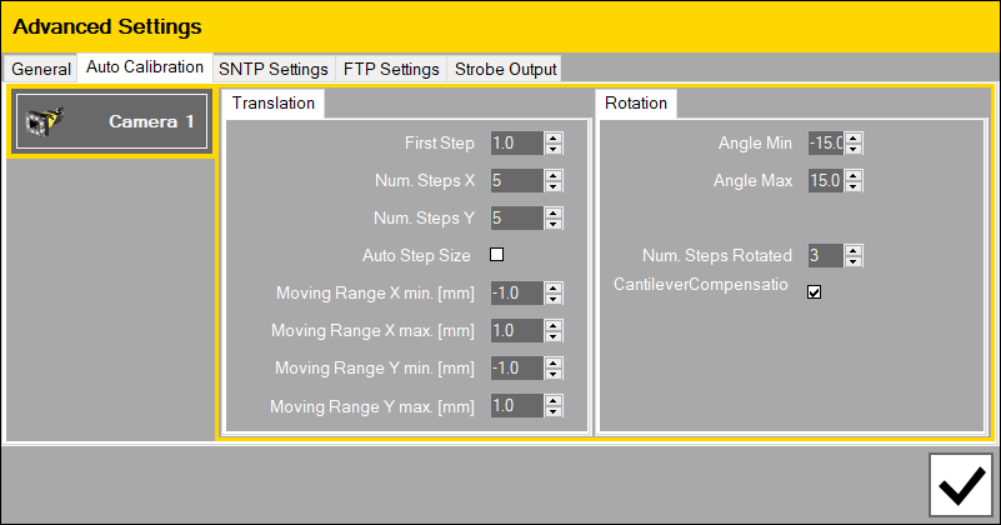
Auto Calibration:
Adjust the setting of Auto calibration to determine how the sensor moves in translation and rotation. In most cases, you can use the default settings for your applications.
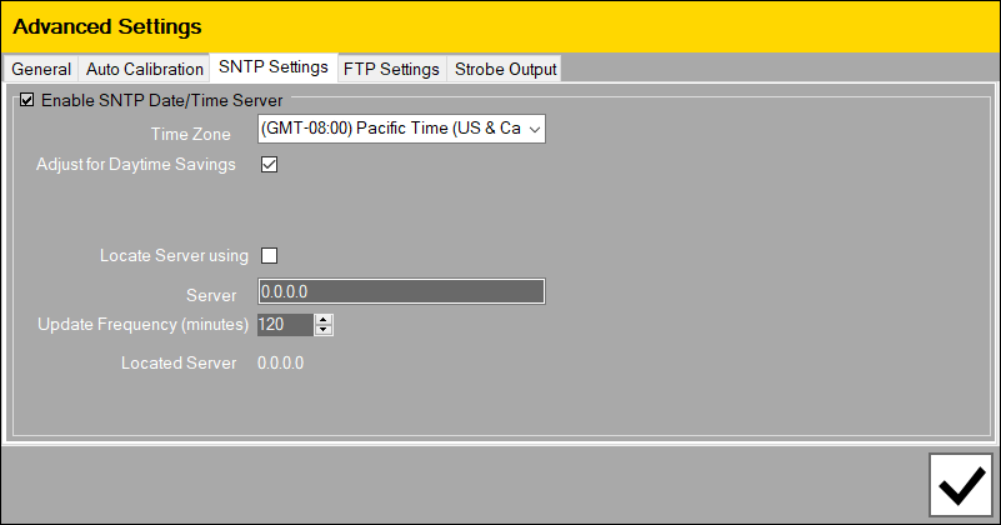
SNTP Settings:
Set date/time and/or locate SNTP Server to sync to a remote server, which maintains reliably updated date and time information.
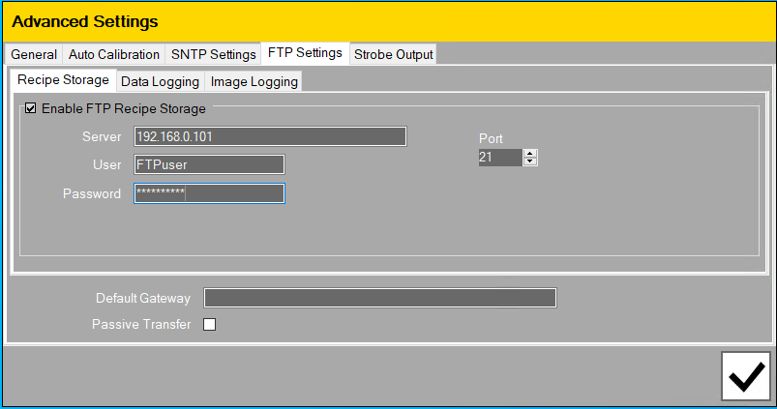
FTP Settings:
Use FTP to set where to store:
- Recipes: file saved to <sensor name>\Recipes\<camera
- Data Logging: file saved to <sensor name>\Logging\<camera IP address>\<recipe name>\
- Image Logging: images saved to <sensor name>\Logging\<camera IP address>\<recipe name>\Log
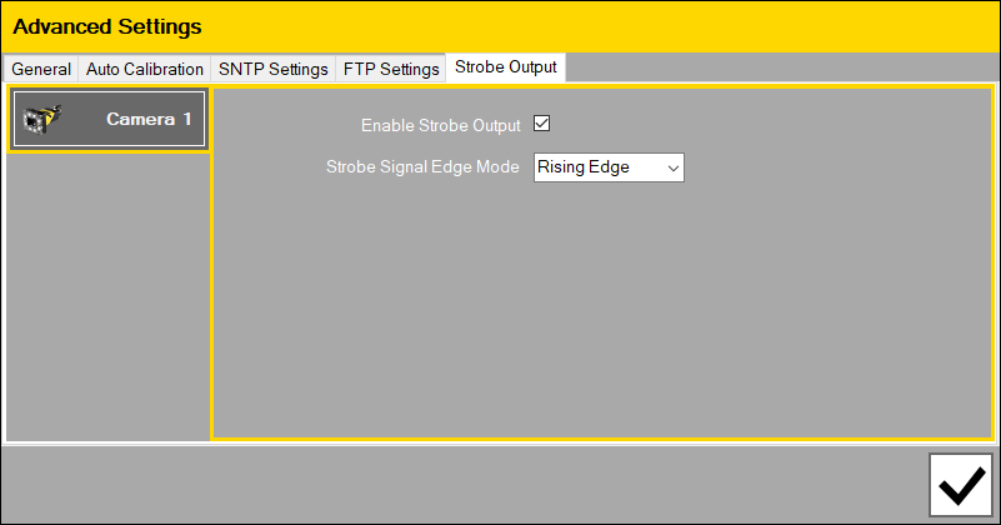
Strobe Output:
Enable/disable strobe output and set the Mode of the strobe signal.