Main Elements of the User Interface
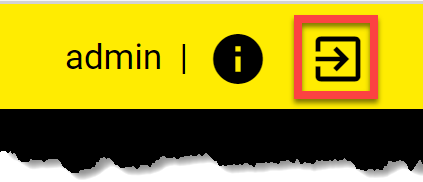
The yellow top ribbon appears on all pages, and provides the following features:
Main menu: Click on the Menu icon in the upper left corner to open the navigation pane. Use the tree to navigate between the available apps and their pages.

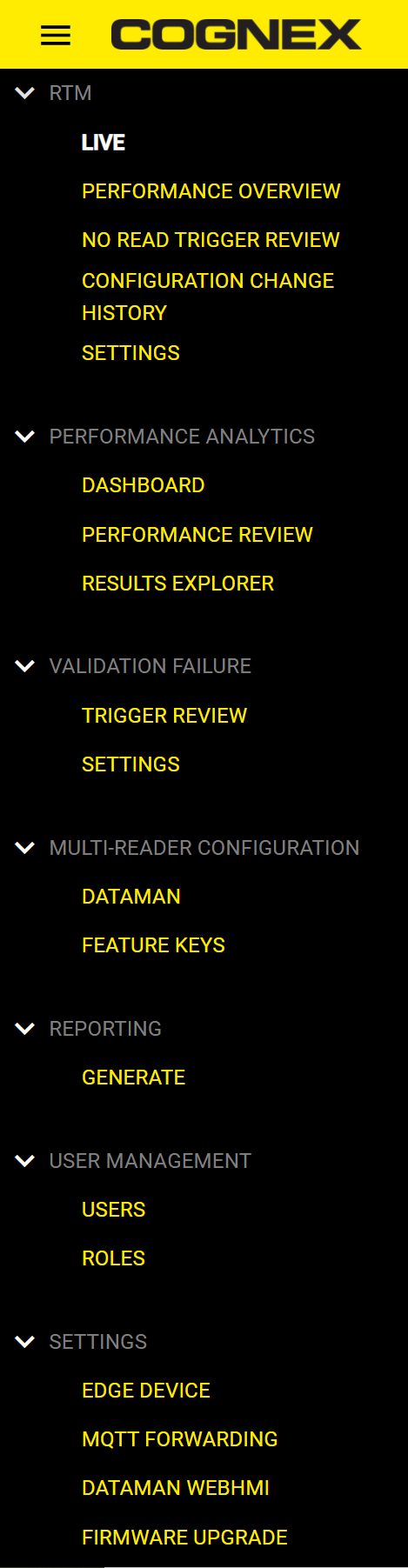
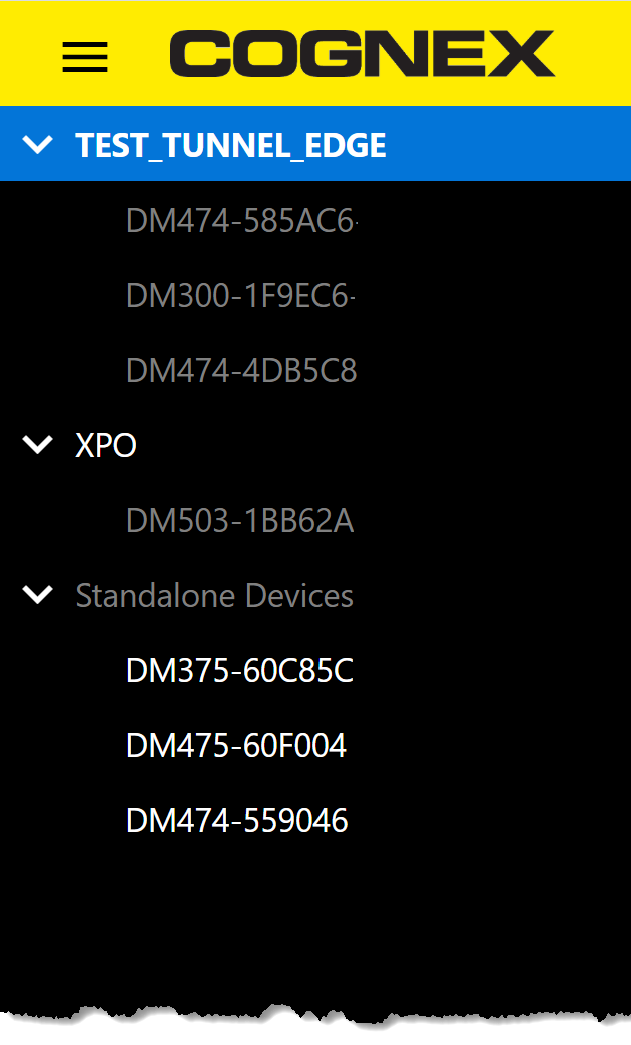
The device tree shows you what devices, readers, and reader groups are on the network. Click on the group or standalone reader to view the live data collected from it. IDs of the individual readers within a group appear grey, but the individual readers can not collect data separately within a group. The bottom of the pane displays information about the selected group and the date and time.
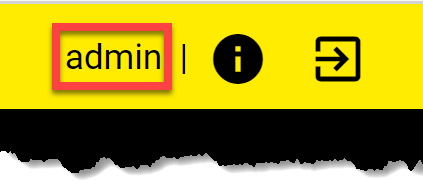
The ribbon displays the type of the user signed in.
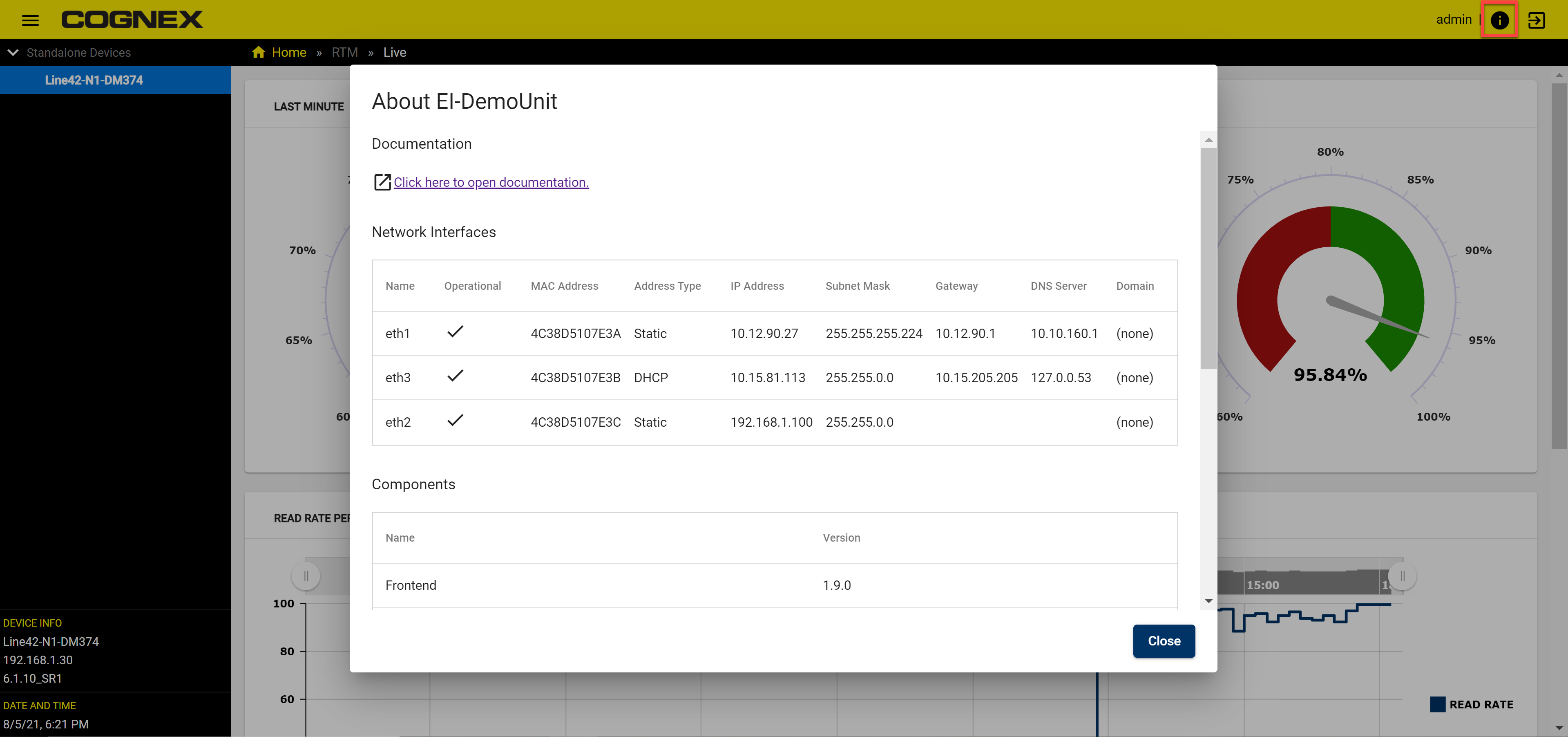
To reach the Documentation of Edge Intelligence, Network Interfaces, and Components, click the i (info) icon to open theAbout section pop-up window.
The Log out button is in the upper right corner: