Configuration Change History
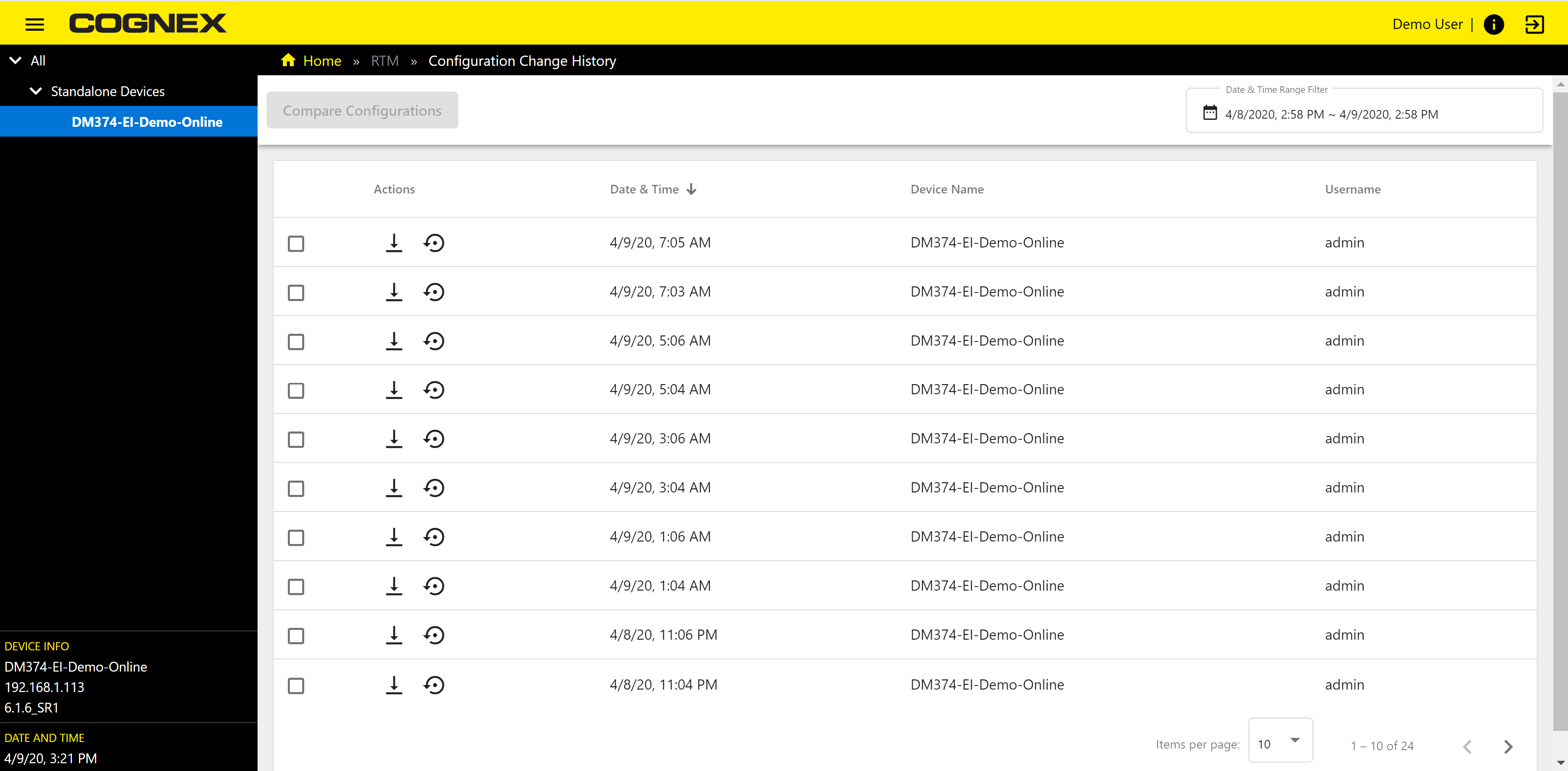
The Configuration Change History page tracks changes made to the configuration of all connected readers and shows changes in a customized fashion. The window displays the Device tree with available grouped and standalone readers. The page automatically links configurations with the respective usernames.
Configuration Change Actions
|
|
|
|---|---|
| Icon | Action |

|
Selected checkbox |

|
Download Configuration File |

|
Restore Configuration |
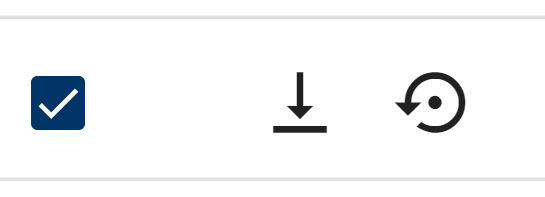
- Click the checkbox from the list in the left side of the rows to select a configuration.
- Click the Download Configuration File to download the selected Configuration files.
- Click Restore Configuration to revert to a previous configuration.
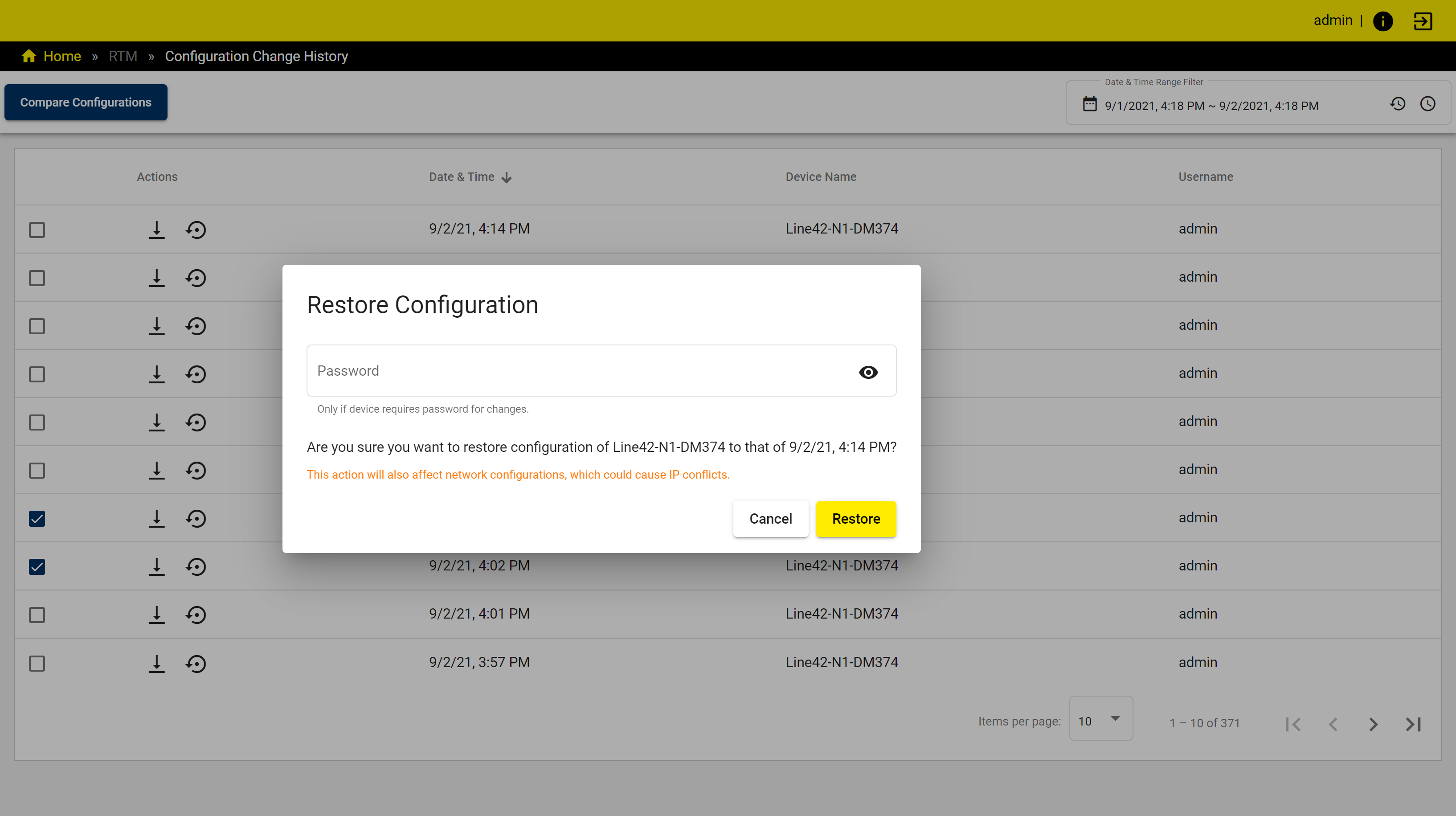
After clicking Restore Configuration enter your password and click Restore to revert configuration. Click Cancel to leave the popup window without restoring the selected configuration.
Dashboard overview:
| Item | Description |
|---|---|
| Compare Configurations button | Select 2 checkbox to enable the button. Click the button to see configuration changes in a pop-up window.For more information see |
| Date & Time Range Filter | Use the time range to define a period of time from which performance data is collected for the charts. For more information see Date & Time Range Filter |
| Configuration tables | List of readers and groups available for comparison. |
| Column Name | Description | Display |
|
Date and time |
Date and time of the configuration change. |
|
|
Device name |
Name of the reader on the network. | |
|
Username |
Name and type of the user who made the configuration change. |