Device Display Controls
Select an item from the trigger list to display the corresponding filmstrip, and select an image from the filmstrip to display in the window. Use the icons directly below the selected image to rotate, reset rotation, zoom in or out or to original size, center, reset all settings, or download.
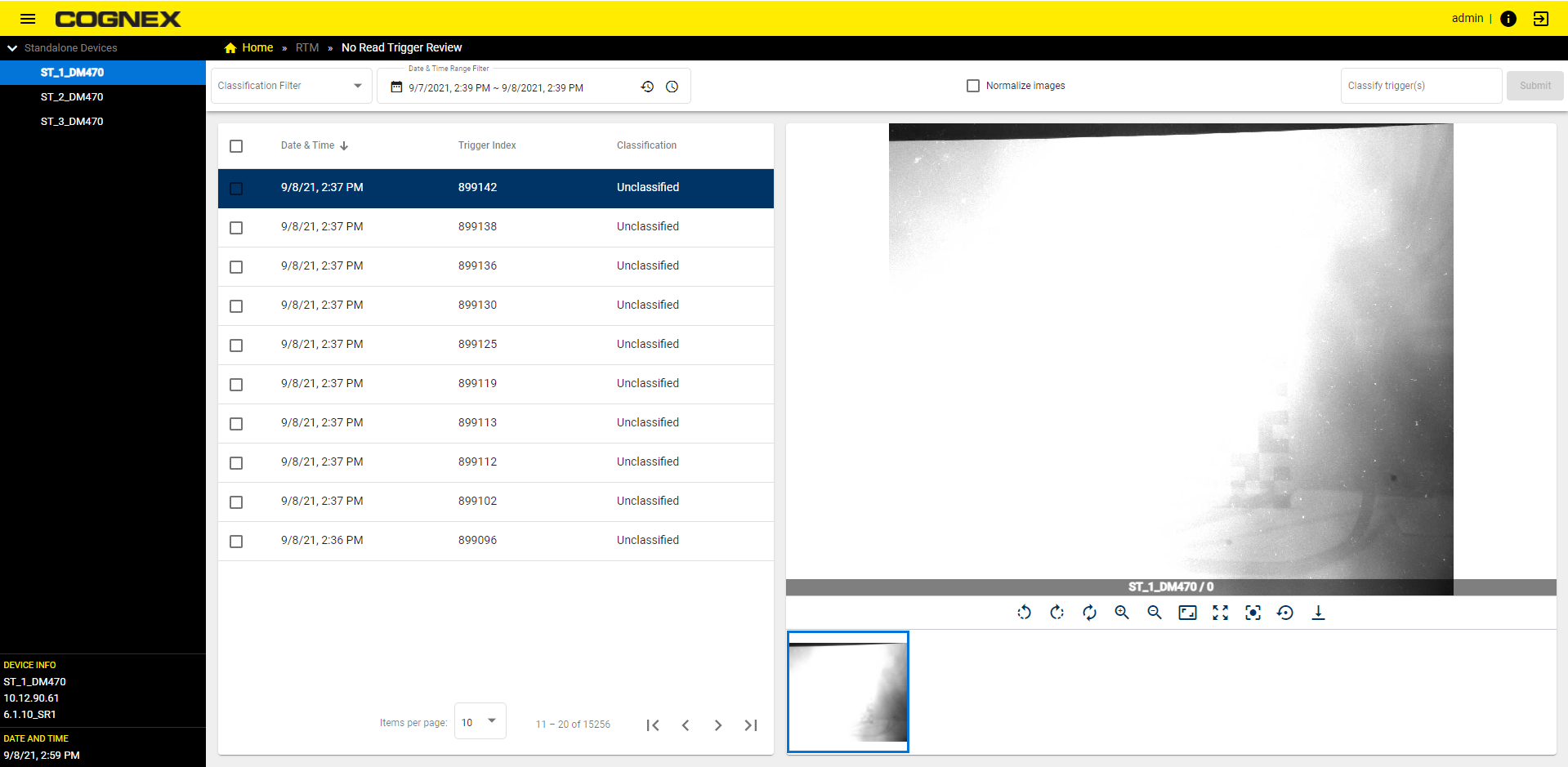
Device Display Control Icons:
|
|
|
|---|---|
| Icon | Action |
|
|
Rotate Left 90° |
|
|
Rotate Right 90° |
|
|
Reset Rotation |
|
|
Zoom In |
|
|
Zoom Out |
|
|
Zoom To Original Size |
|
|
Reset Zoom |
|
|
Move Center |
|
|
Reset All Settings |
|
|
Download |



