Accessing the Web Interface and Logging In
After connecting the Edge Intelligence, connect directly to a VGA monitor and peripherals or by using Cognex DataMan Setup Tool (6.1.8 or later) to discover and configure Edge Intelligence to access the Edge Intelligence web interface, which makes it possible to connect remotely via web browser from any device in the network.
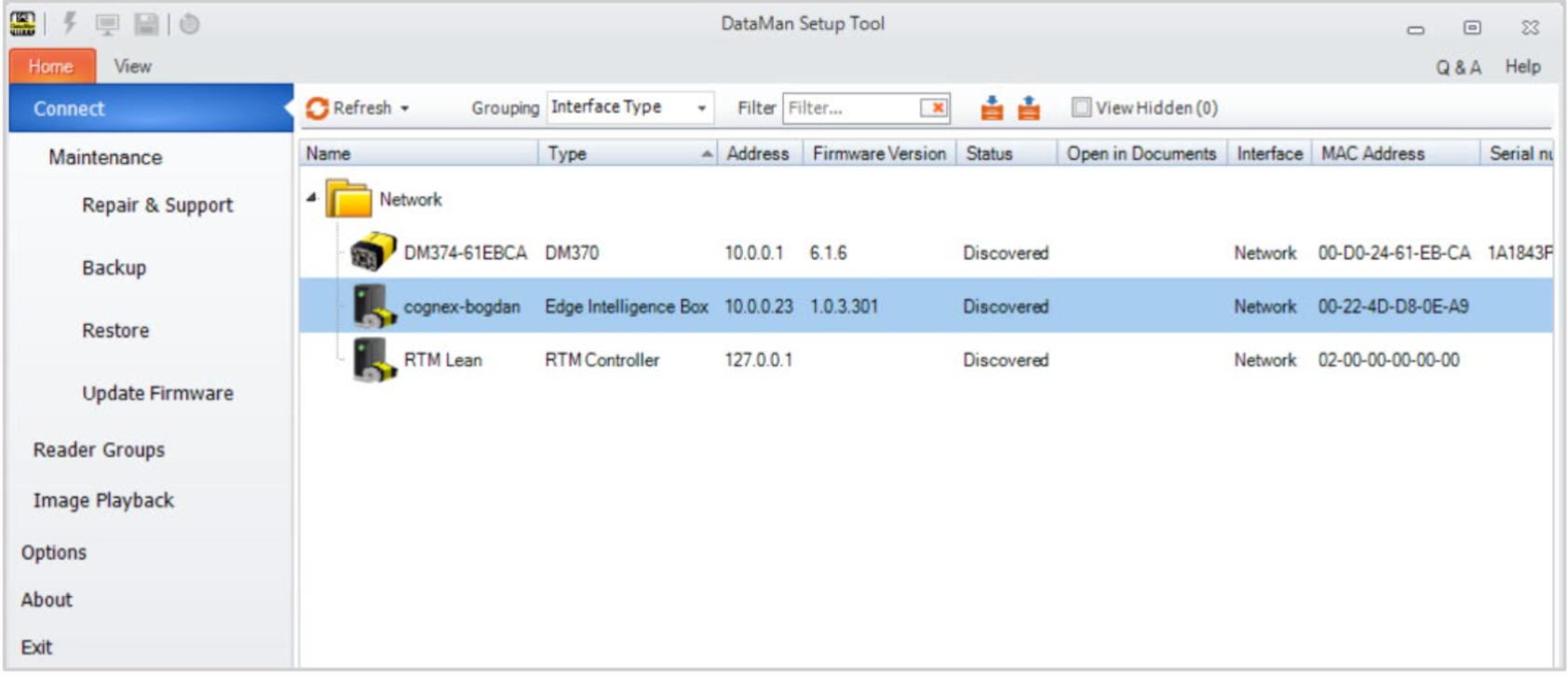
Click the discovered device and enter your credentials in the pop-up Login page.
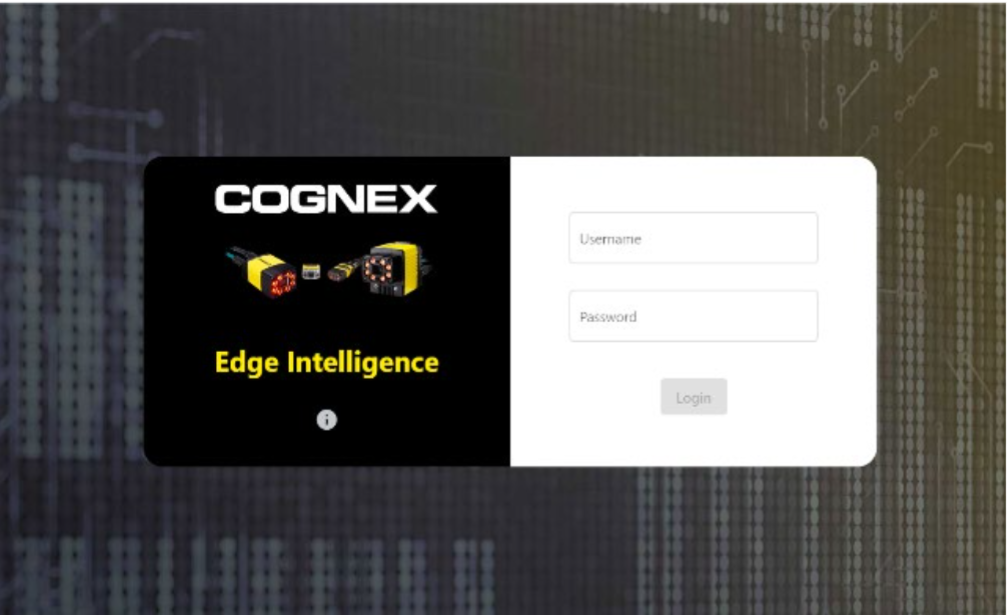
The following predefined users are available by default:
| User | Password | Permission |
|---|---|---|
| admin | BnthWWSD | Has access to all apps and features. |
| engineer | TaRDpKVx | Has access to all apps and features. |
| operator | SxtXGmxs |
User with read-only rights. The operator does not have access to the Multi-Reader Configuration app and the Settings. |
You can click the information button which opens a pop-up to shows the following device details:
- Documentation – a link that opens the reference manual stored on the box
- Network Interfaces– shows available and connected network ports with their configurations
- Component Versions – highlights different features that run on the platform